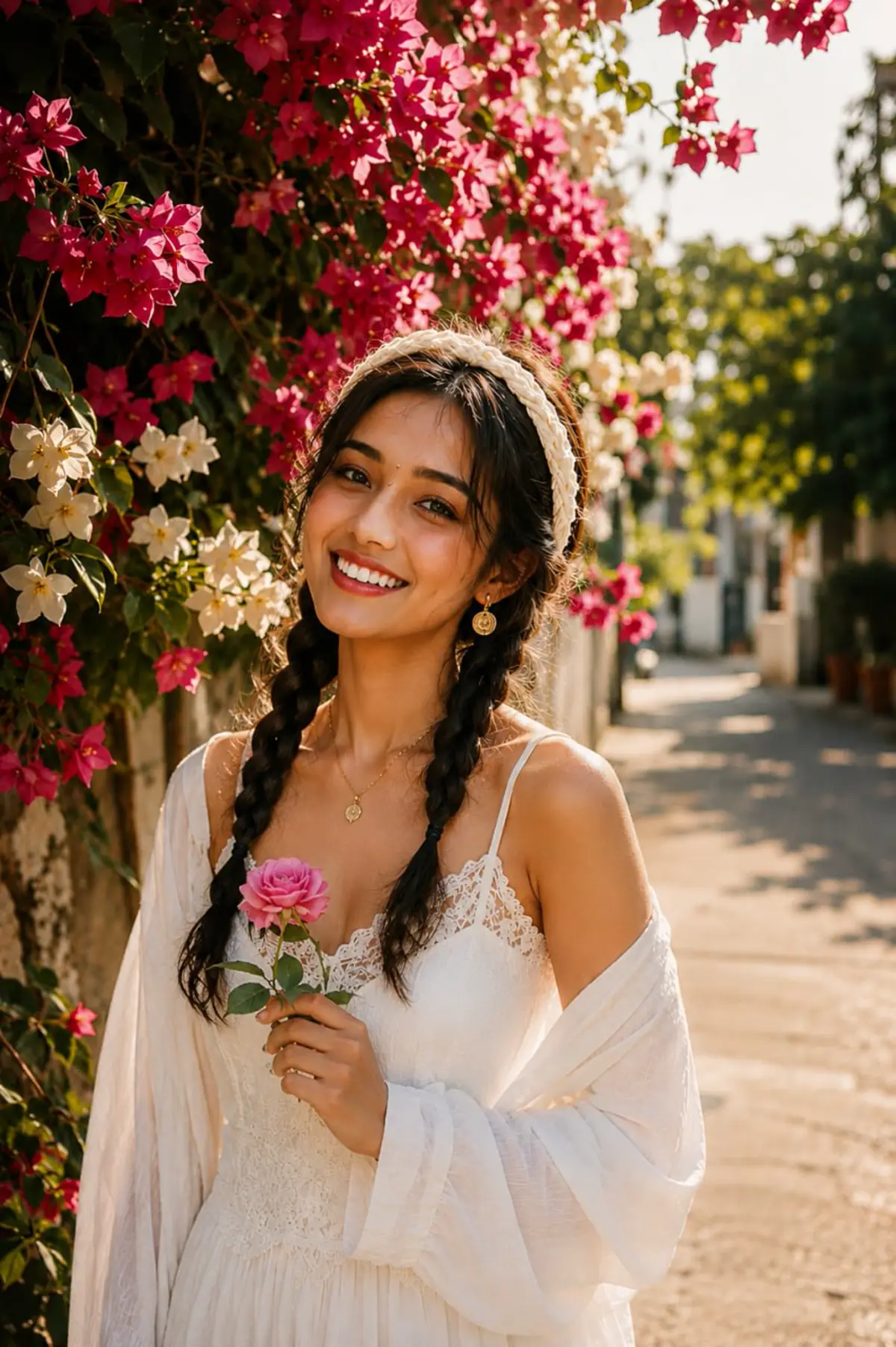
Spring Bougainvillea Portrait AI Photo Editing Prompt
Transform a portrait into a warm spring flower-wall photo with bougainvillea, soft sunlight, and natural facial identity preservation.
This is the fast builder entrance for RSP Editor. Describe your photo goal, copy a structured prompt, upload your photo to ChatGPT or Gemini, and generate a social-ready edit without login or heavy software.
Prompt Builder workflow
Pick one visual direction, send one authorized photo or clear style request, and use the result as the test. Paid packs are for creators who want variants, reusable wording, or campaign output.
Use AI Photo Templates when you want to pick a style first: polaroid portrait, age progression, hairstyle try-on, animated scene, or fashion cover.
Describe the photo goal, choose a creator style, then copy a prompt that tells ChatGPT or Gemini exactly how to preserve identity, improve lighting, and format the output.
Generated Prompt
Copy → paste with your uploaded photo in ChatGPT/GeminiCreate a realistic cinematic boy photo edit for Instagram DP using ChatGPT. Use the uploaded image as the main reference and keep the person's exact facial identity, natural skin texture, original expression, and realistic body proportions. Add cinematic lighting, clean background depth, social-media-ready composition, and premium mobile photography color grading. Keep the output natural, high resolution, vertical 9:16, and no watermark.
Negative Prompt
Avoid face change, plastic skin, extra fingers, distorted hands, warped eyes, text overlays, watermark, duplicated person, heavy blur, and cartoon poster artifacts.
Next steps
Ready: edit the brief or choose a sample, then generate a structured prompt.
Recommended next prompt paths
ChatGPT + Cinematic + Instagram DPUse the main guides when you want a clearer path from style choice to copied prompt and final AI image result.
These prompt pages are the next step after the tool entrance. Each page includes a full copy-ready prompt, best use cases, tags, and related prompt links.
Spring Bougainvillea Portrait AI Photo Editing Prompt
Transform a portrait into a warm spring flower-wall photo with bougainvillea, soft sunlight, and natural facial identity preservation.
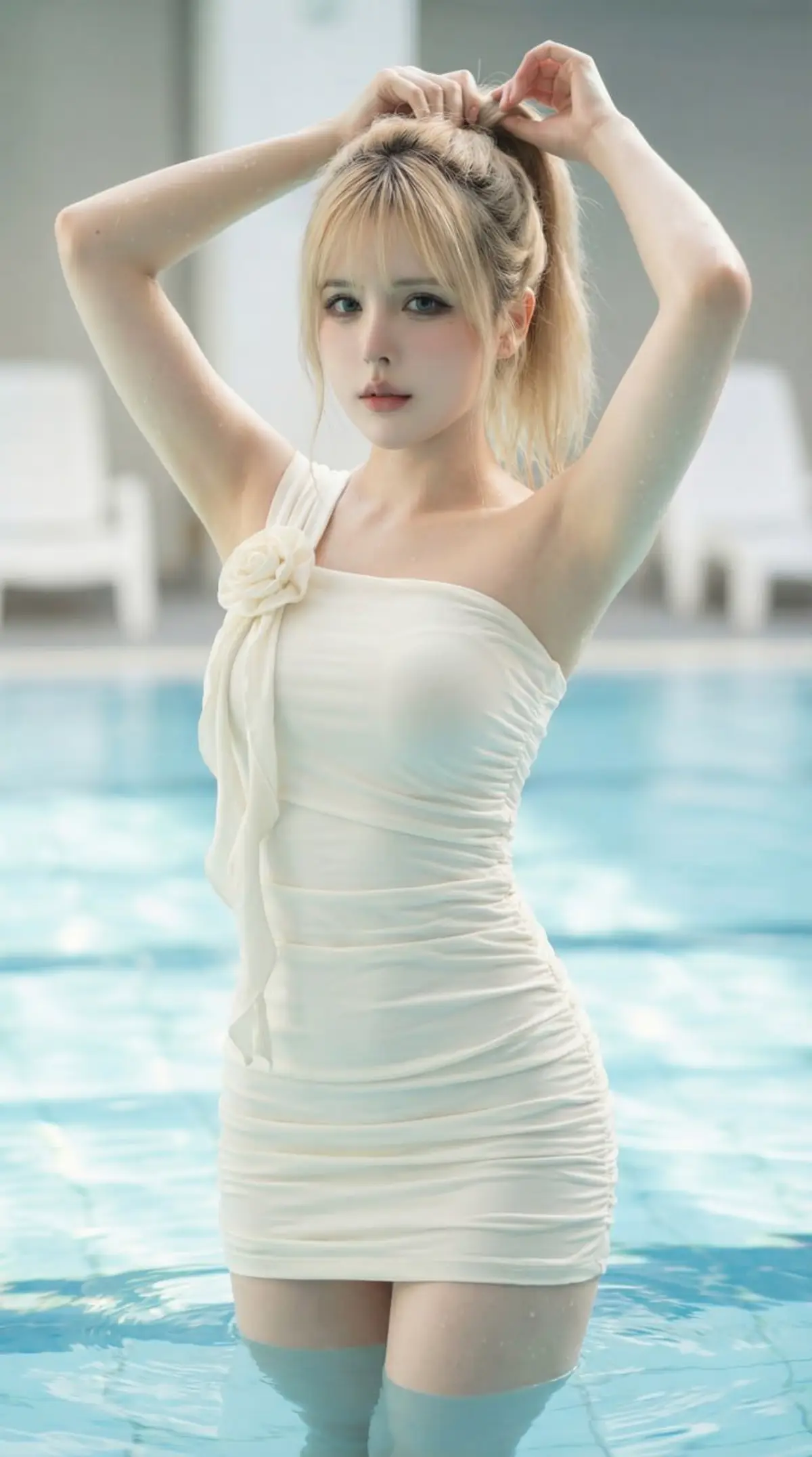
Luxury Pool Fashion Portrait AI Photo Editing Prompt
Create a photorealistic luxury pool fashion portrait with soft natural light, turquoise water, and magazine-style editorial detail.
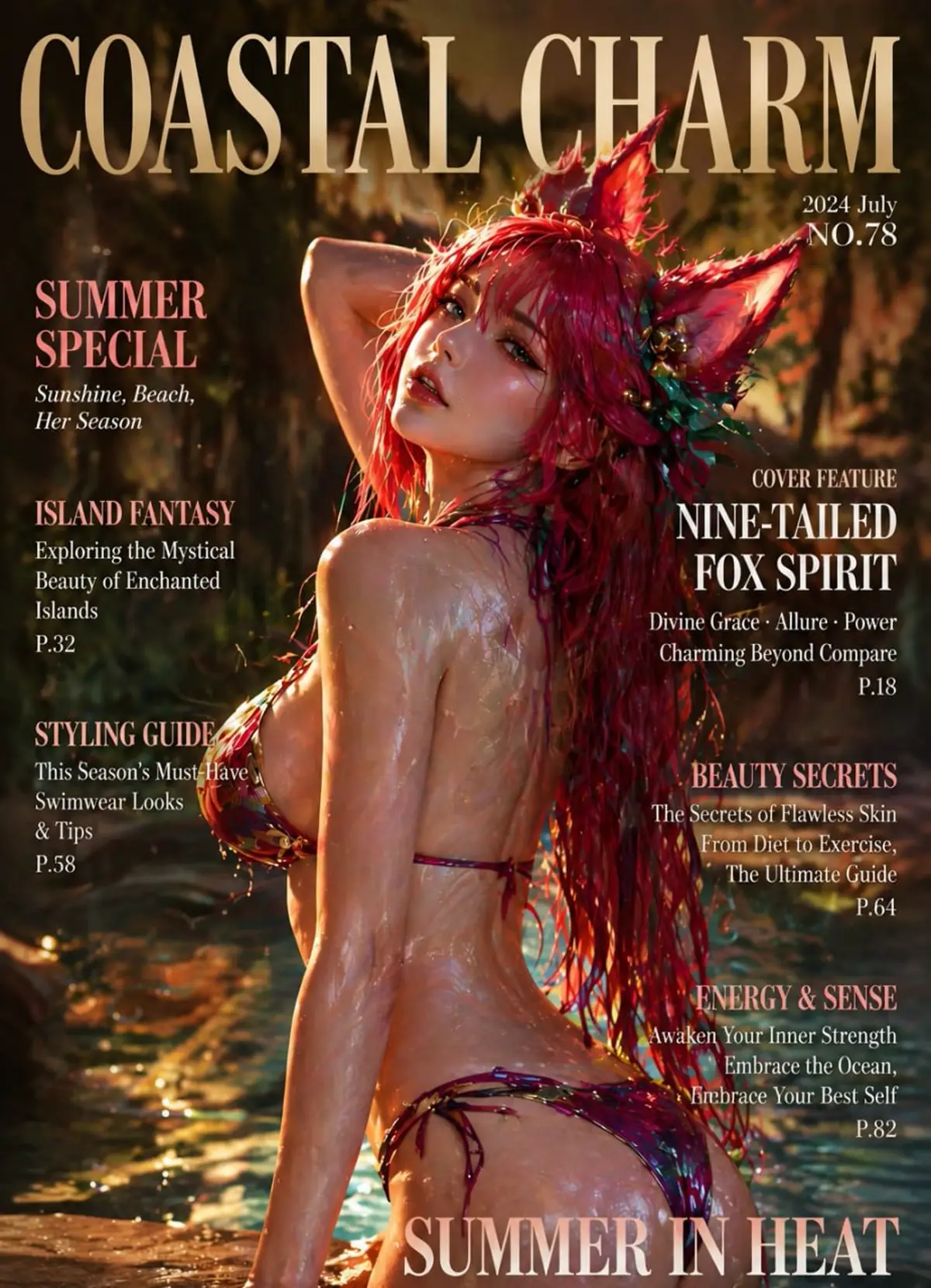
Coastal Charm Fox Spirit Magazine Cover AI Photo Editing Prompt
Create a glossy fantasy fashion magazine cover with coastal sunset lighting, fox-spirit character styling, swimwear editorial text, and luxury summer typography.
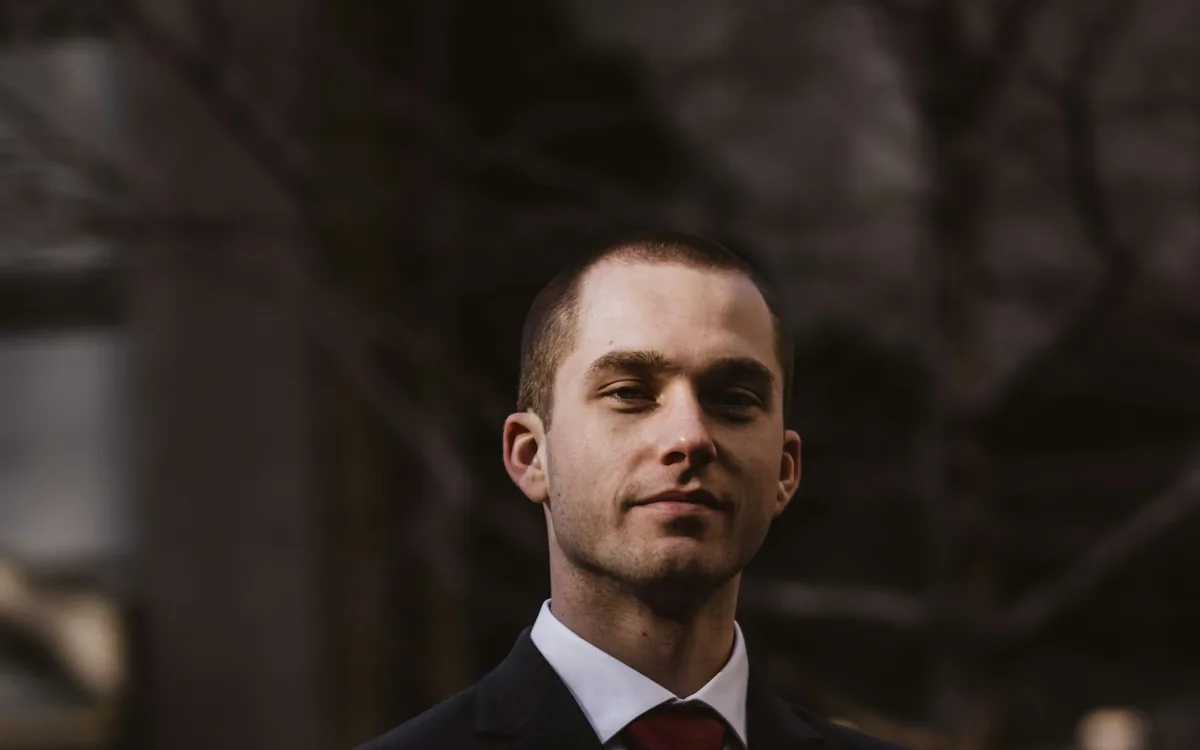
Cinematic Sunset Boy AI Photo Editing Prompt
Create a warm cinematic sunset portrait for Instagram DP and Reels covers.
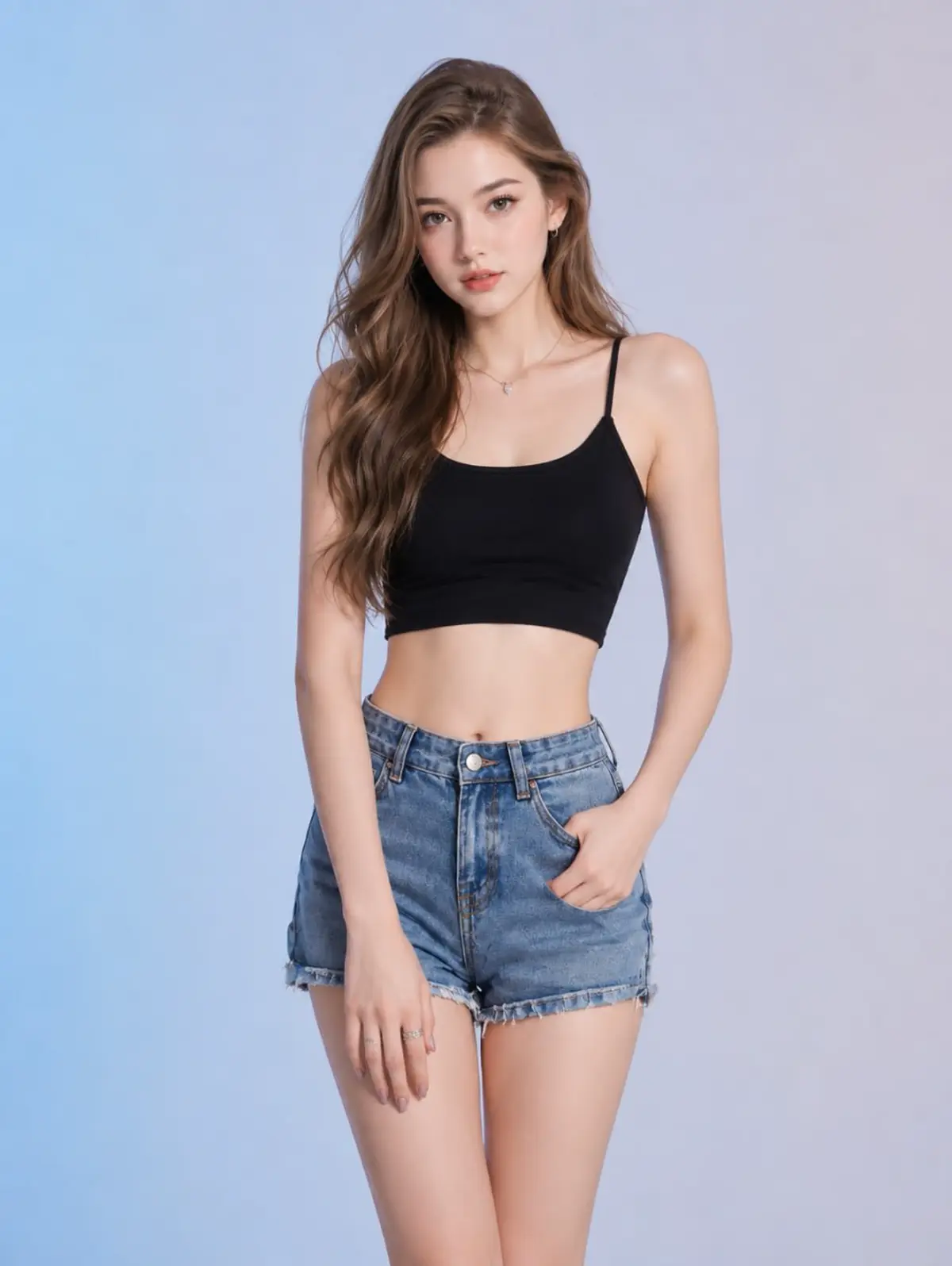
Studio Fashion Denim Portrait AI Photo Editing Prompt
Create an ultra-realistic full-body studio fashion portrait with a black crop top, denim shorts, soft beauty lighting, and pastel blue-gray backdrop.
Lofi Dusk Filter AI Photo Editing Prompt
Generate the popular glowing lofi dusk filter look for social posts.
RSP Editor prompts include composition, lighting, background, face-identity protection, aspect ratio, and output quality notes. That makes the tool entrance feel product-like while every prompt page remains crawlable and useful for SEO.
Start with a specific goal so the prompt does not become a generic AI poster.
Focused category hubs keep the path tighter than broad tag pages.
The actual upload happens inside your chosen AI image tool, not on RSP Editor.
Change one variable at a time: outfit, background, lighting, or crop.
RSP Editor is a lightweight prompt-based editor entrance. You describe the style here, copy the generated prompt, then use it inside ChatGPT, Gemini, or another AI image editor with your own photo.
The page helps you choose the edit goal, prompt hub, and exact prompt components before sending you to a copy-ready static prompt page.
Use category hubs for core searches such as attitude, couple, wedding, festival, Instagram DP, ChatGPT, and Gemini. Tags are broader discovery pages for mixed resources.
No login is required on RSP Editor. The external AI image tool you choose may require its own account.