
1. Pick the closest style
Choose a chatgpt prompt below that already matches the face, outfit, background, or post format you want.
Copy ChatGPT AI photo editing prompts for portraits, Instagram DP, boys and girls edits, couple photos, and viral social media images.
ChatGPT AI photo editing prompts work best when they read like a creative brief: preserve the uploaded face, define the scene, specify lighting, explain the crop, and mention what to avoid. This page groups prompt ideas that are easy to paste into ChatGPT image tools and adjust for social media.
Use these prompts for realistic portrait upgrades, DP photos, couple edits, festival posts, and viral prompt styles. Before generating, replace generic variables with your details: outfit, background, lighting color, camera angle, text overlay, and platform goal such as Instagram DP or WhatsApp status.
This page is built for creators searching for chatgpt ideas across ChatGPT, Gemini, Instagram DP, Reels covers, TikTok thumbnails, and WhatsApp status posts. Instead of browsing one-word tags, use this curated category as a focused starting point: compare the matching resources, open the most relevant detail page, then copy the prompt or template notes with the variables changed for your own photo, song, caption, and posting format.
Choose a chatgpt prompt below that already matches the face, outfit, background, or post format you want.
Use a sharp selfie or portrait with visible face details. Ask the AI tool to preserve identity, skin texture, and natural proportions.
Replace generic details with your own outfit, location, lighting, mood, crop, and platform goal before generating the chatgpt edit.
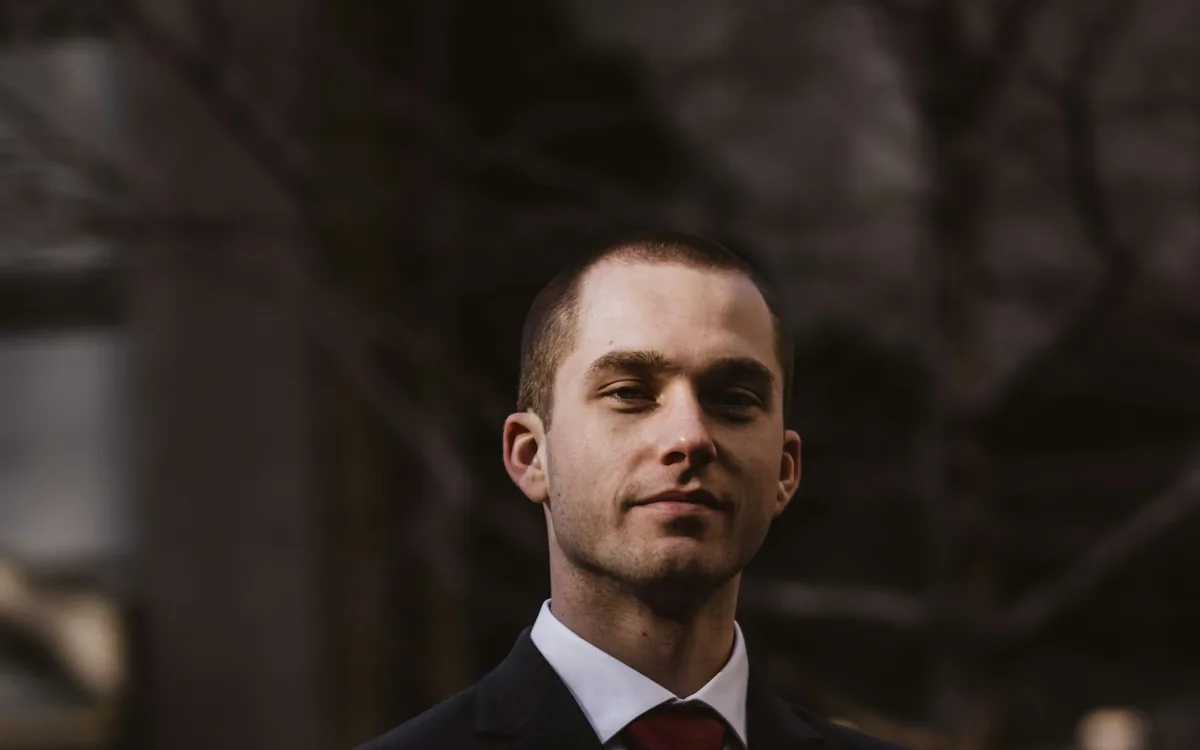
Cinematic Sunset Boy AI Photo Editing Prompt
Create a warm cinematic sunset portrait for Instagram DP and Reels covers.
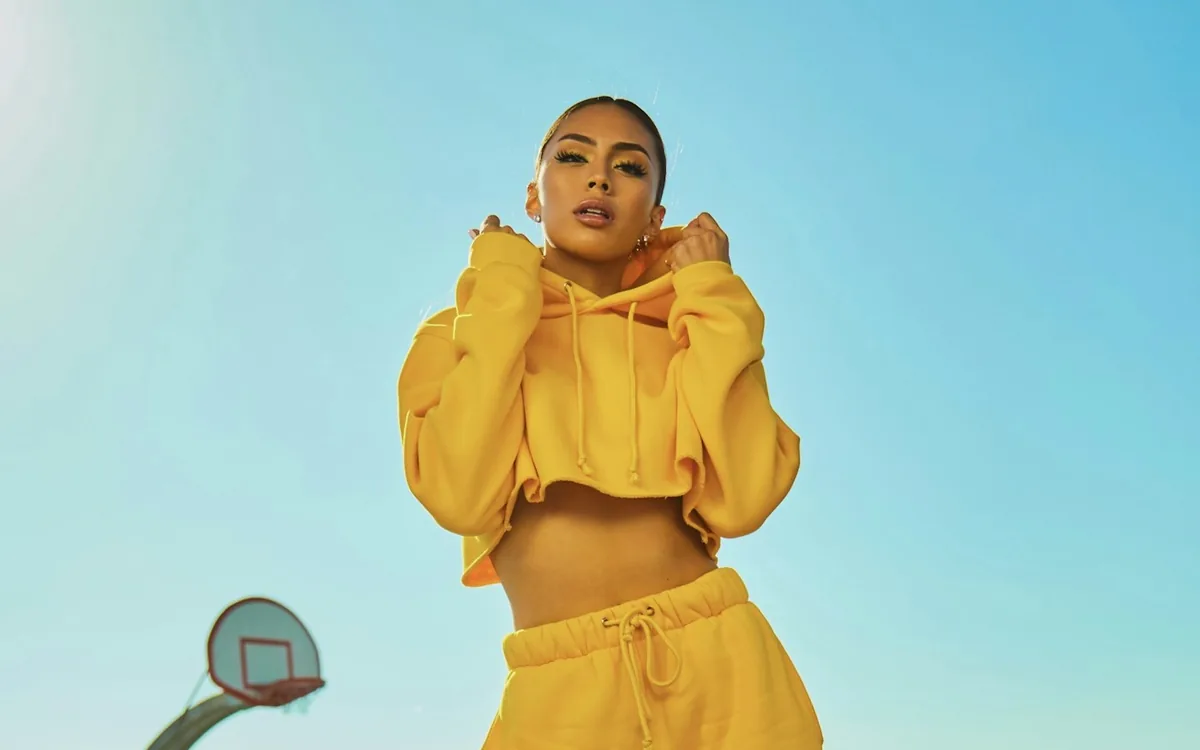
Cinematic Sunset Girl AI Photo Editing Prompt
Turn a simple selfie into a soft golden hour cinematic portrait.
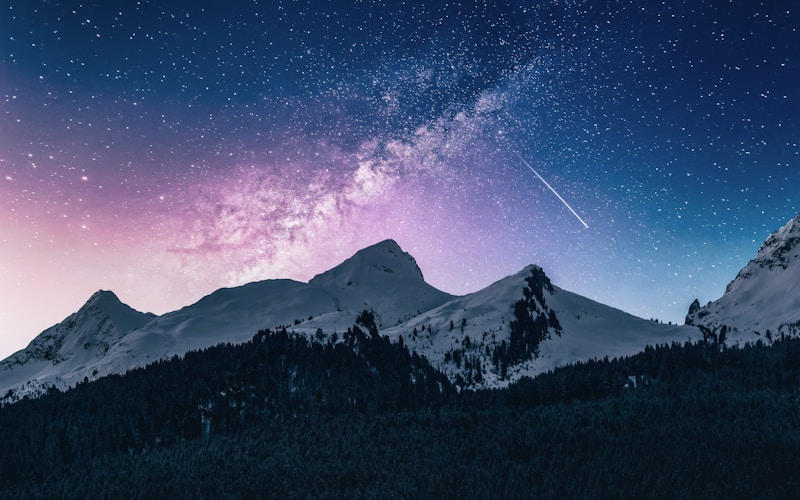
Lofi Dusk Filter AI Photo Editing Prompt
Generate the popular glowing lofi dusk filter look for social posts.
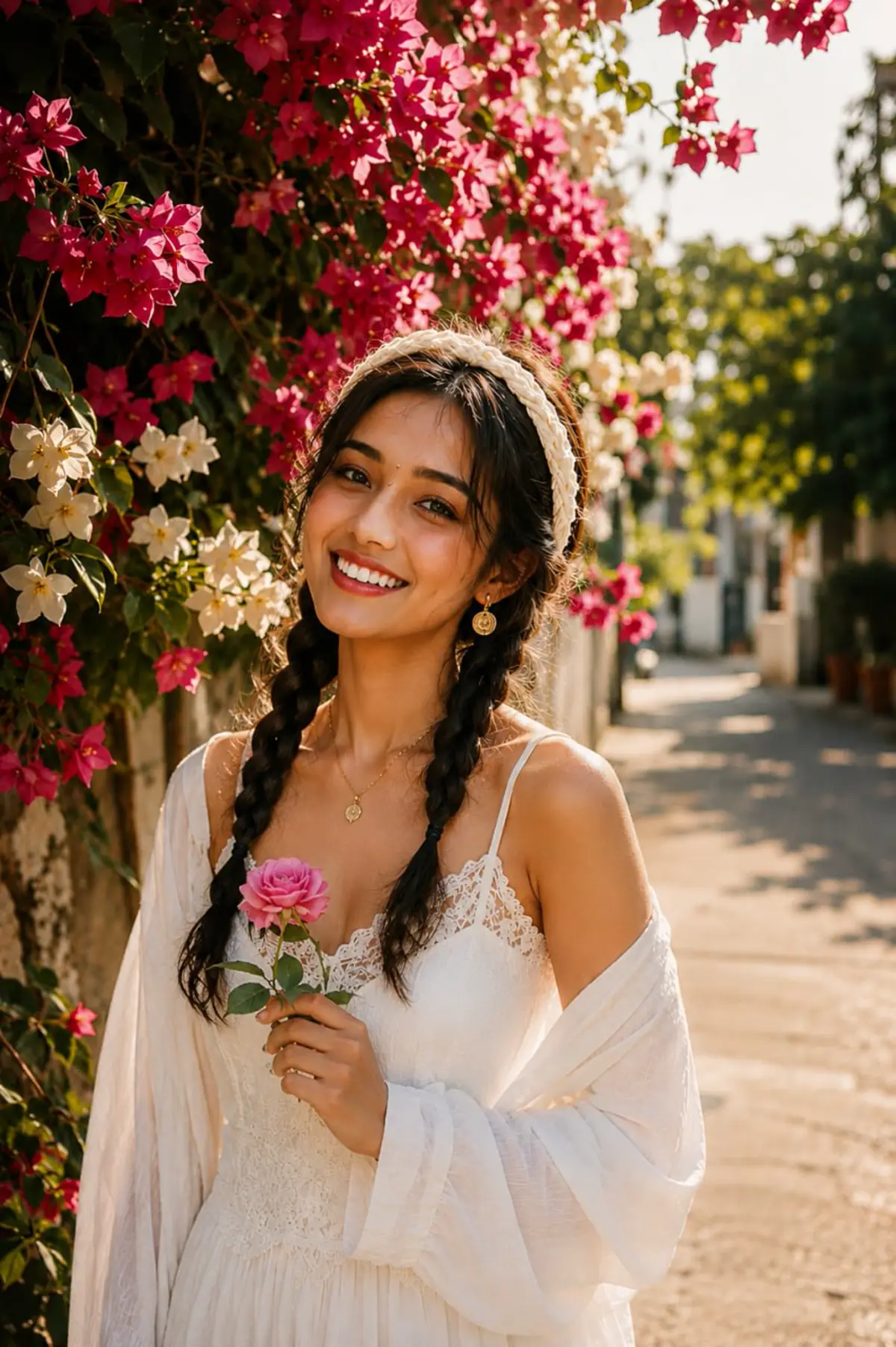
3 Layer AI Photo Editing Prompt
Create the viral three-layer portrait composition for boys, girls, and couples.
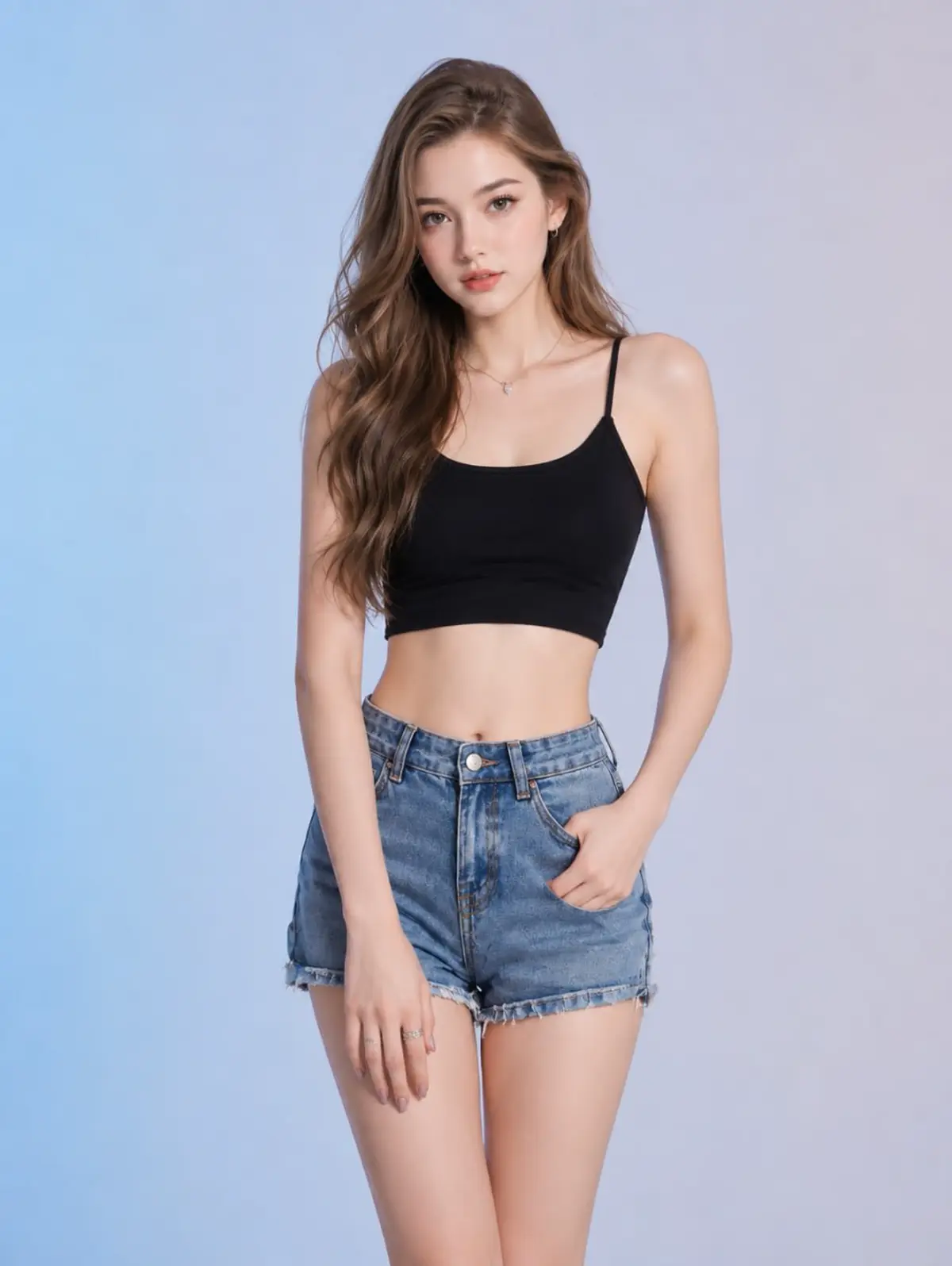
Horror Girlfriend AI Photo Editing Prompt
Create a scary romantic ghost girlfriend style AI image safely.
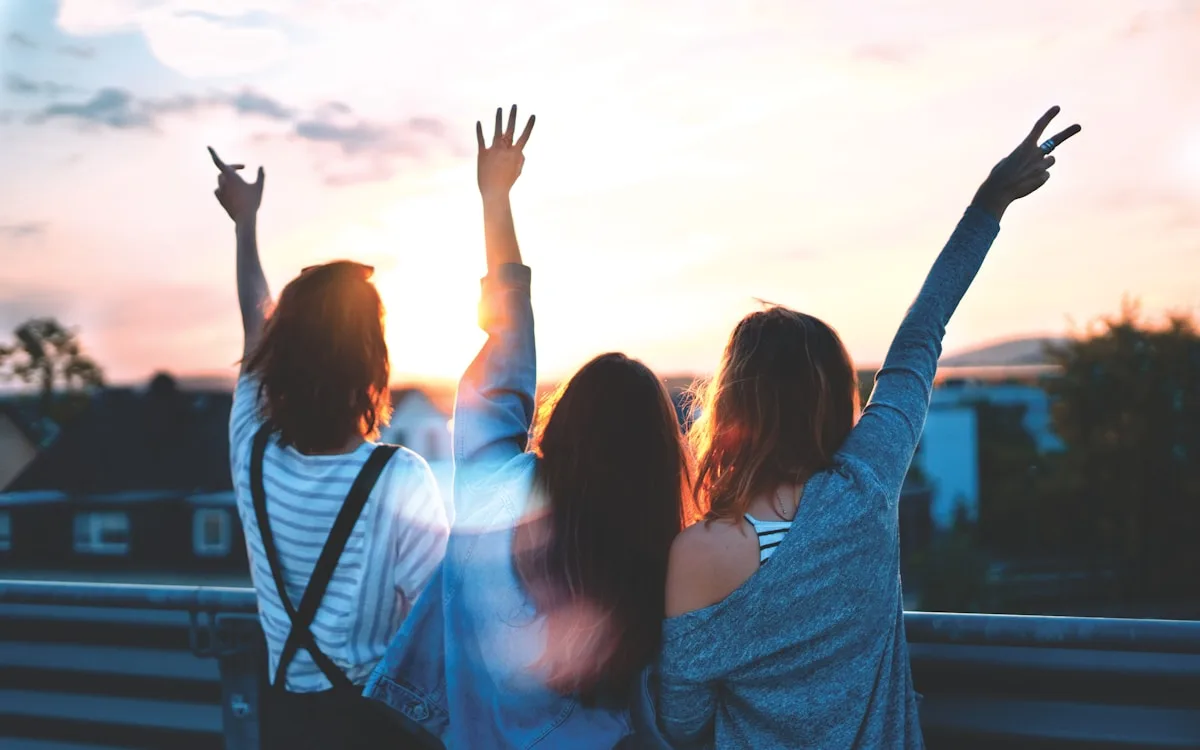
Cute Couple AI Photo Editing Prompt
Make a romantic couple portrait for status, DP, and reels covers.
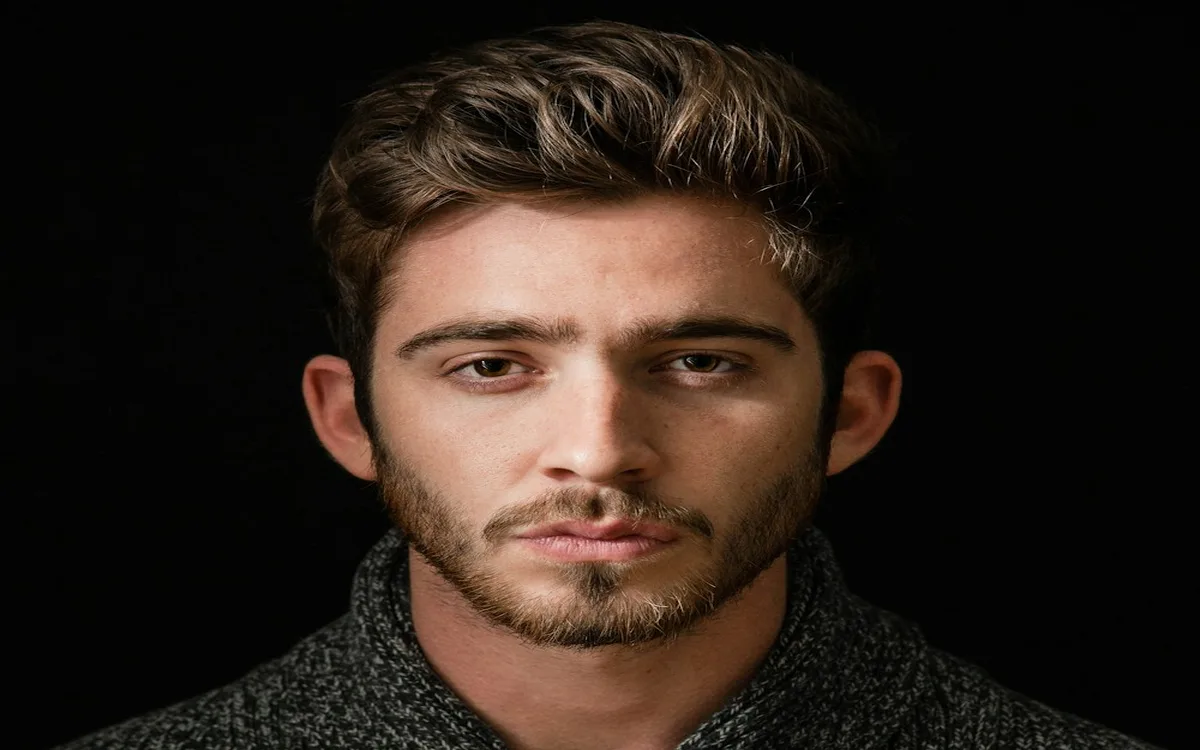
Attitude Boy AI Photo Editing Prompt
Make a bold attitude boy portrait with cinematic lighting.
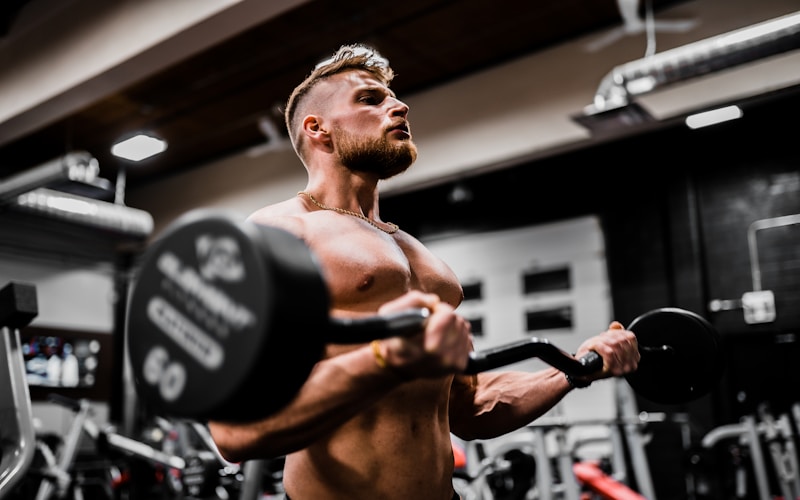
Gym Boy AI Photo Editing Prompt
Generate a fitness transformation style gym portrait.
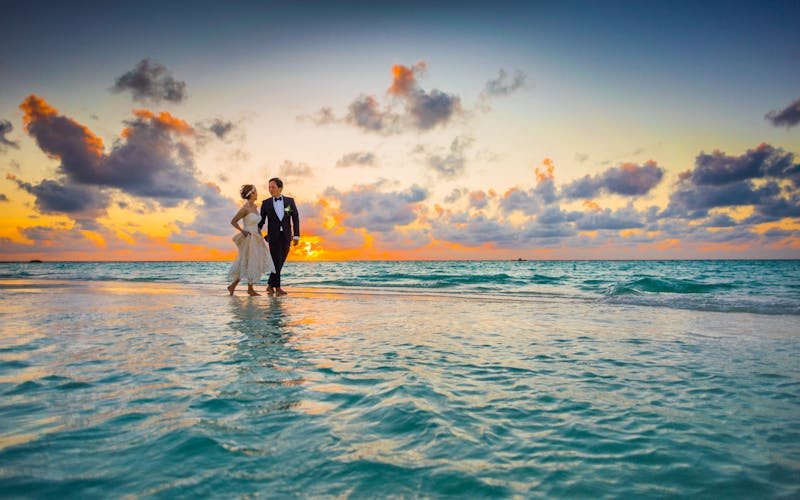
Wedding Couple AI Photo Editing Prompt
Create a soft wedding couple portrait with realistic lighting.
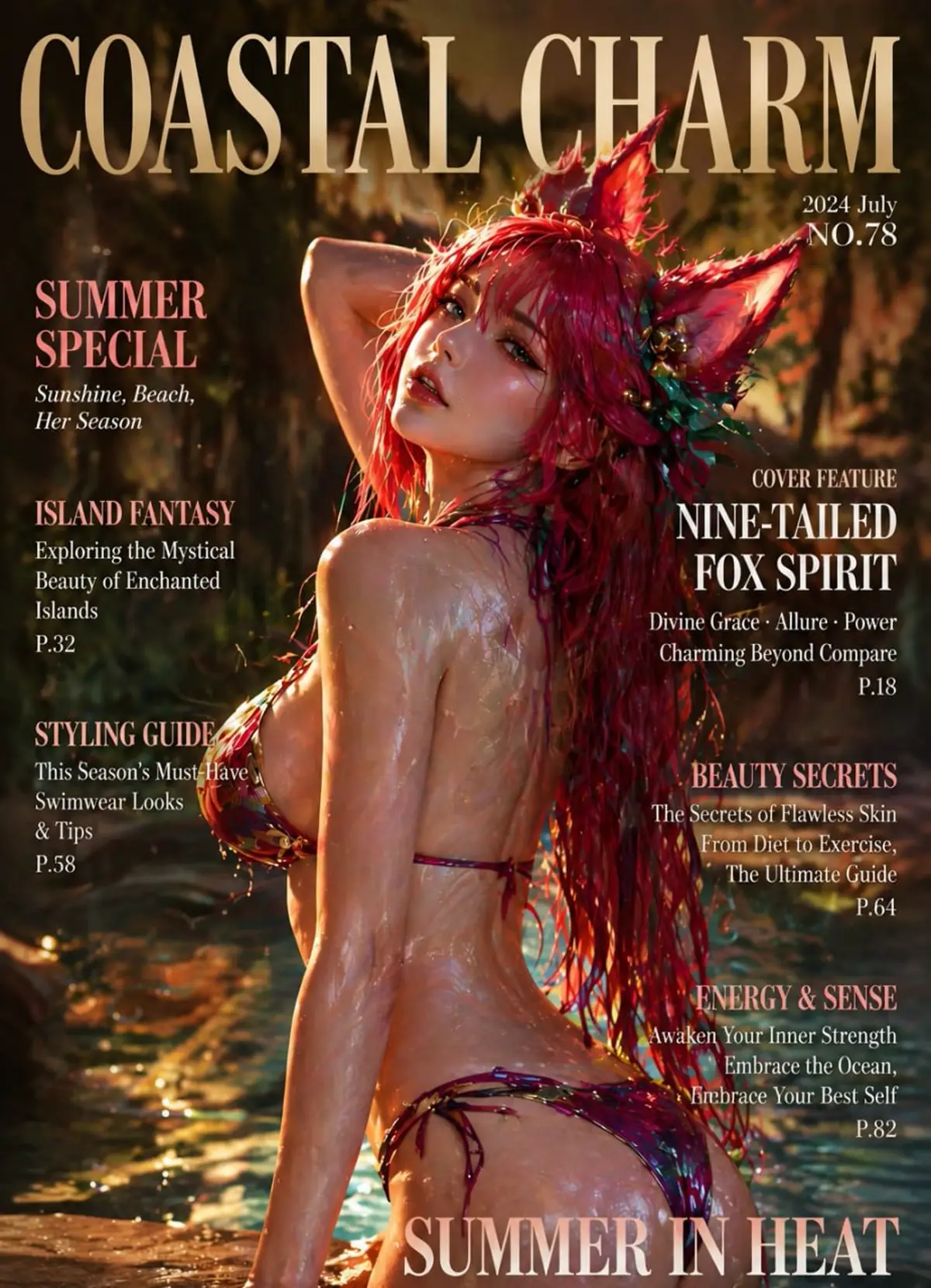
Rainy Night Cinematic AI Prompt
Make a moody rainy night portrait with neon reflections.
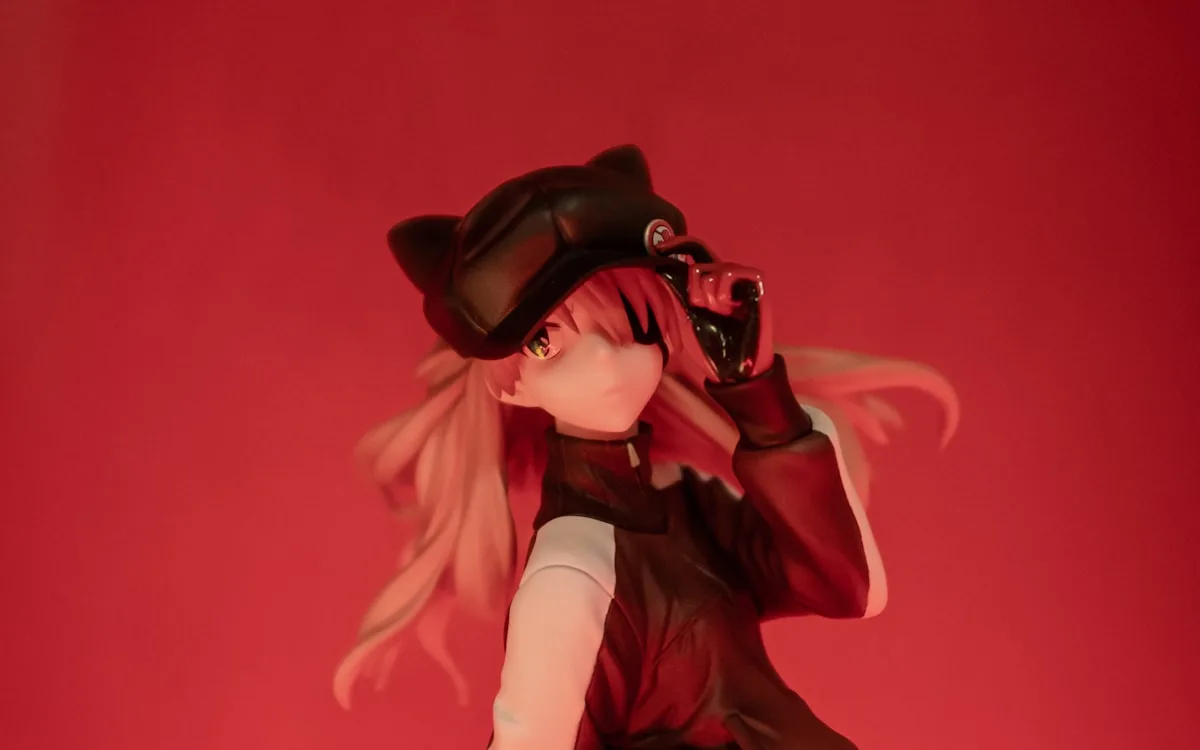
Anime Portrait AI Photo Editing Prompt
Convert a selfie into an anime-inspired portrait without copying protected characters.
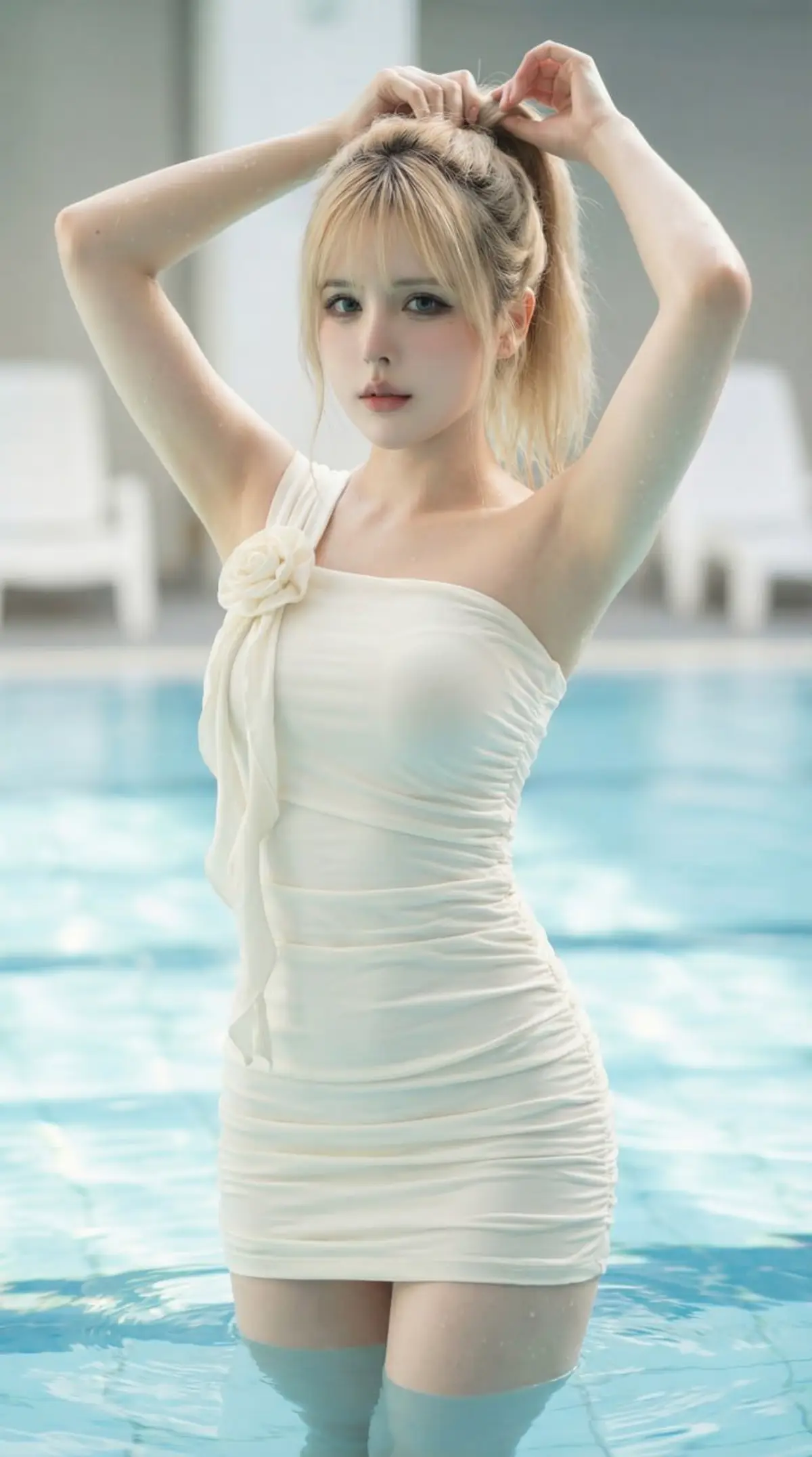
Luxury Pool Fashion Portrait AI Photo Editing Prompt
Create a photorealistic luxury pool fashion portrait with soft natural light, turquoise water, and magazine-style editorial detail.
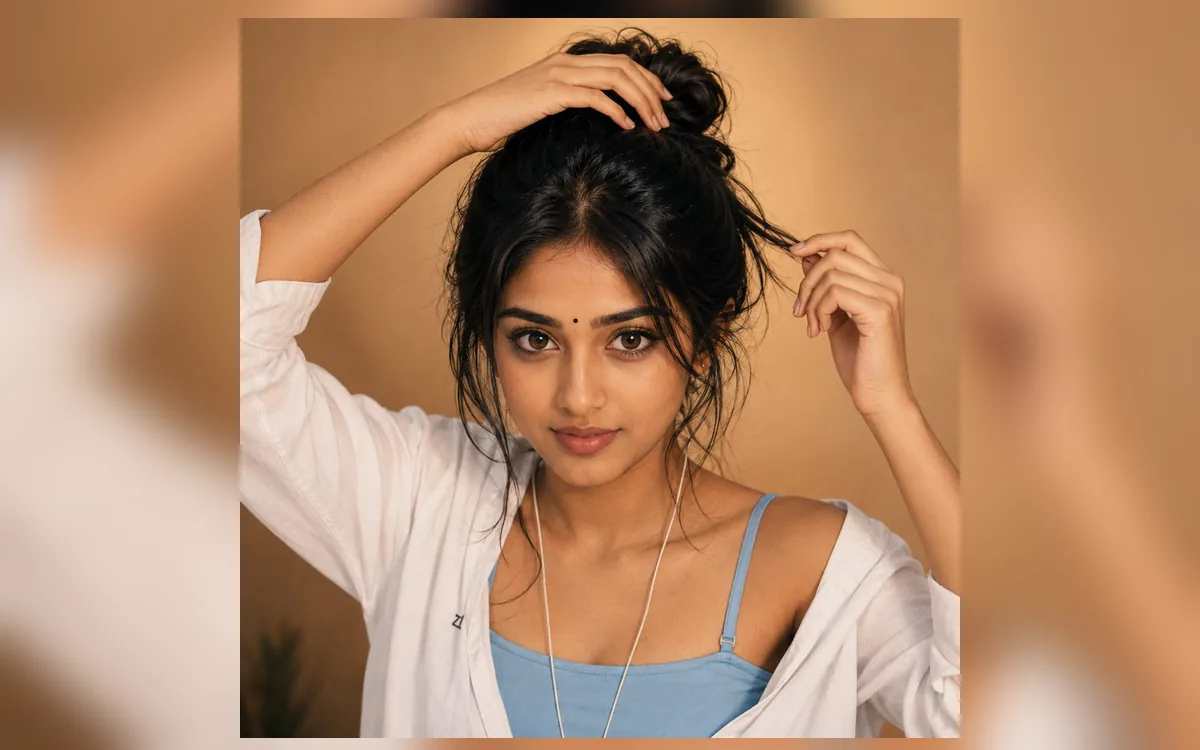
Indian Bindi Indoor Portrait AI Photo Editing Prompt
Create a warm hyper-realistic indoor beauty portrait with a small black bindi, messy bun, soft golden light, and casual white shirt styling.
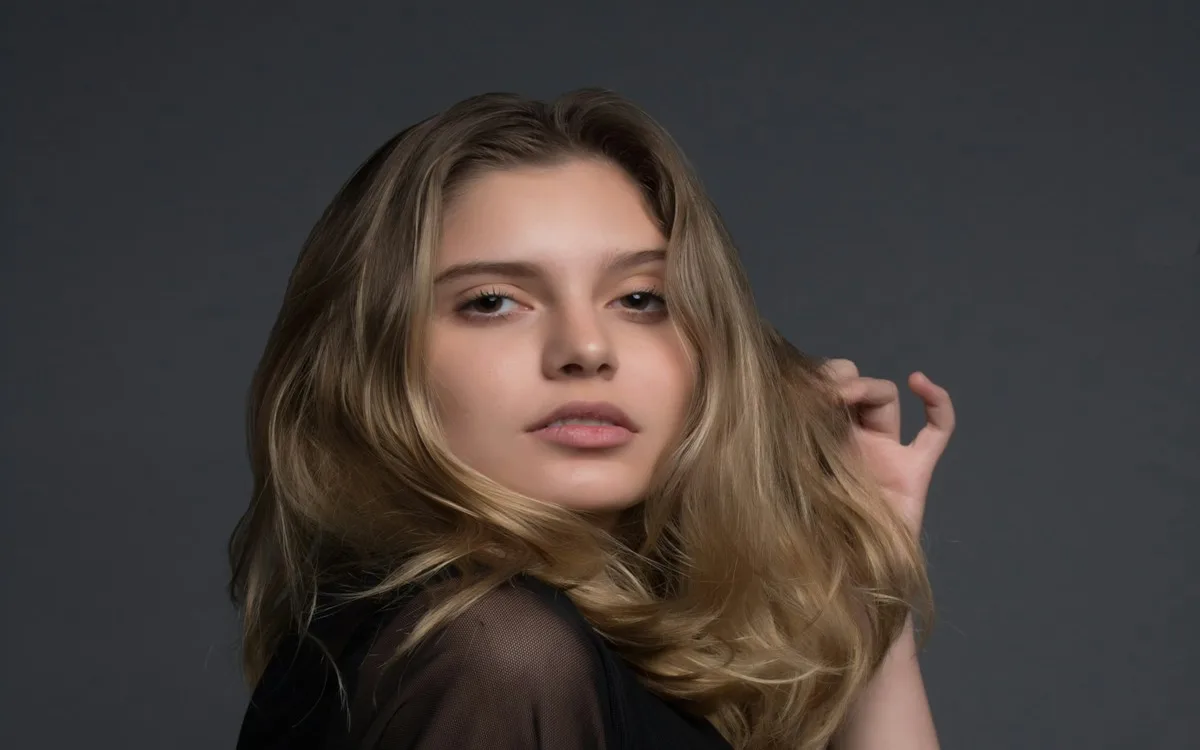
Attitude Girl AI Photo Editing Prompt
Create a confident attitude girl portrait for profile photos with sharper mobile-friendly details.
Sherwani Groom AI Photo Editing Prompt
Generate a royal groom-style sherwani portrait for wedding posts.
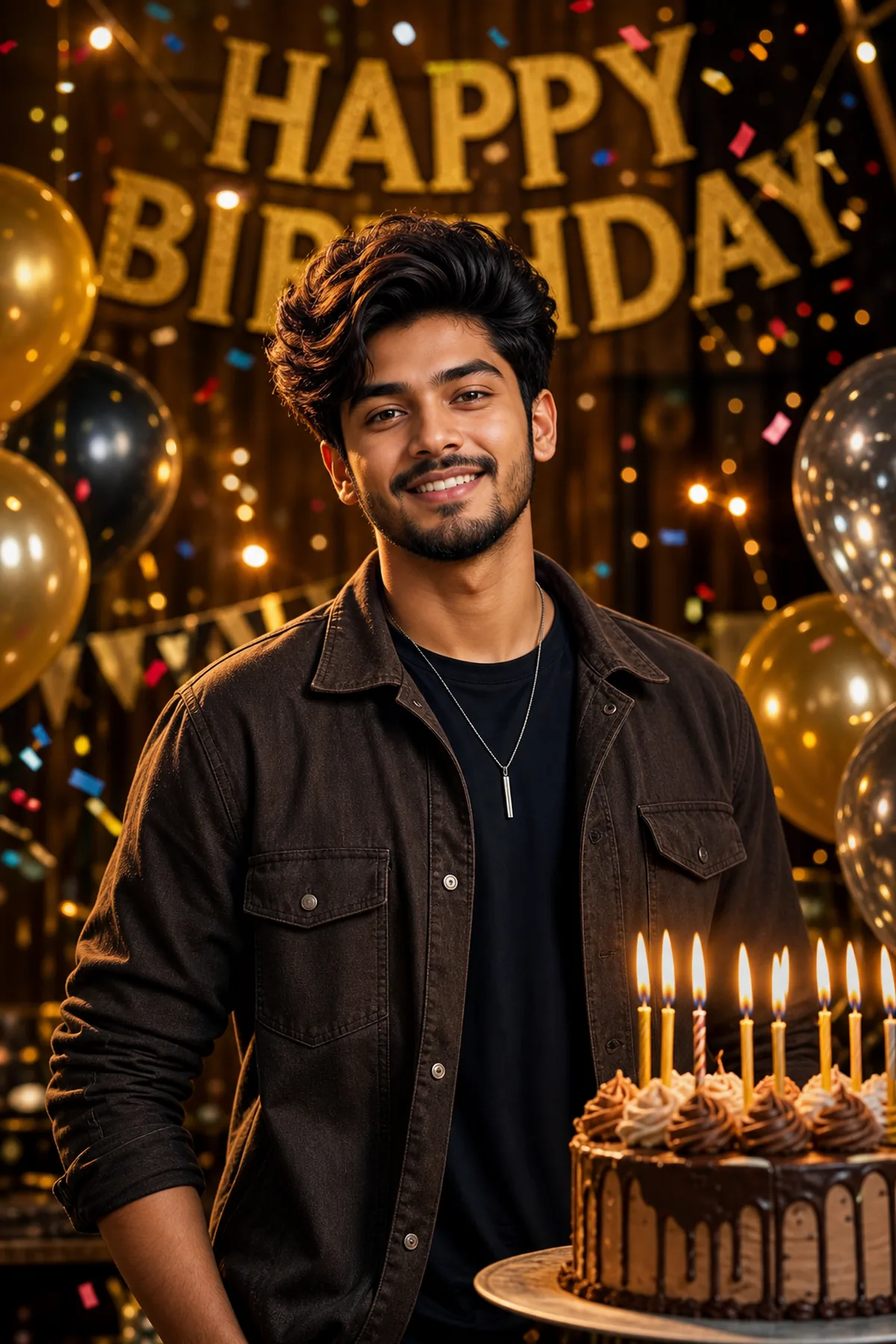
Pre Wedding Sunset Couple AI Prompt
Create a dreamy pre-wedding sunset couple portrait.
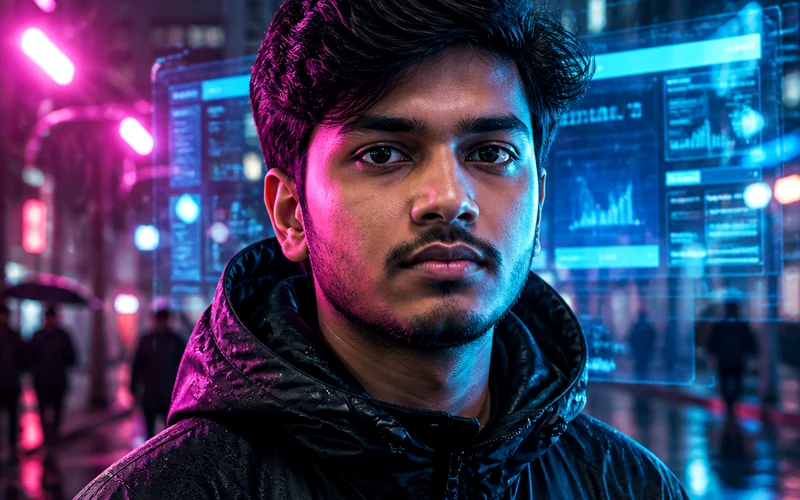
Police Uniform AI Photo Editing Prompt
Create a respectful police uniform portrait poster.
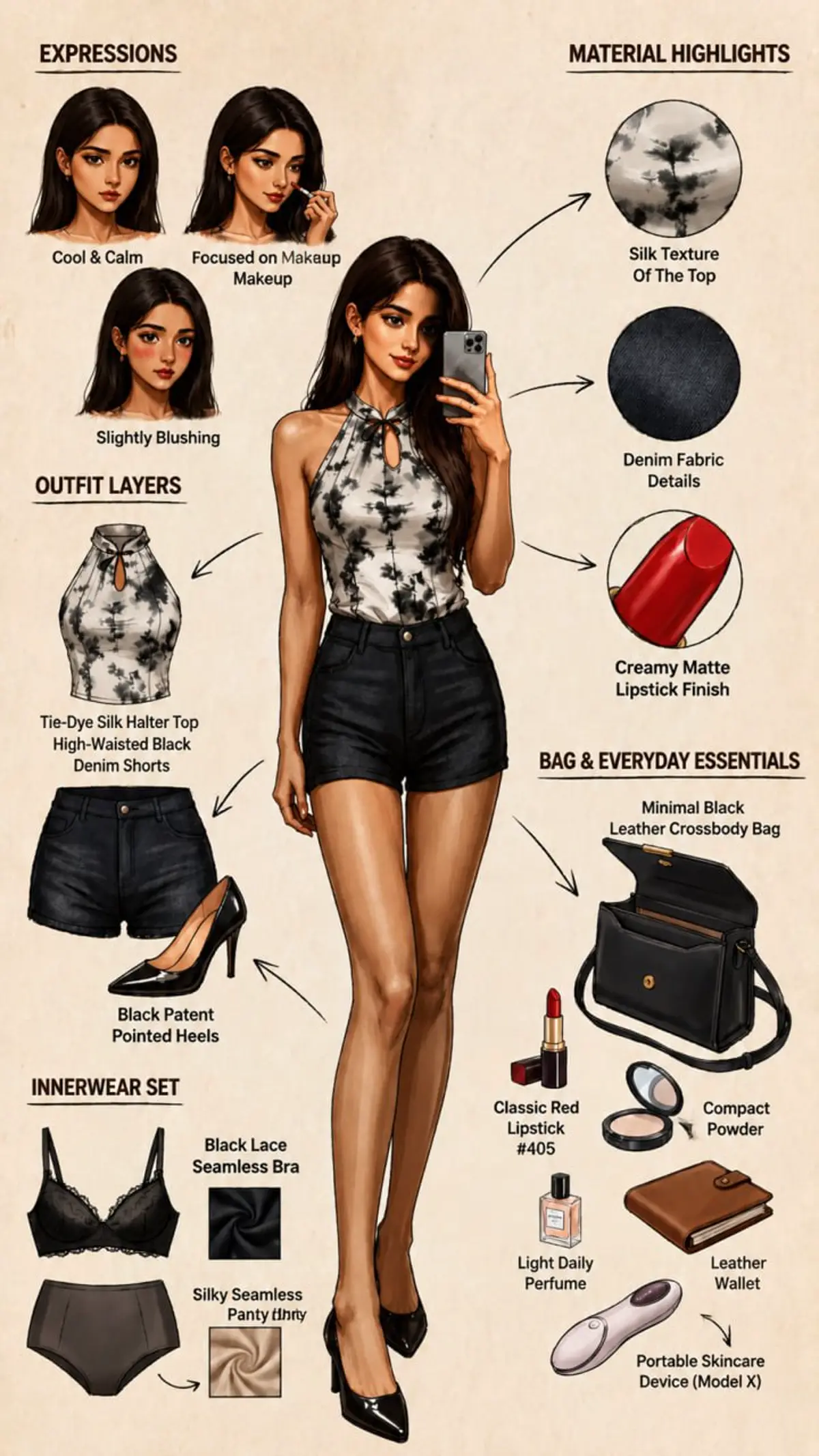
Mehndi Ceremony AI Photo Editing Prompt
Create a colorful mehndi ceremony portrait.
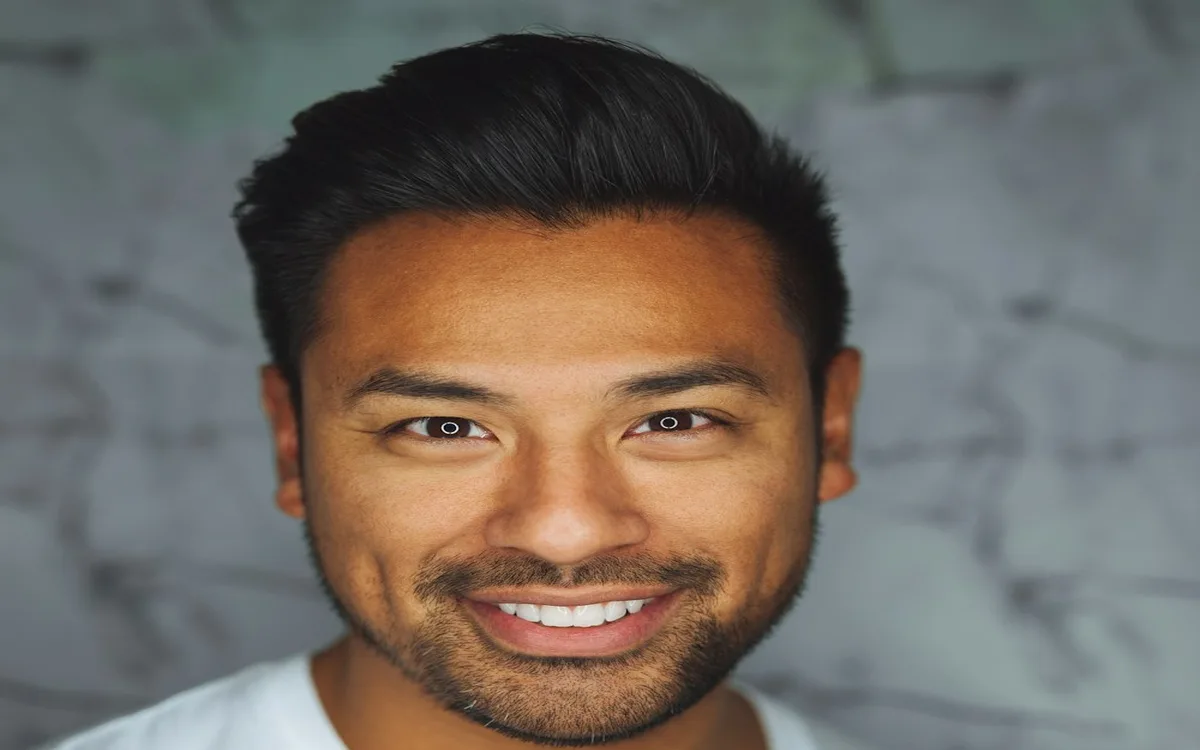
Black and White Classic AI Photo Editing Prompt
Create a timeless black-and-white portrait.
Open ChatGPT, Gemini, or another image editor that accepts image prompts, upload your selfie or reference photo, paste the prompt, and customize outfit, background, lighting, and mood details before generating.
Yes. RSP Editor prompt pages are free to copy and adapt for Instagram DP, Reels covers, TikTok thumbnails, Shorts, and WhatsApp status edits.
Use a clear front-facing portrait with good lighting and visible face details. Avoid blurry screenshots, heavy filters, or photos where the subject is too small.