
1. Pick the closest style
Choose a couple prompt below that already matches the face, outfit, background, or post format you want.
Copy couple AI photo editing prompts for romantic portraits, wedding couple photos, cute couple DP, love posters, and WhatsApp status images.
Couple AI photo editing prompts are designed for romantic DP images, anniversary-style posters, wedding edits, and soft love status visuals. The best prompts preserve both faces and improve the environment with warm bokeh, garden backgrounds, wedding lighting, pastel tones, or cinematic sunset scenes.
When using a couple prompt, upload a clear photo where both faces are visible. Then adjust the style details: traditional outfit, modern casual look, wedding venue, fairy lights, rose-gold color grade, or dreamy background blur. The result should feel like a professional mobile portrait rather than an over-edited AI image.
This page is built for creators searching for couple ideas across ChatGPT, Gemini, Instagram DP, Reels covers, TikTok thumbnails, and WhatsApp status posts. Instead of browsing one-word tags, use this curated category as a focused starting point: compare the matching resources, open the most relevant detail page, then copy the prompt or template notes with the variables changed for your own photo, song, caption, and posting format.
Choose a couple prompt below that already matches the face, outfit, background, or post format you want.
Use a sharp selfie or portrait with visible face details. Ask the AI tool to preserve identity, skin texture, and natural proportions.
Replace generic details with your own outfit, location, lighting, mood, crop, and platform goal before generating the couple edit.
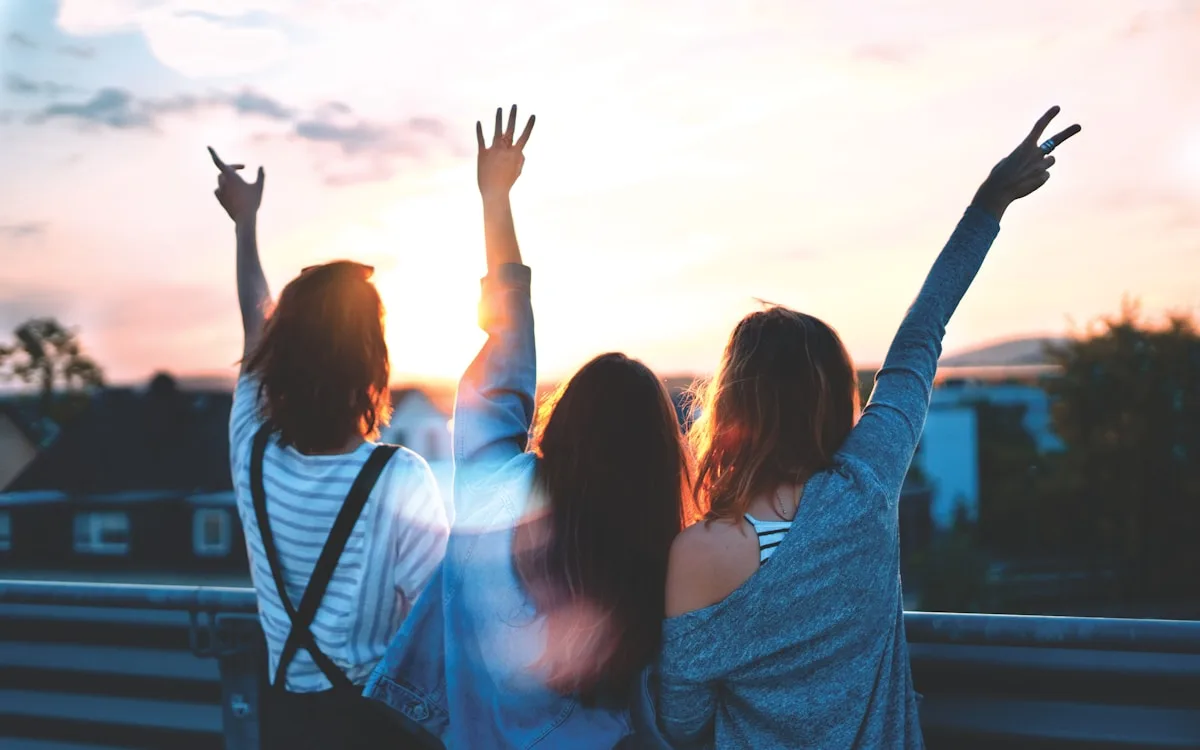
Cute Couple AI Photo Editing Prompt
Make a romantic couple portrait for status, DP, and reels covers.
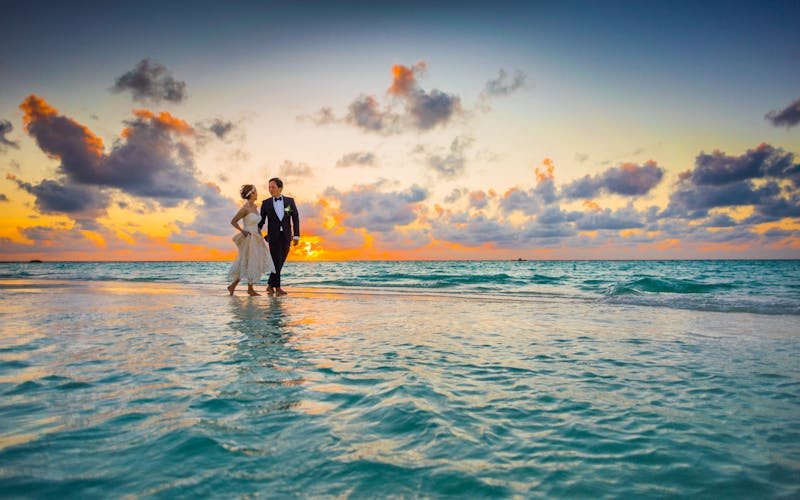
Wedding Couple AI Photo Editing Prompt
Create a soft wedding couple portrait with realistic lighting.
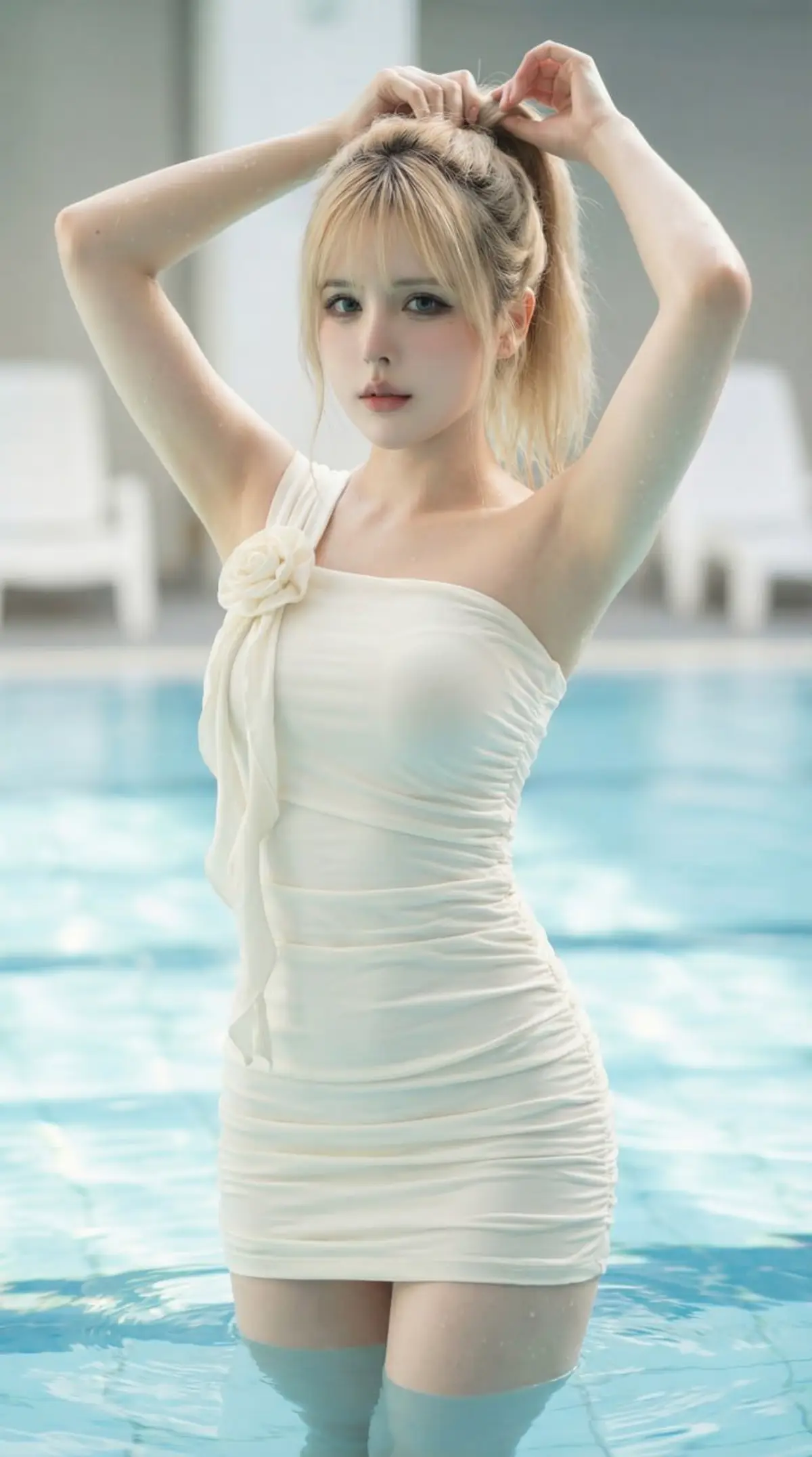
Lehenga Wedding AI Photo Editing Prompt
Turn a portrait into a premium bridal lehenga wedding photo.
Sherwani Groom AI Photo Editing Prompt
Generate a royal groom-style sherwani portrait for wedding posts.
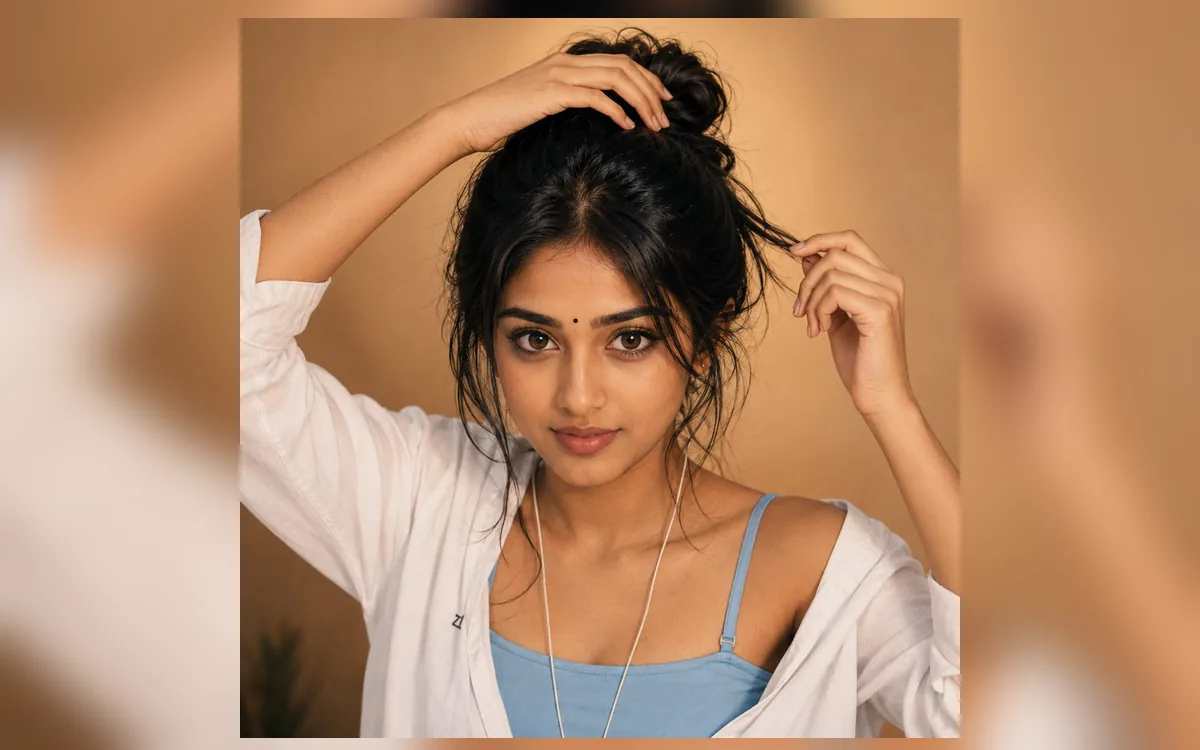
Couple Rain Romance AI Photo Editing Prompt
Create a romantic rainy couple portrait with cinematic mood.
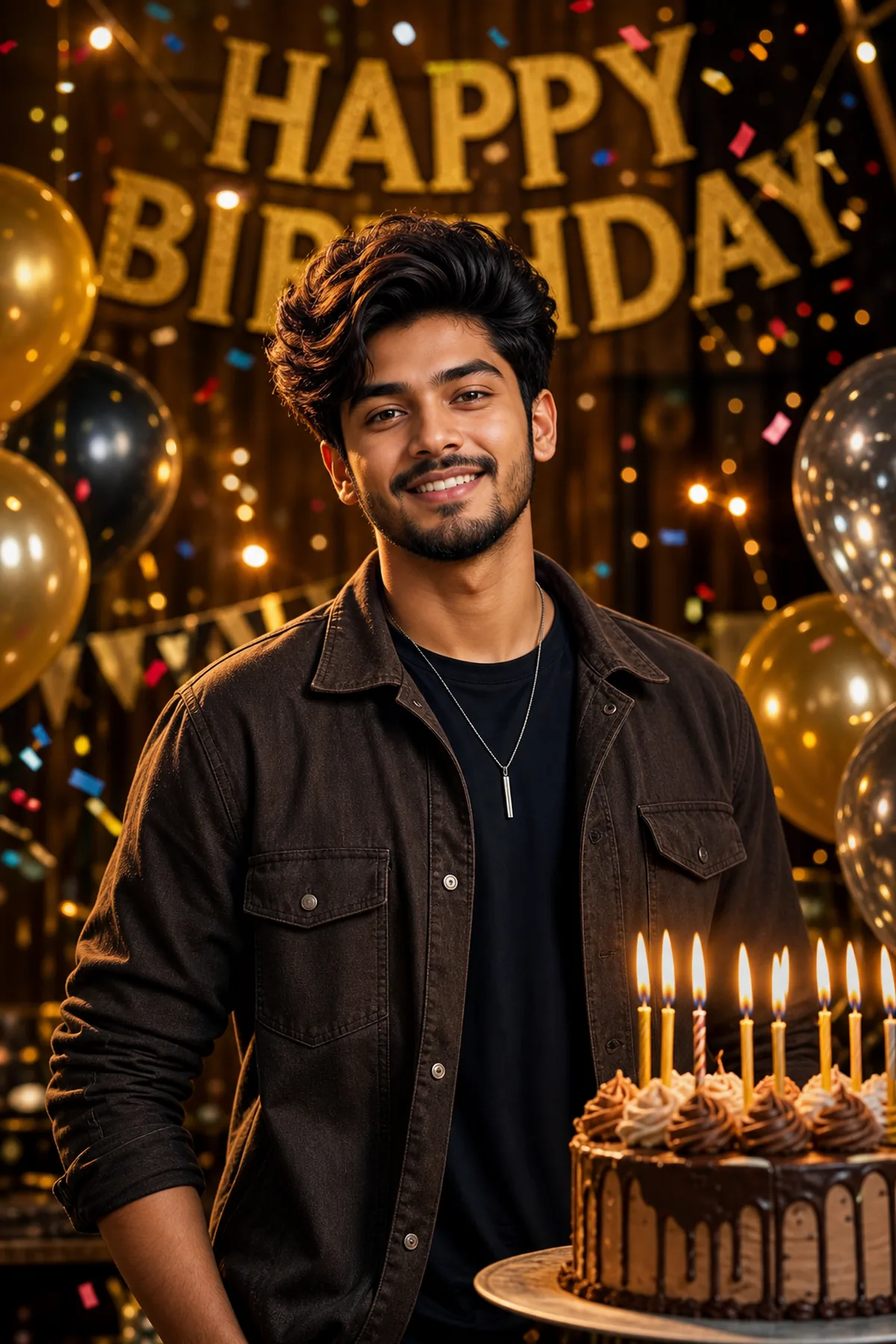
Pre Wedding Sunset Couple AI Prompt
Create a dreamy pre-wedding sunset couple portrait.
Karwa Chauth AI Photo Editing Prompt
Create a moonlit Karwa Chauth traditional portrait.
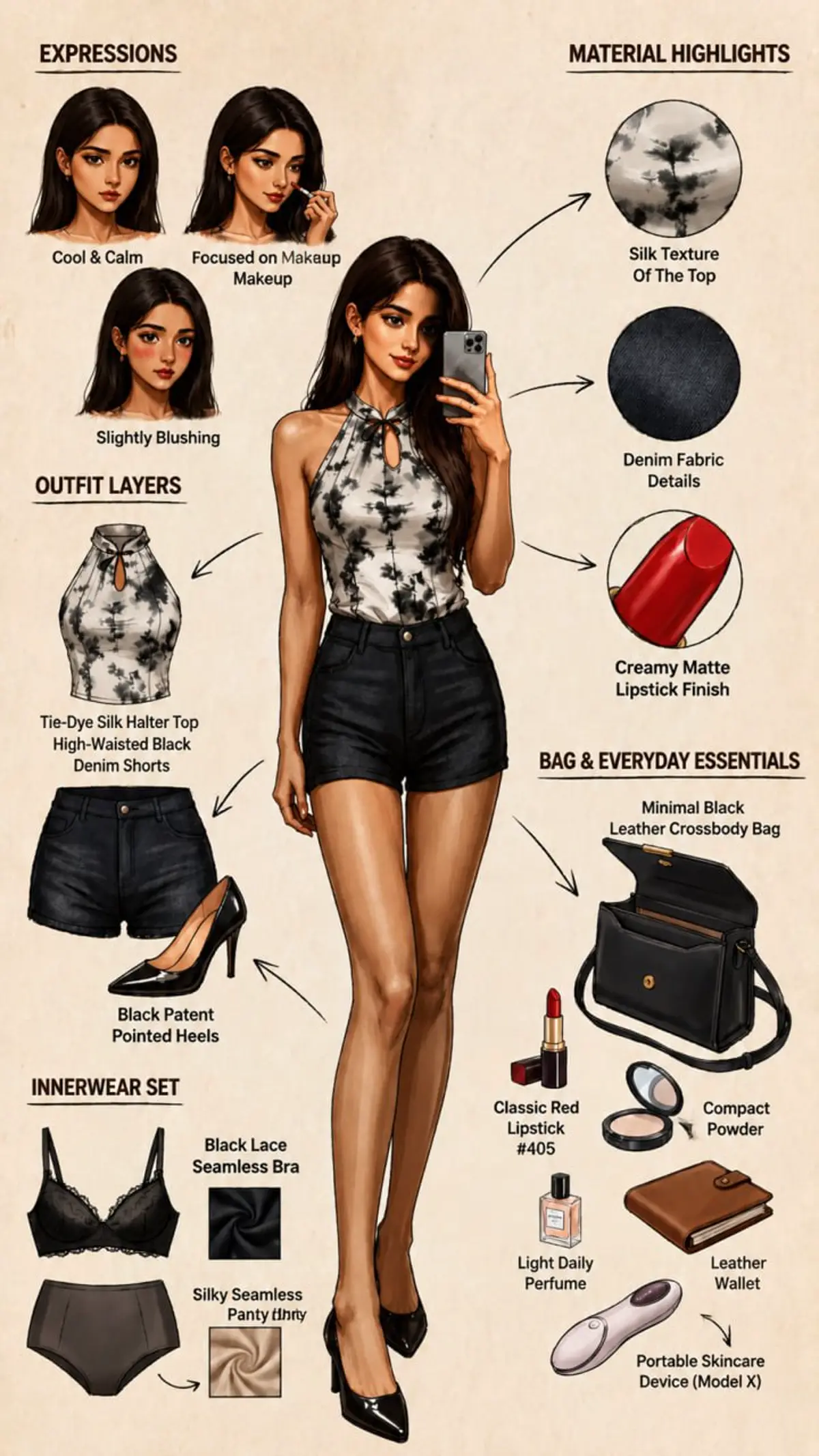
Mehndi Ceremony AI Photo Editing Prompt
Create a colorful mehndi ceremony portrait.
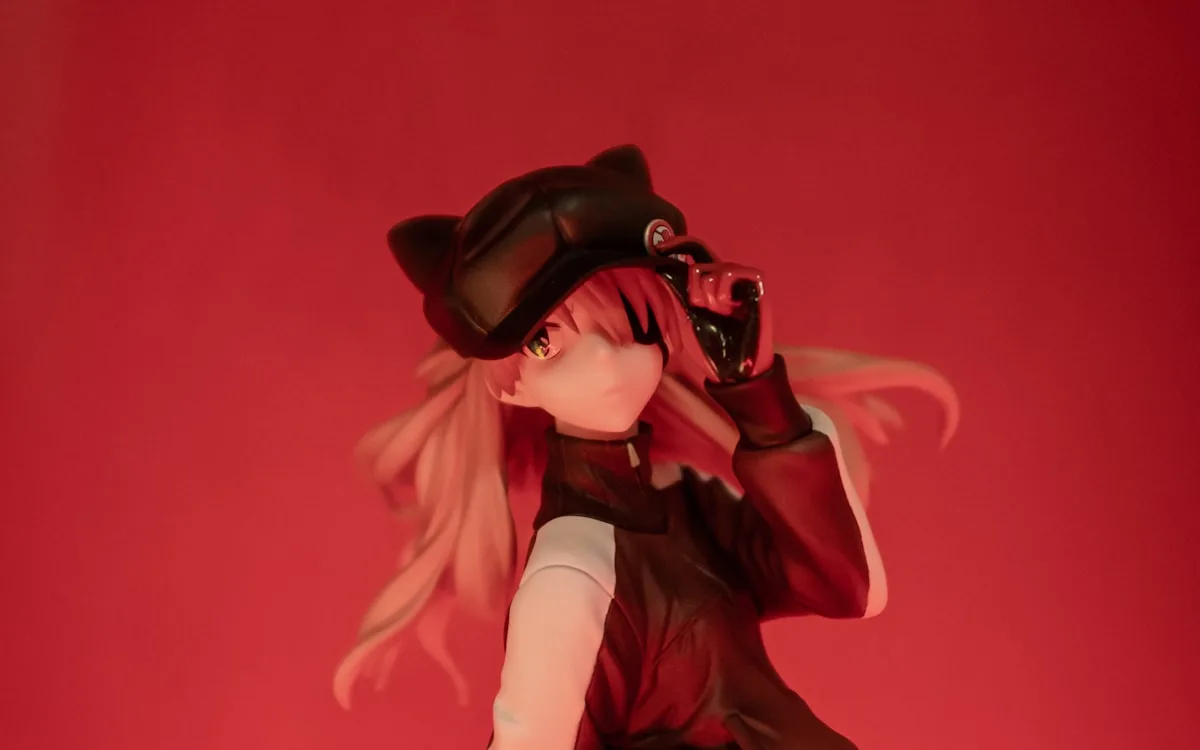
Haldi Ceremony AI Photo Editing Prompt
Create a vibrant Haldi ceremony portrait.
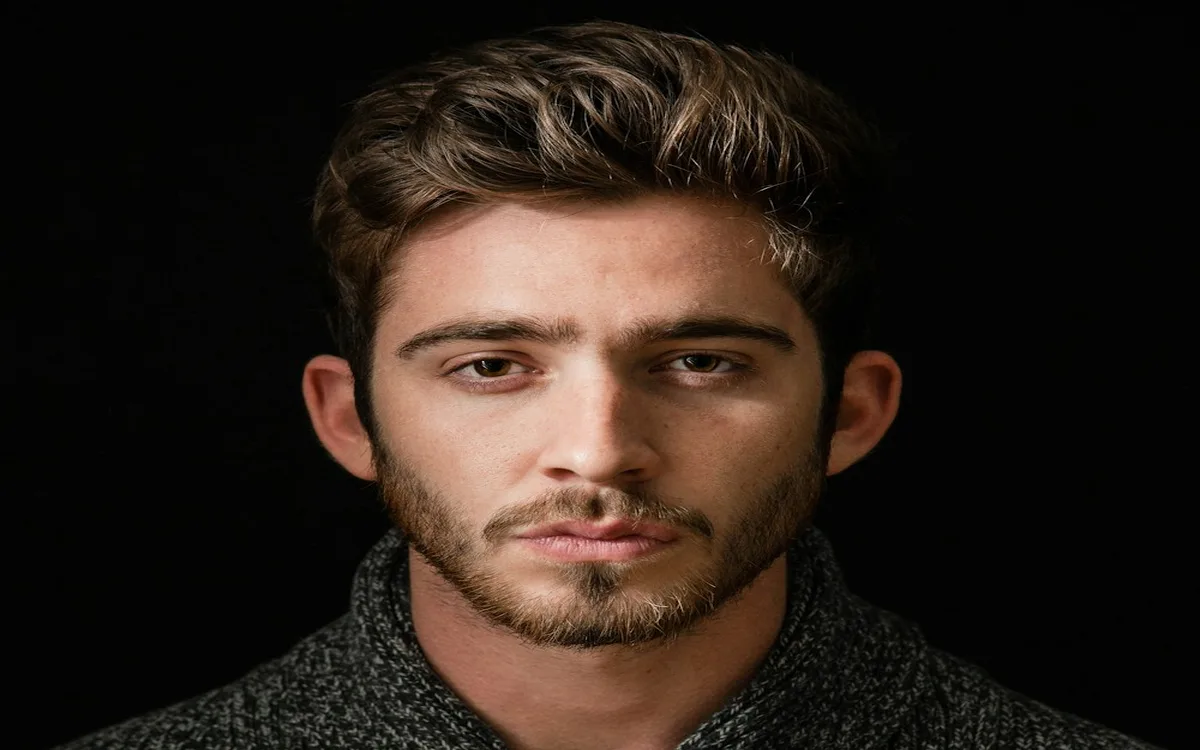
WhatsApp Status Poster AI Prompt
Create a vertical WhatsApp status poster from a portrait.
Open ChatGPT, Gemini, or another image editor that accepts image prompts, upload your selfie or reference photo, paste the prompt, and customize outfit, background, lighting, and mood details before generating.
Yes. RSP Editor prompt pages are free to copy and adapt for Instagram DP, Reels covers, TikTok thumbnails, Shorts, and WhatsApp status edits.
Use a clear front-facing portrait with good lighting and visible face details. Avoid blurry screenshots, heavy filters, or photos where the subject is too small.