Haldi Ceremony AI Photo Editing Prompt
By RSP Editor Team · Updated
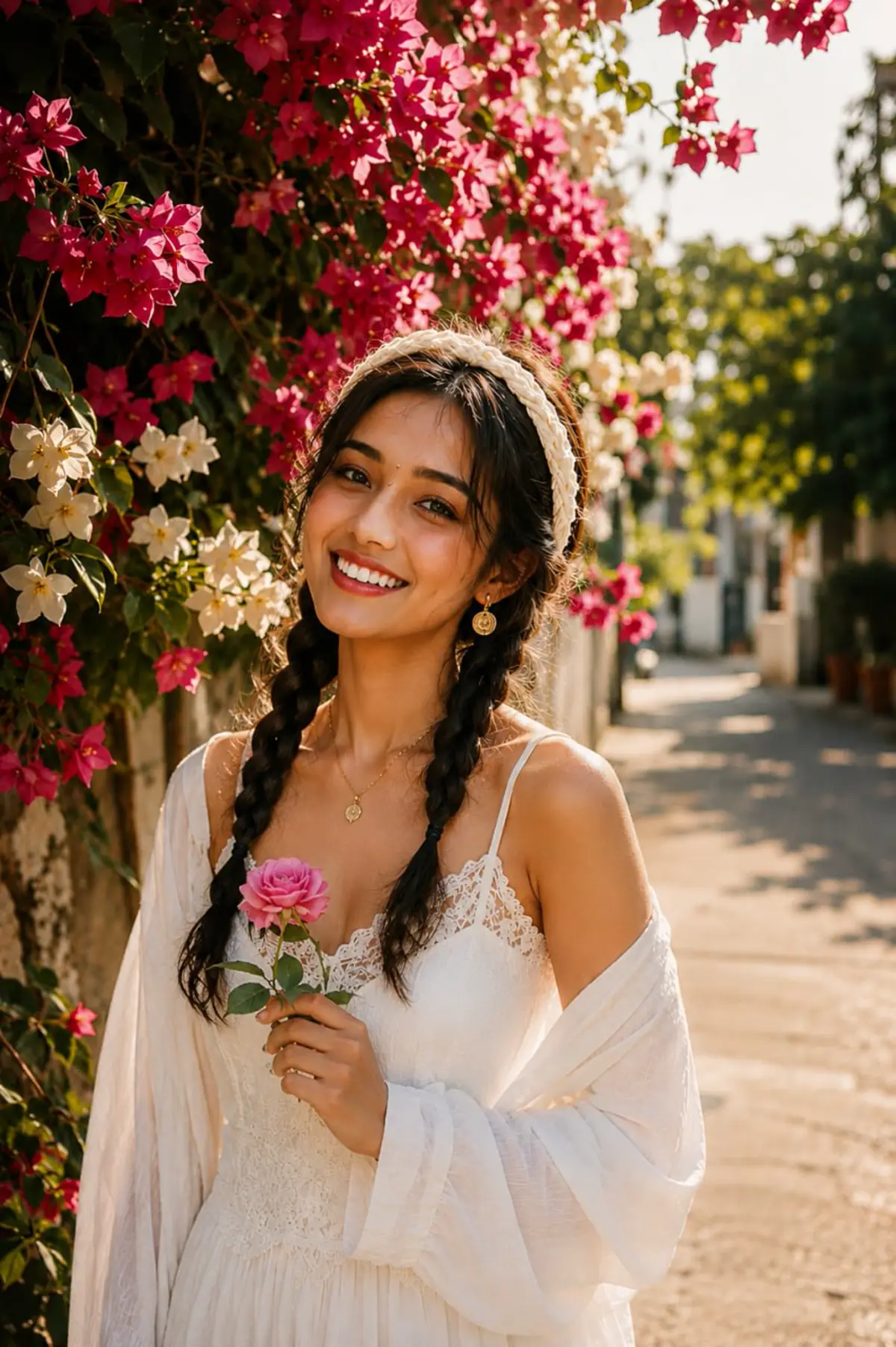
Create a vibrant Haldi ceremony portrait.
Copy this prompt, or choose a visual style to generate
Use the prompt manually in ChatGPT or Gemini, or browse inspectable same-style templates and upload your authorized photo there. One generated image is free across the site.
Copy Prompt
Create a Haldi ceremony portrait with yellow outfit, marigold flowers, turmeric color accents, warm sunlight, and cheerful Indian wedding function mood. Keep the uploaded person's face identity realistic and natural, preserve skin tone and facial details, use clean mobile-first composition, sharp focus, natural shadows, social-media-ready color grading, vertical 4:5 crop, high-resolution output, no watermark, no extra fingers, no distorted face.
Short Prompt
Create a haldi ceremony edit from my uploaded photo. Keep my real face identity, use clean mobile-first lighting, and make it ready for Instagram DP, Reels, Shorts, or WhatsApp status.
Negative Prompt
Avoid changing my face, extra fingers, distorted eyes, plastic skin, fake teeth, harsh over-smoothing, watermark, text artifacts, low resolution, blurry output, and unrealistic background edges.
Customization Variables
Swap these details before copying if you want a more personalized result.
- Outfit
- lehenga, sherwani, saree, or formal wedding wear
- Background
- festival lights, decorations, or cultural backdrop
- Lighting
- soft flattering light with realistic shadows
- Camera angle
- vertical 4:5 mobile composition, subject centered or slightly off-center
- Mood
- haldi, wedding, festival
Copy for ChatGPT
Create a Haldi ceremony portrait with yellow outfit, marigold flowers, turmeric color accents, warm sunlight, and cheerful Indian wedding function mood. Keep the uploaded person's face identity realistic and natural, preserve skin tone and facial details, use clean mobile-first composition, sharp focus, natural shadows, social-media-ready color grading, vertical 4:5 crop, high-resolution output, no watermark, no extra fingers, no distorted face.

Use image editing mode. Preserve my exact facial identity and return one polished vertical 4:5 result.
Copy for Gemini
Create a Haldi ceremony portrait with yellow outfit, marigold flowers, turmeric color accents, warm sunlight, and cheerful Indian wedding function mood. Keep the uploaded person's face identity realistic and natural, preserve skin tone and facial details, use clean mobile-first composition, sharp focus, natural shadows, social-media-ready color grading, vertical 4:5 crop, high-resolution output, no watermark, no extra fingers, no distorted face.

Edit the uploaded image directly. Keep the same person, natural skin texture, and a realistic social-media portrait result.
Best Output Checklist
Use this before you generate so the result looks like a real social profile edit, not a random AI poster.
Use one sharp selfie or portrait with the face clearly visible.
Paste the full prompt and keep the identity-preservation sentence.
If the face changes, ask for the same face, natural skin, and fewer effects.
How To Use This AI Photo Editing Prompt
- Open ChatGPT, Gemini, or another AI image editor.
- Upload a clear front-facing photo.
- Copy and paste the prompt above.
- Ask the tool to keep your face realistic and generate the image.
- Download and post on Instagram, YouTube Shorts, TikTok, or WhatsApp status.
Best For
- Instagram DP
- Reels cover
- WhatsApp status
Tips For Better Results
- Use a sharp selfie with natural light.
- Avoid heavy filters before uploading.
- If the face changes too much, add: “preserve my exact facial identity”.
FAQ
Can I use this prompt with ChatGPT?
Yes, it is written for ChatGPT image editing workflows.
Can I use it with Gemini?
Yes, Gemini-style image editing tools can use the same prompt structure.