
1. Pick the closest style
Choose a gemini prompt below that already matches the face, outfit, background, or post format you want.
Free Gemini AI photo editing prompts for realistic portraits, attitude edits, couple photos, festival posters, and Instagram DP images.
Gemini AI photo editing prompts should be clear, specific, and identity-safe: describe the uploaded photo, ask Gemini to keep the face unchanged, then define background, lighting, outfit, mood, composition, and output format. This category gathers prompts that can be copied into Gemini and adapted quickly.
For better results, keep one main style per prompt. Instead of asking for many effects at once, choose cinematic portrait, attitude street look, couple photo, festival poster, or professional DP. Add exact variables such as vertical 4:5 crop, realistic skin texture, soft bokeh, and no watermark.
This page is built for creators searching for gemini ideas across ChatGPT, Gemini, Instagram DP, Reels covers, TikTok thumbnails, and WhatsApp status posts. Instead of browsing one-word tags, use this curated category as a focused starting point: compare the matching resources, open the most relevant detail page, then copy the prompt or template notes with the variables changed for your own photo, song, caption, and posting format.
Choose a gemini prompt below that already matches the face, outfit, background, or post format you want.
Use a sharp selfie or portrait with visible face details. Ask the AI tool to preserve identity, skin texture, and natural proportions.
Replace generic details with your own outfit, location, lighting, mood, crop, and platform goal before generating the gemini edit.
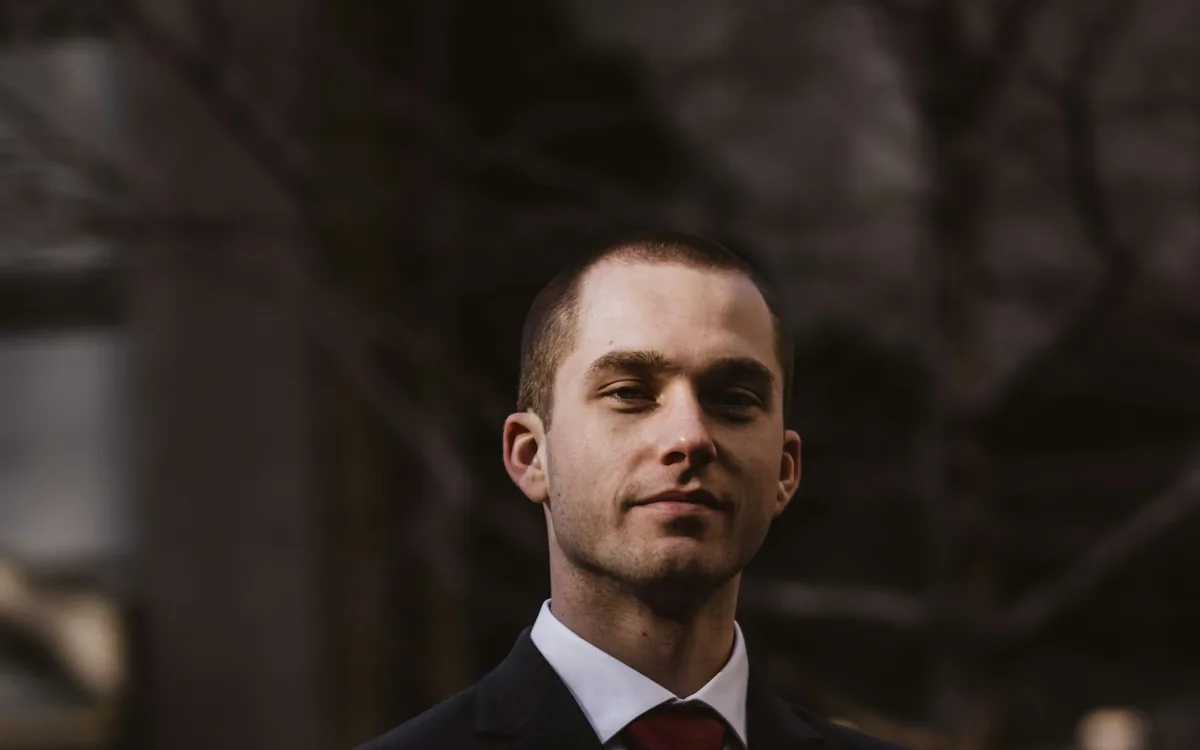
Cinematic Sunset Boy AI Photo Editing Prompt
Create a warm cinematic sunset portrait for Instagram DP and Reels covers.
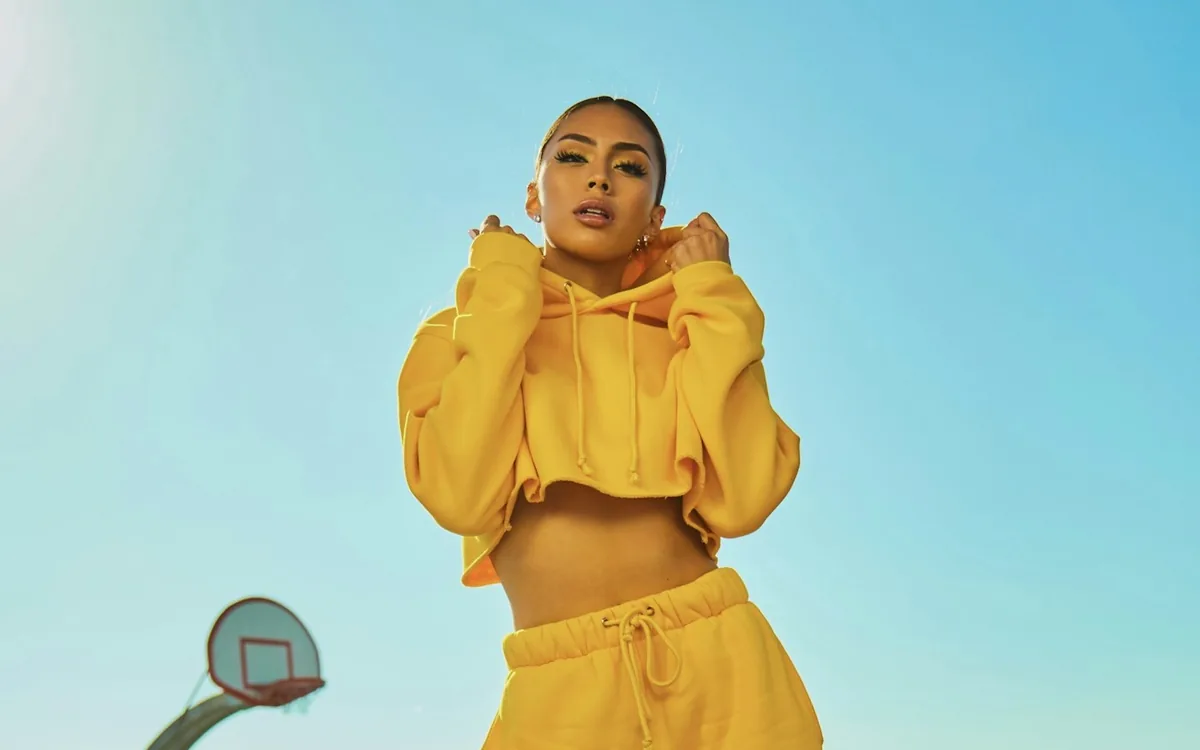
Cinematic Sunset Girl AI Photo Editing Prompt
Turn a simple selfie into a soft golden hour cinematic portrait.
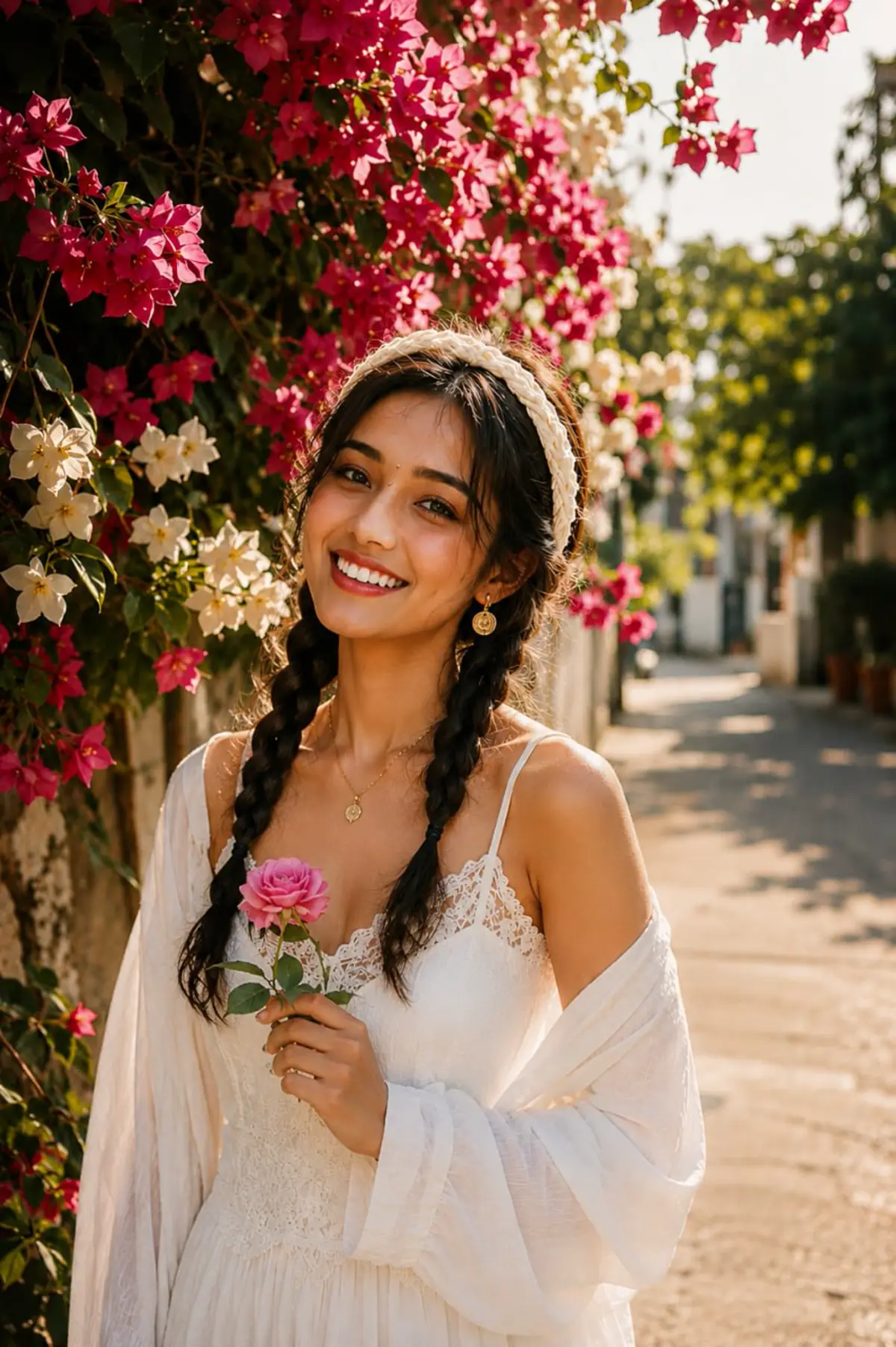
3 Layer AI Photo Editing Prompt
Create the viral three-layer portrait composition for boys, girls, and couples.
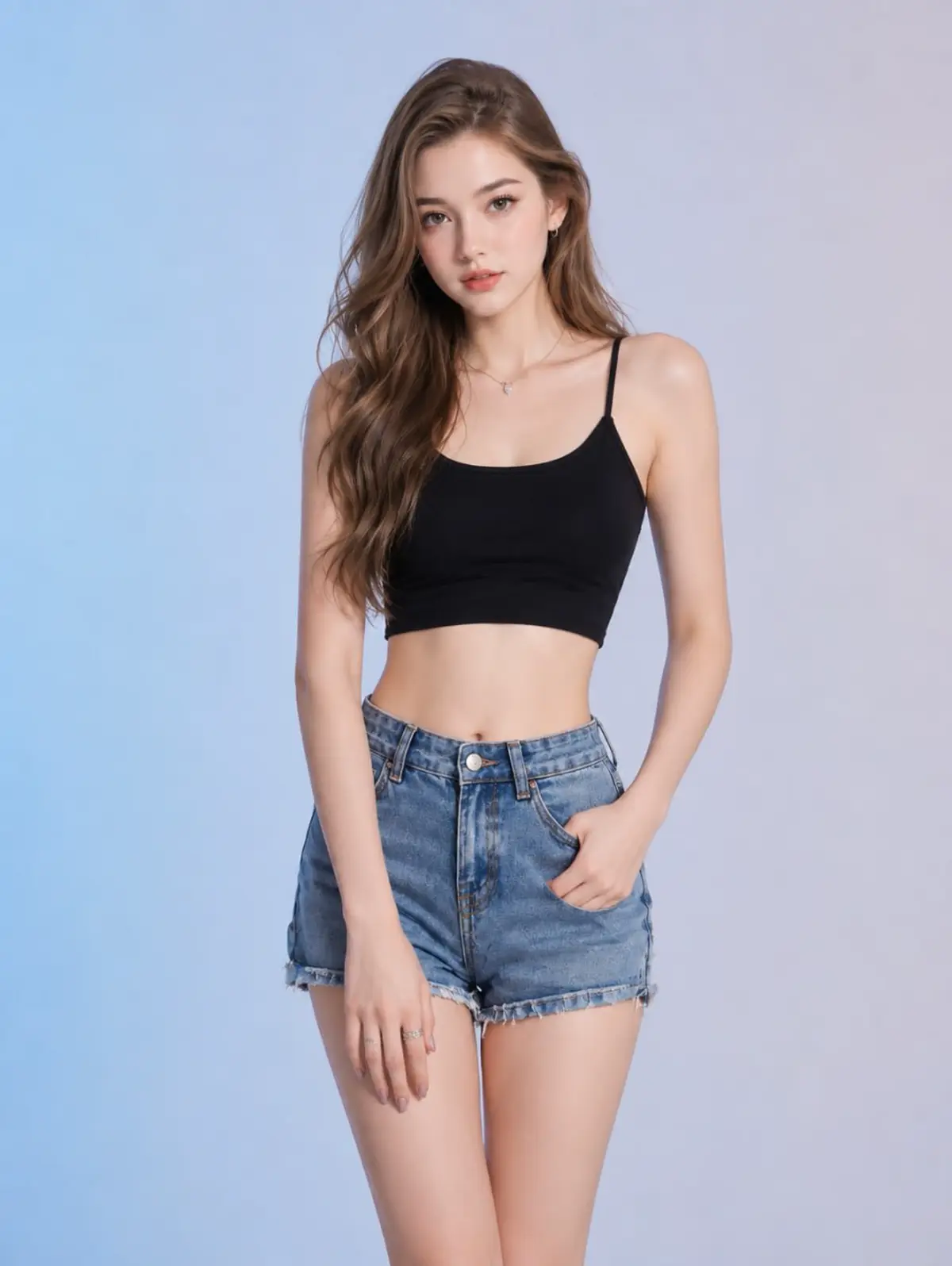
Horror Girlfriend AI Photo Editing Prompt
Create a scary romantic ghost girlfriend style AI image safely.
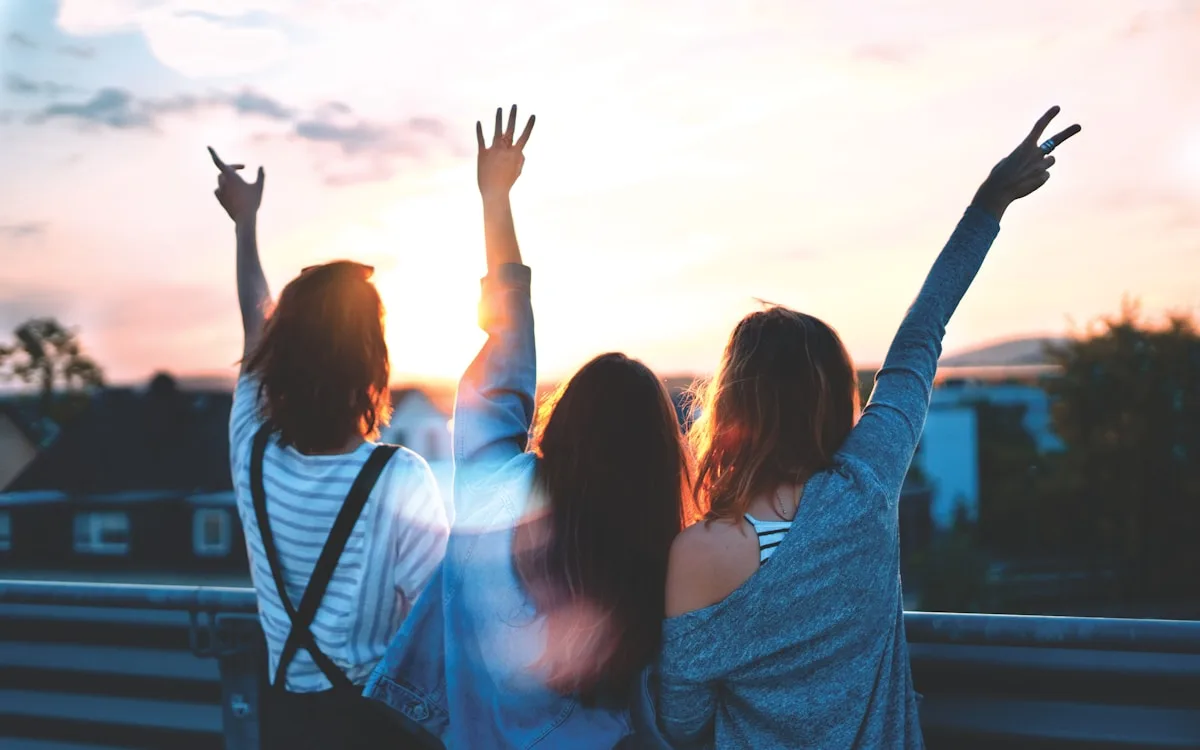
Cute Couple AI Photo Editing Prompt
Make a romantic couple portrait for status, DP, and reels covers.
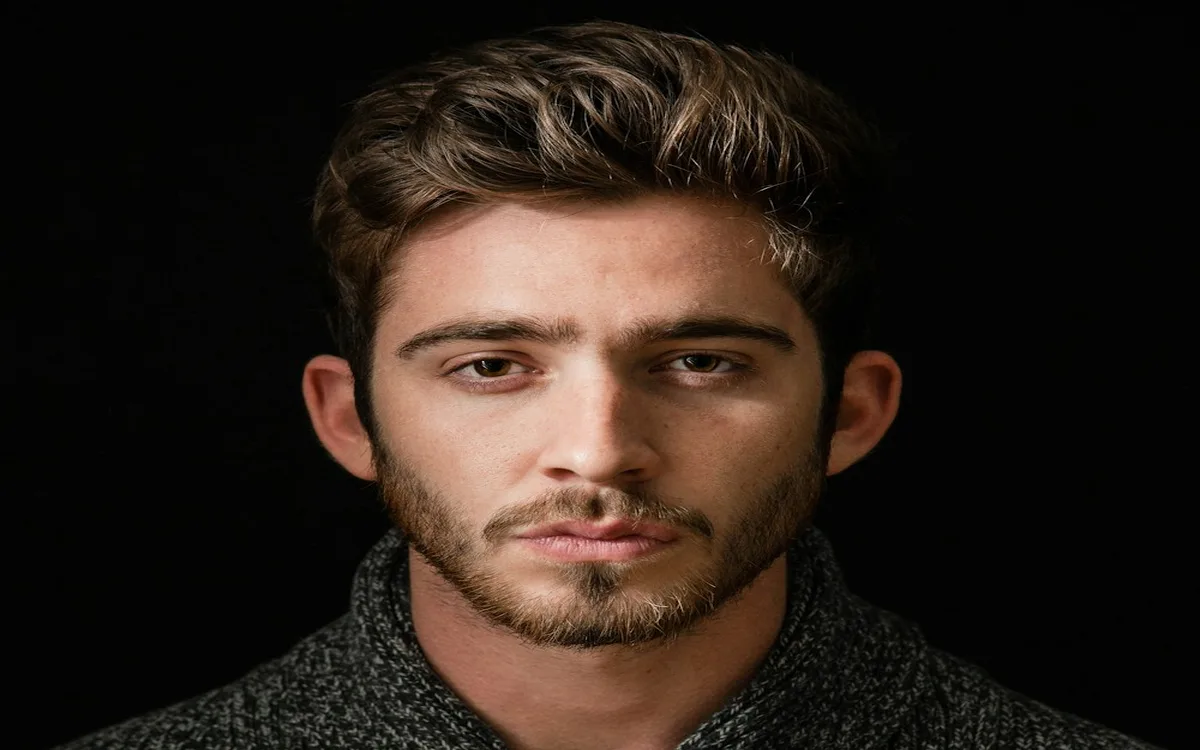
Attitude Boy AI Photo Editing Prompt
Make a bold attitude boy portrait with cinematic lighting.
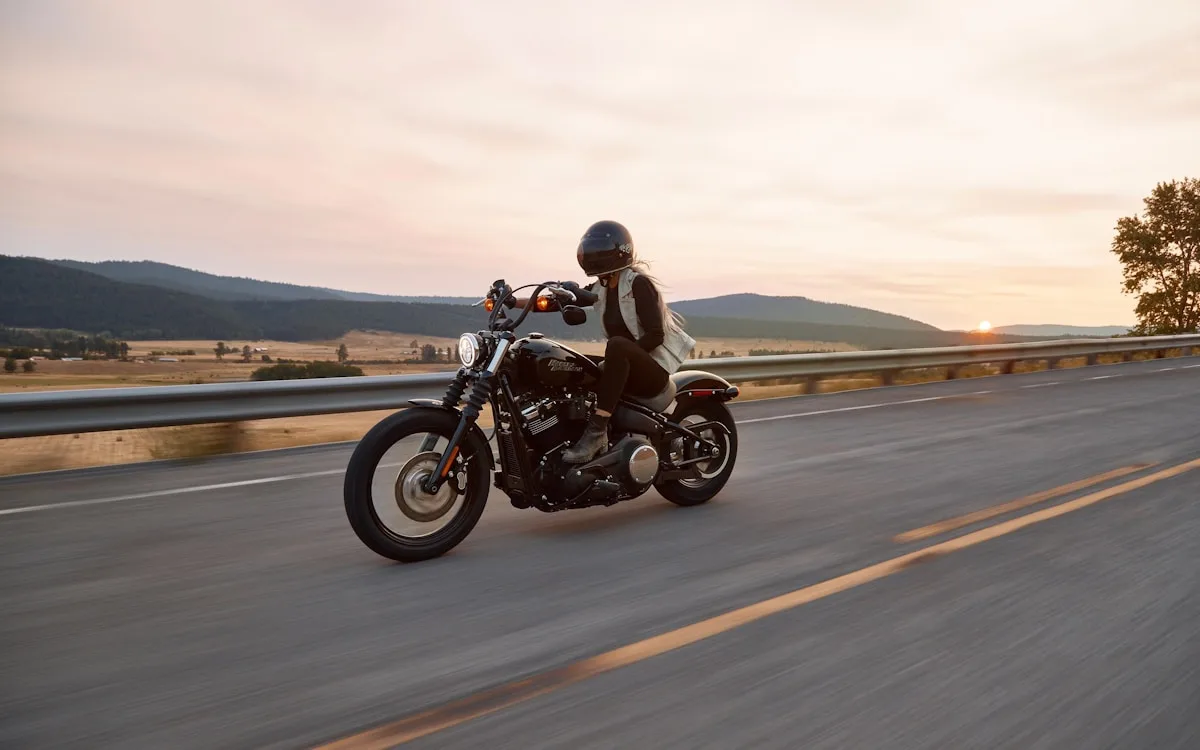
Bike Rider AI Photo Editing Prompt
Create a dramatic bike rider poster for reels and DP.
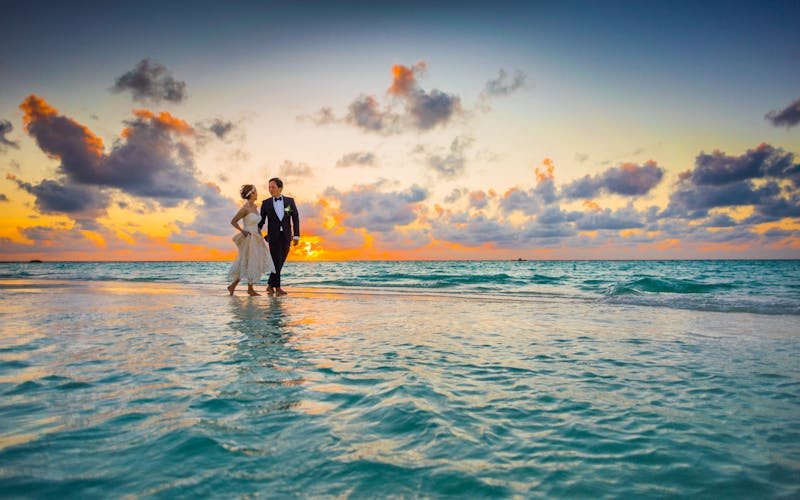
Wedding Couple AI Photo Editing Prompt
Create a soft wedding couple portrait with realistic lighting.
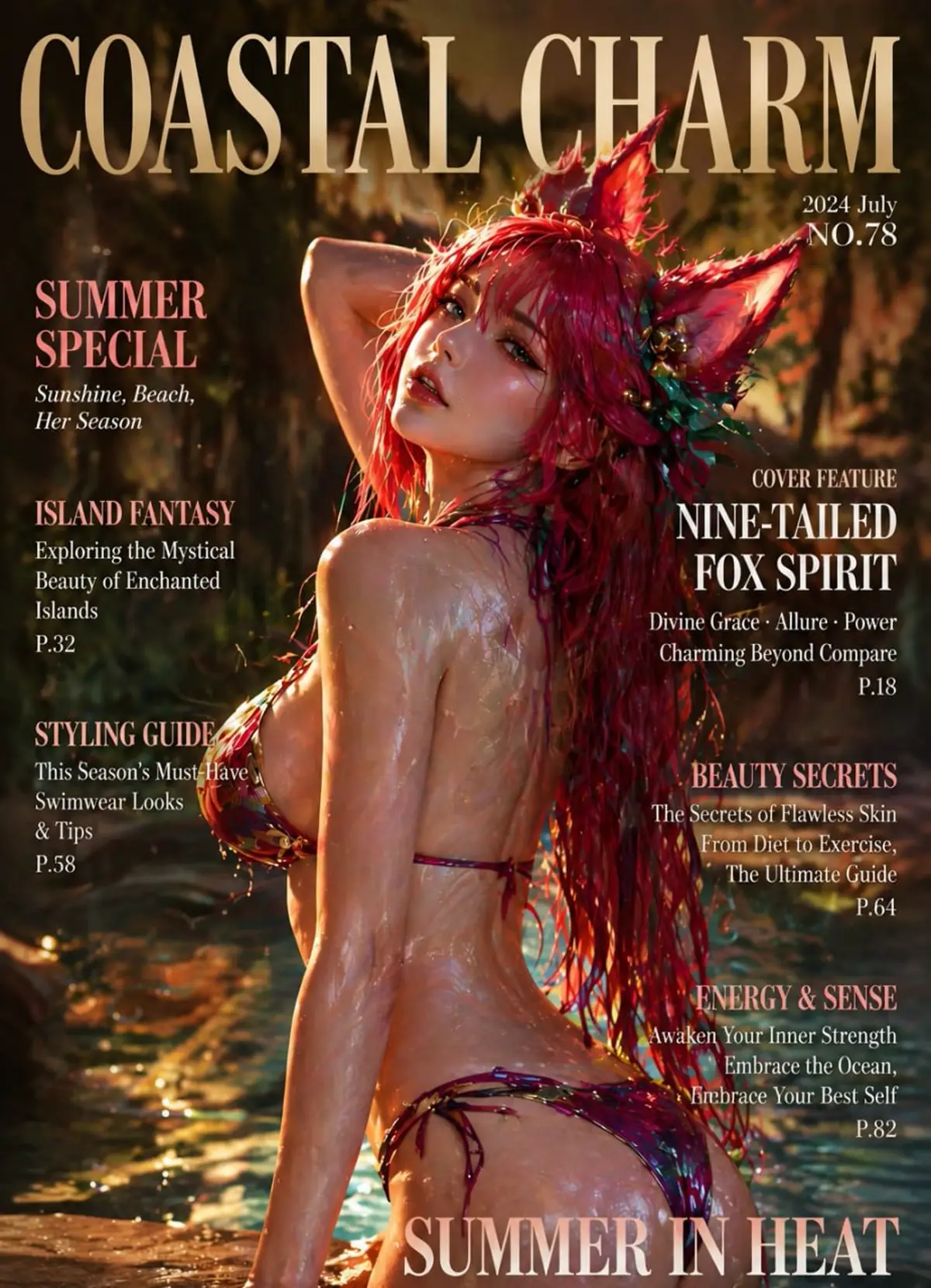
Rainy Night Cinematic AI Prompt
Make a moody rainy night portrait with neon reflections.
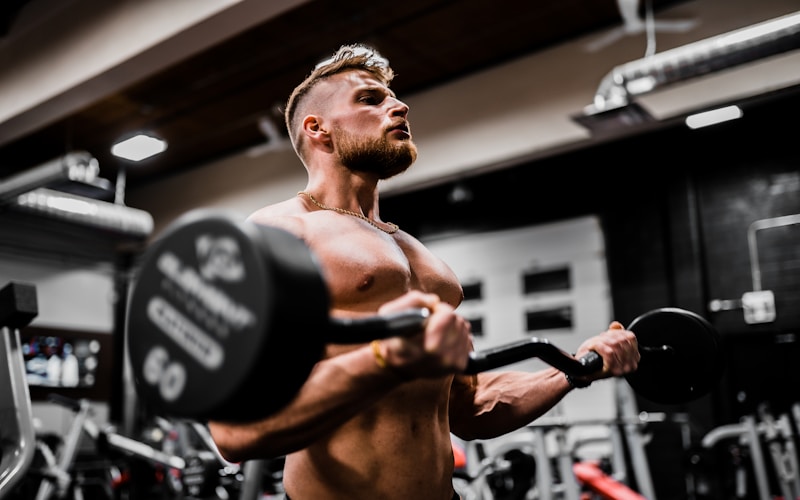
Luxury Car AI Photo Editing Prompt
Place yourself beside a luxury car with cinematic city lighting.
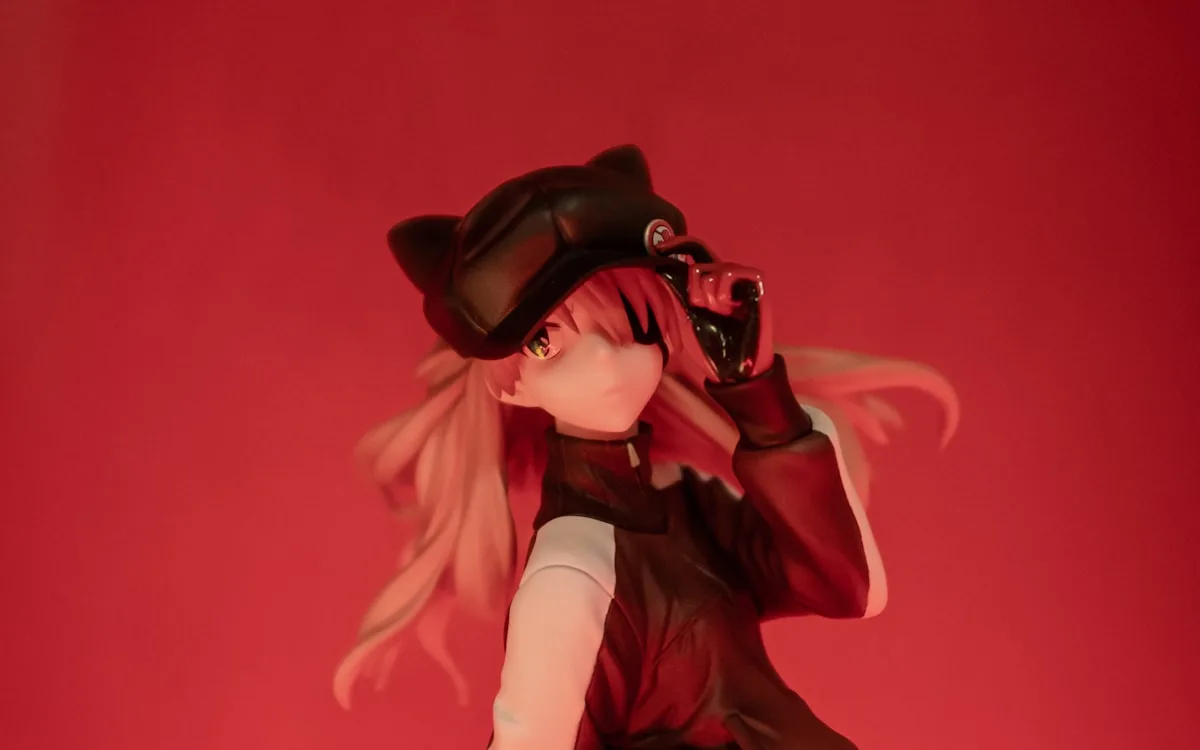
Anime Portrait AI Photo Editing Prompt
Convert a selfie into an anime-inspired portrait without copying protected characters.
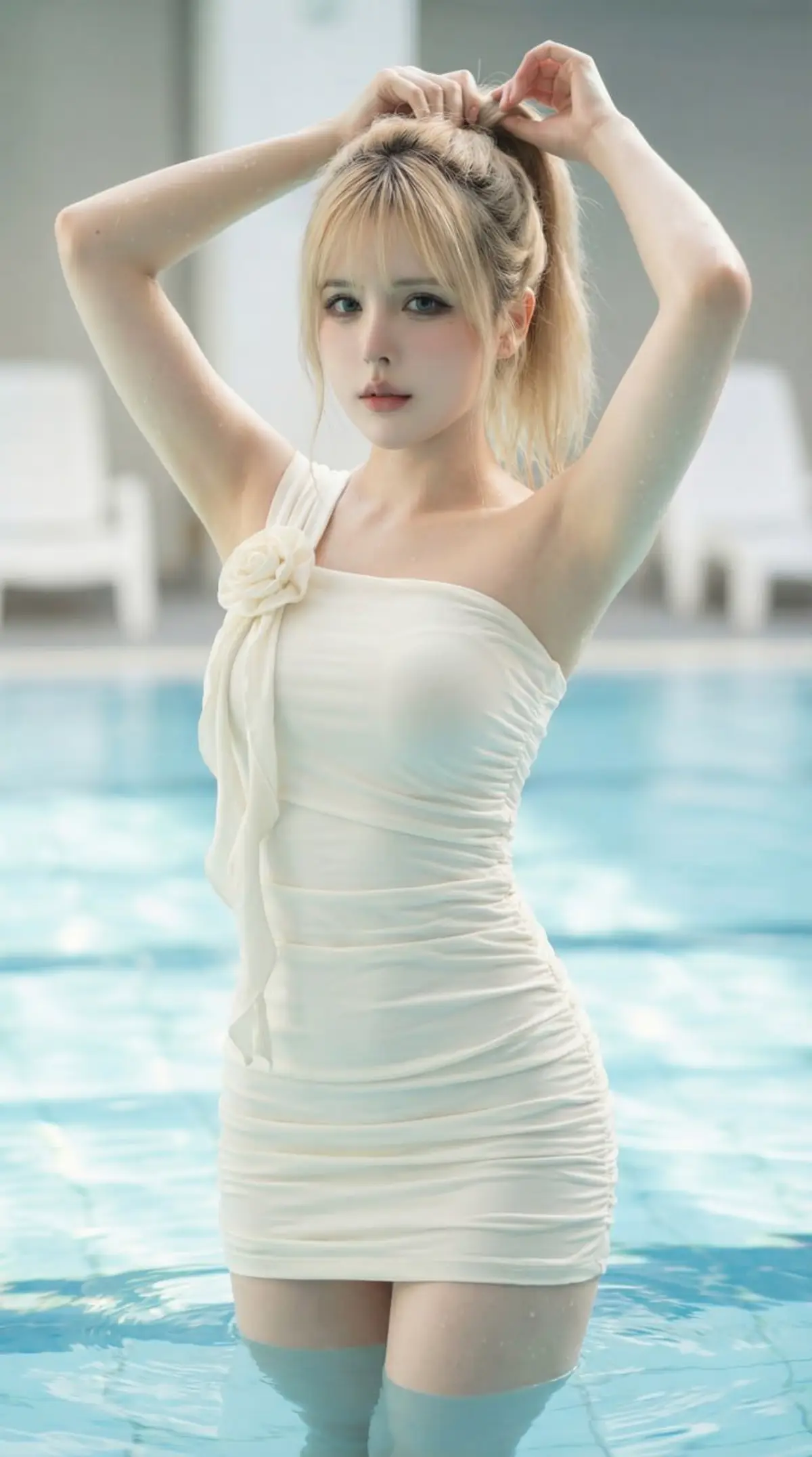
Luxury Pool Fashion Portrait AI Photo Editing Prompt
Create a photorealistic luxury pool fashion portrait with soft natural light, turquoise water, and magazine-style editorial detail.
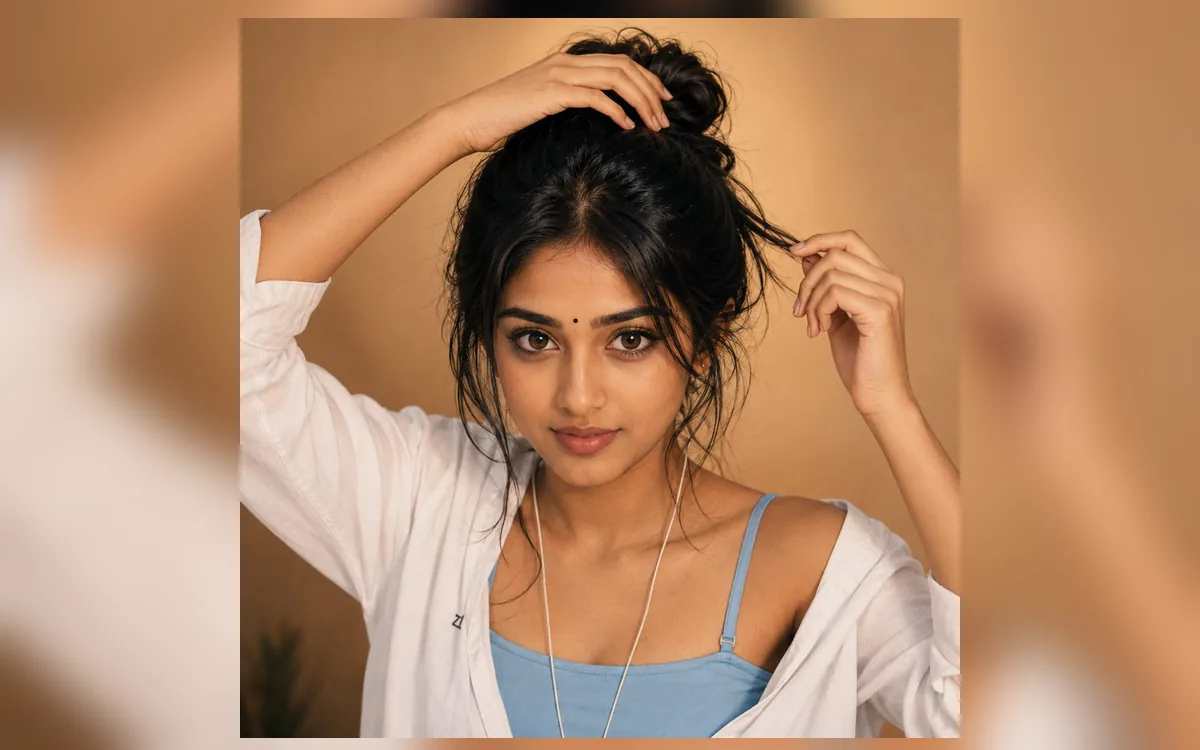
Indian Bindi Indoor Portrait AI Photo Editing Prompt
Create a warm hyper-realistic indoor beauty portrait with a small black bindi, messy bun, soft golden light, and casual white shirt styling.
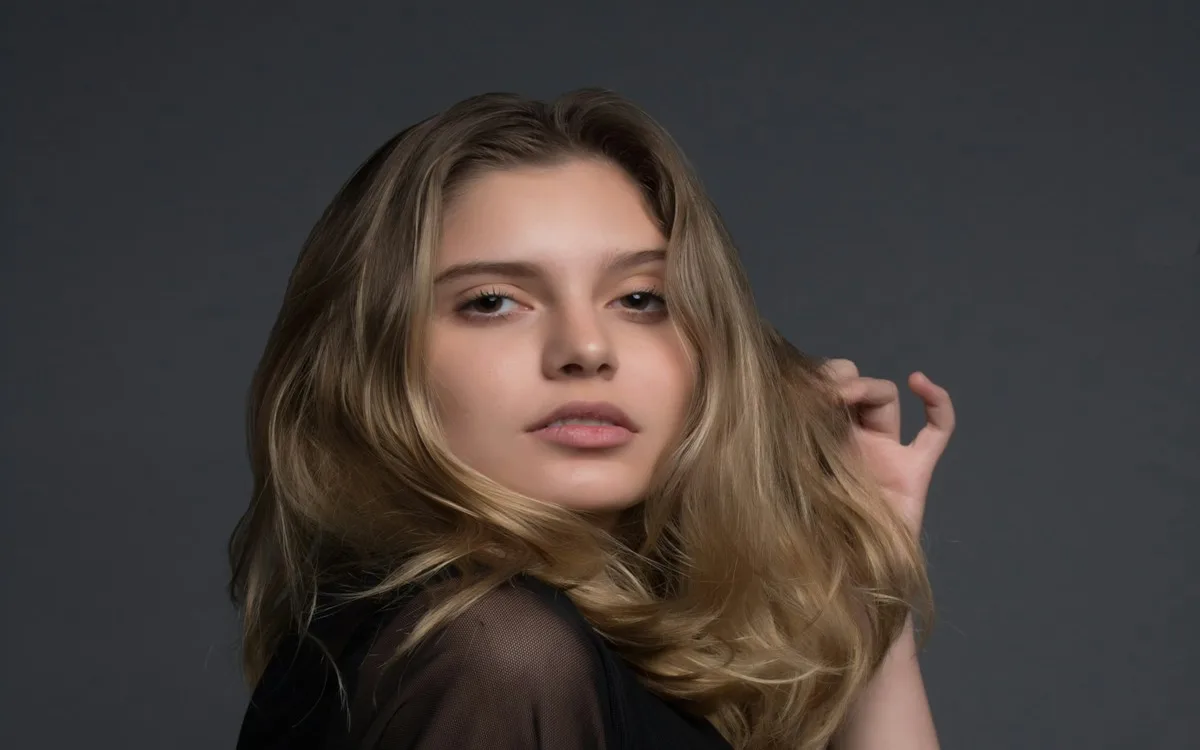
Attitude Girl AI Photo Editing Prompt
Create a confident attitude girl portrait for profile photos with sharper mobile-friendly details.
Diwali Lights AI Photo Editing Prompt
Create a festive Diwali portrait with diyas, bokeh, and warm glow.
Holi Color Splash AI Photo Editing Prompt
Make a vibrant Holi color portrait for status and reels covers.
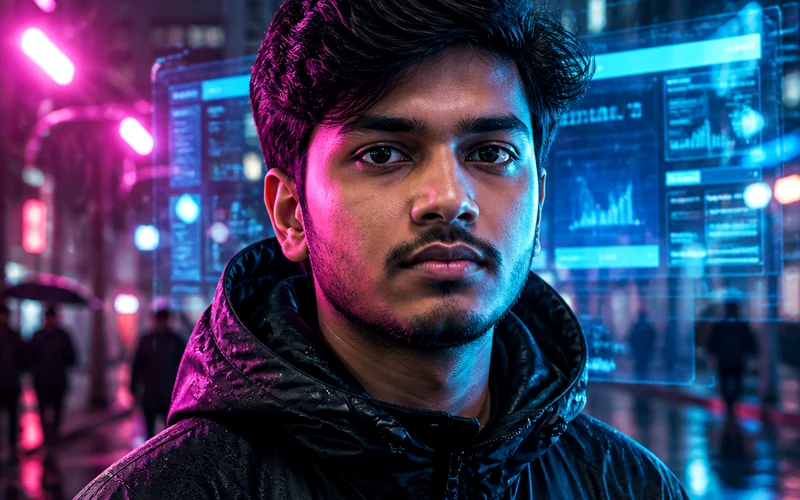
Onam Traditional AI Photo Editing Prompt
Create a Kerala Onam traditional portrait with floral pookalam.
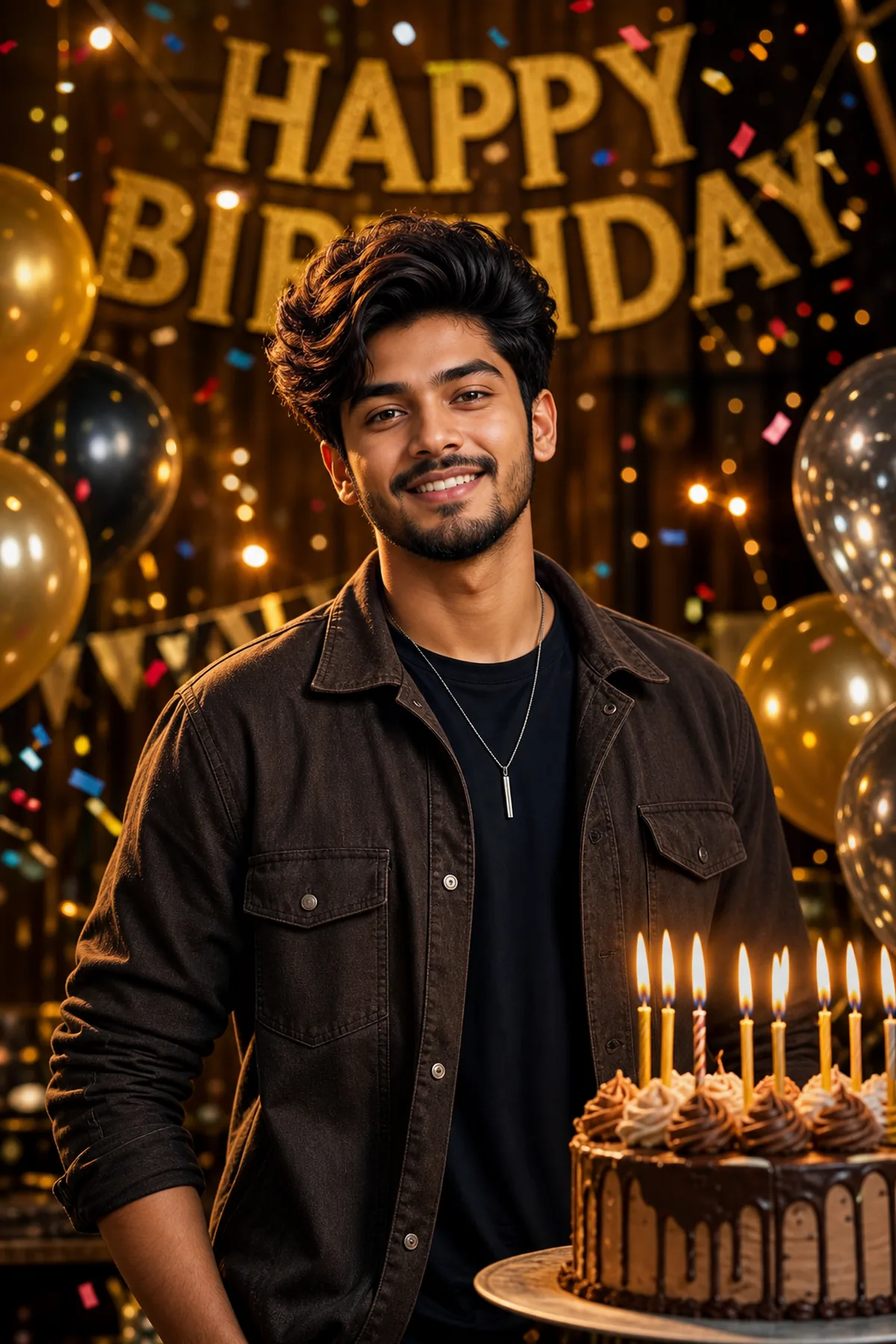
Pre Wedding Sunset Couple AI Prompt
Create a dreamy pre-wedding sunset couple portrait.
Superbike Garage Poster AI Prompt
Create a superbike garage attitude poster.
Open ChatGPT, Gemini, or another image editor that accepts image prompts, upload your selfie or reference photo, paste the prompt, and customize outfit, background, lighting, and mood details before generating.
Yes. RSP Editor prompt pages are free to copy and adapt for Instagram DP, Reels covers, TikTok thumbnails, Shorts, and WhatsApp status edits.
Use a clear front-facing portrait with good lighting and visible face details. Avoid blurry screenshots, heavy filters, or photos where the subject is too small.