
1. Pick the closest style
Choose a instagram dp prompt below that already matches the face, outfit, background, or post format you want.
Copy Instagram DP AI photo editing prompts for profile photos, cinematic headshots, studio portraits, and WhatsApp display pictures.
Instagram DP AI photo editing prompts focus on face clarity, clean background separation, mobile crop, and a polished profile-photo look. Unlike poster prompts, DP prompts should avoid clutter and keep the subject instantly recognizable in a small circular thumbnail.
Upload a sharp selfie or headshot, then customize background, outfit, lighting, and mood. Studio light, golden hour, flower portrait, professional headshot, and cinematic profile-photo styles work well because they keep attention on the face while improving the overall aesthetic.
This page is built for creators searching for instagram dp ideas across ChatGPT, Gemini, Instagram DP, Reels covers, TikTok thumbnails, and WhatsApp status posts. Instead of browsing one-word tags, use this curated category as a focused starting point: compare the matching resources, open the most relevant detail page, then copy the prompt or template notes with the variables changed for your own photo, song, caption, and posting format.
Choose a instagram dp prompt below that already matches the face, outfit, background, or post format you want.
Use a sharp selfie or portrait with visible face details. Ask the AI tool to preserve identity, skin texture, and natural proportions.
Replace generic details with your own outfit, location, lighting, mood, crop, and platform goal before generating the instagram dp edit.
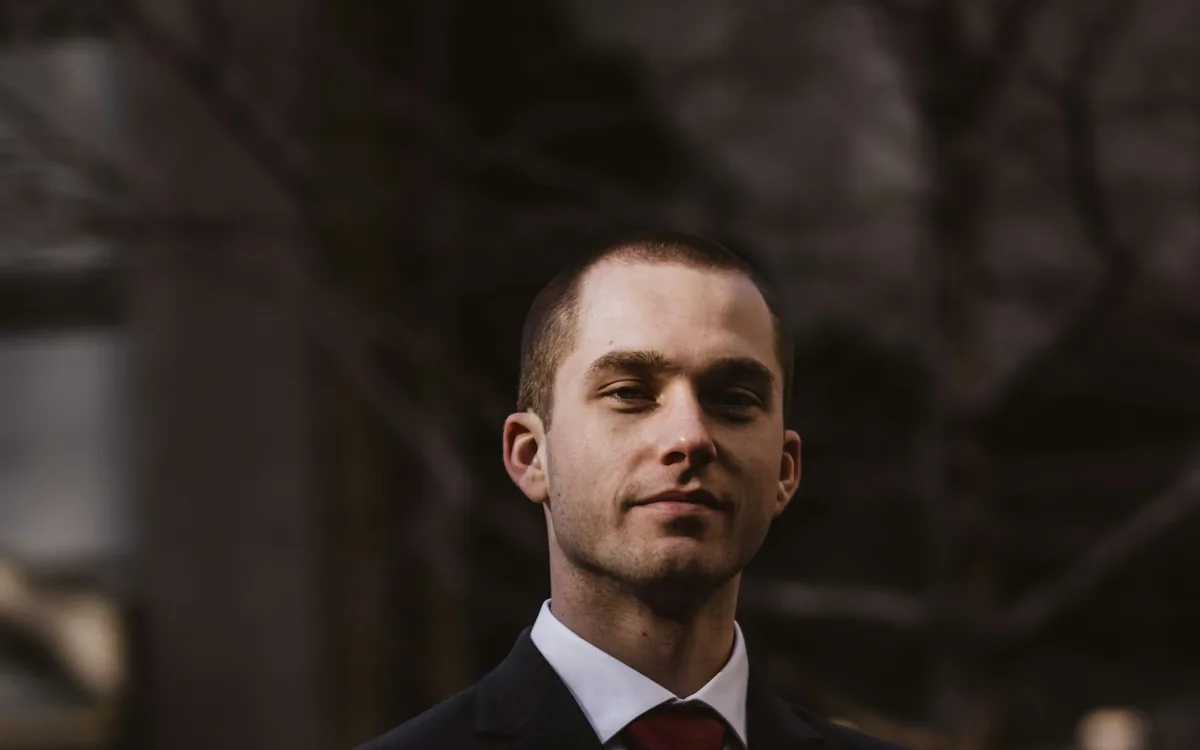
Cinematic Sunset Boy AI Photo Editing Prompt
Create a warm cinematic sunset portrait for Instagram DP and Reels covers.
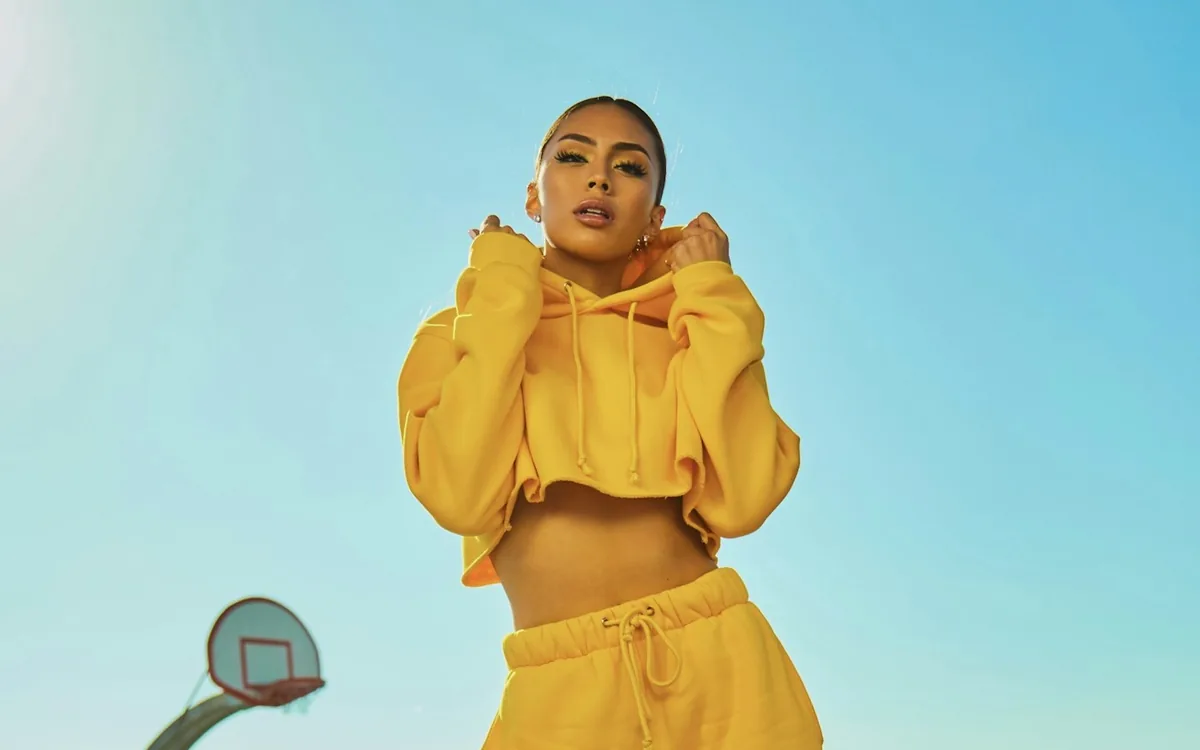
Cinematic Sunset Girl AI Photo Editing Prompt
Turn a simple selfie into a soft golden hour cinematic portrait.
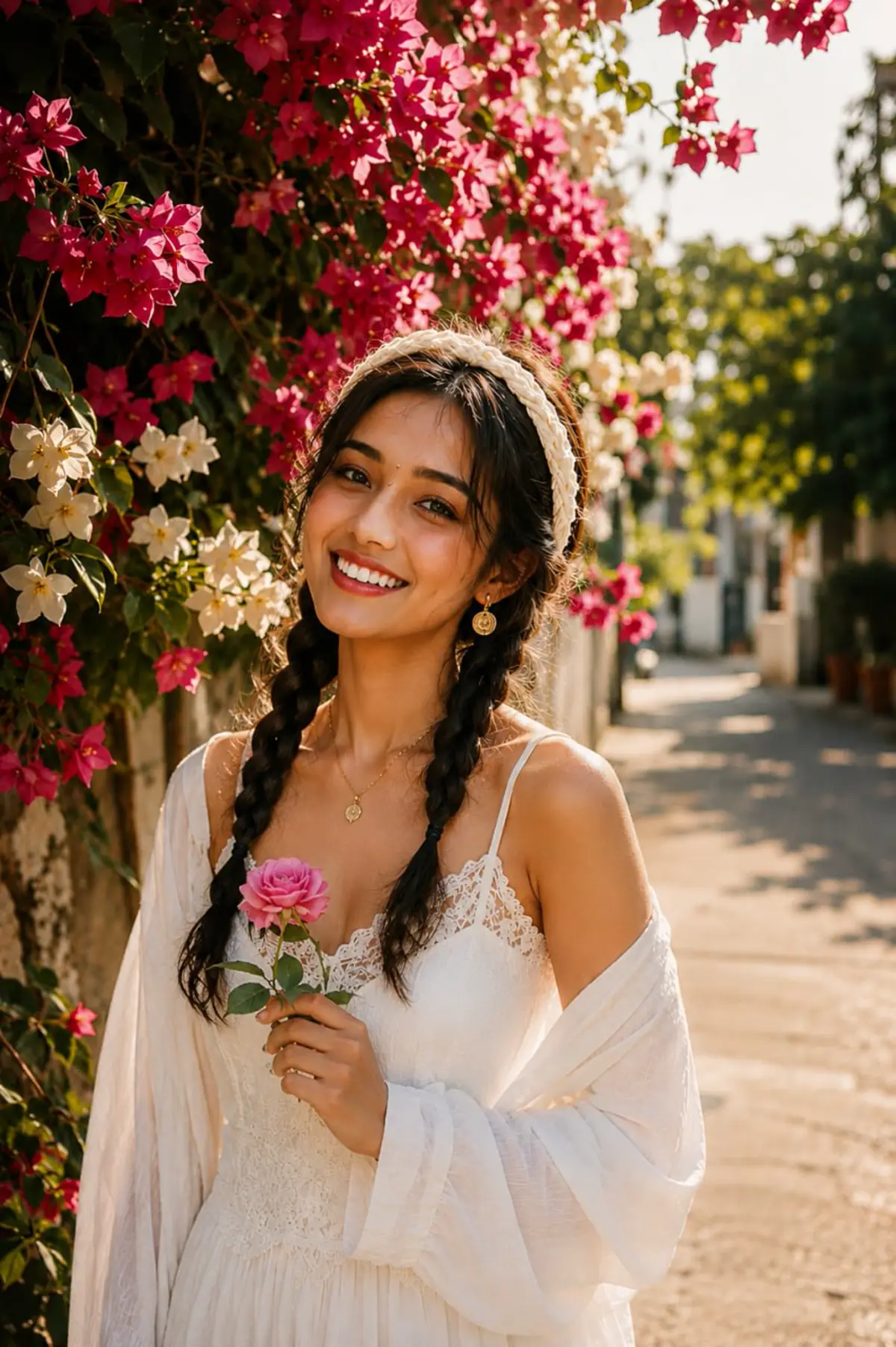
3 Layer AI Photo Editing Prompt
Create the viral three-layer portrait composition for boys, girls, and couples.
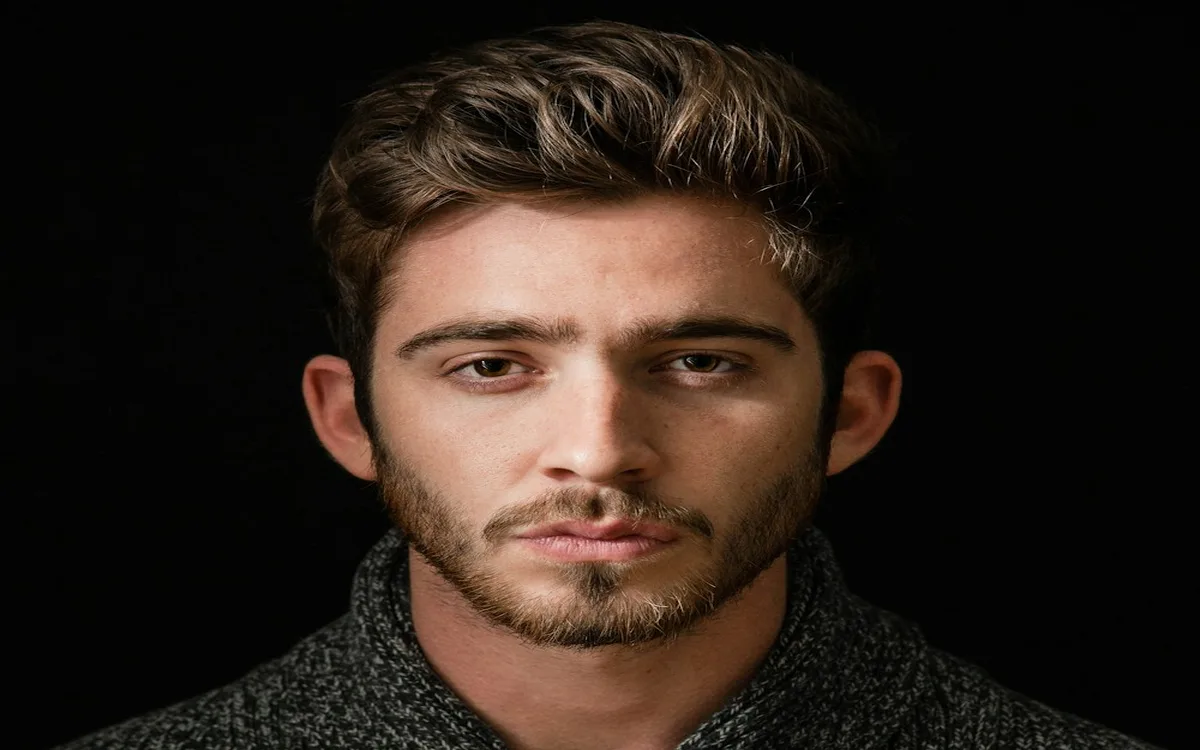
Attitude Boy AI Photo Editing Prompt
Make a bold attitude boy portrait with cinematic lighting.
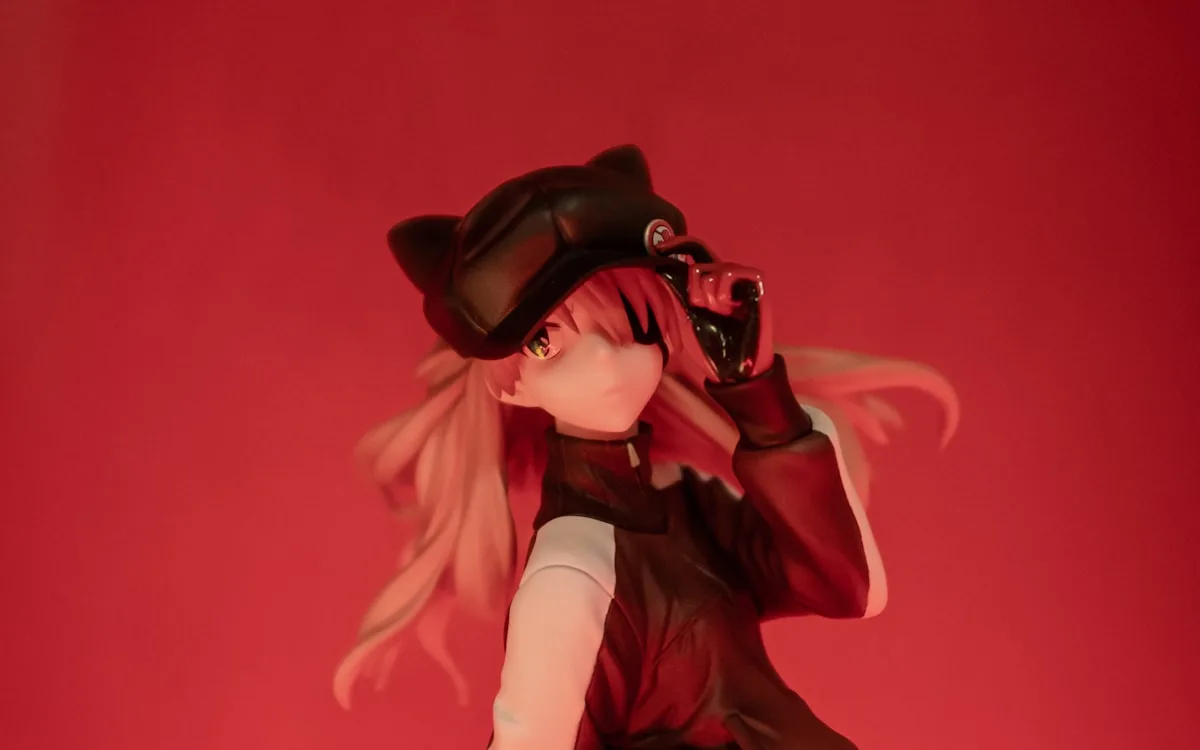
Anime Portrait AI Photo Editing Prompt
Convert a selfie into an anime-inspired portrait without copying protected characters.
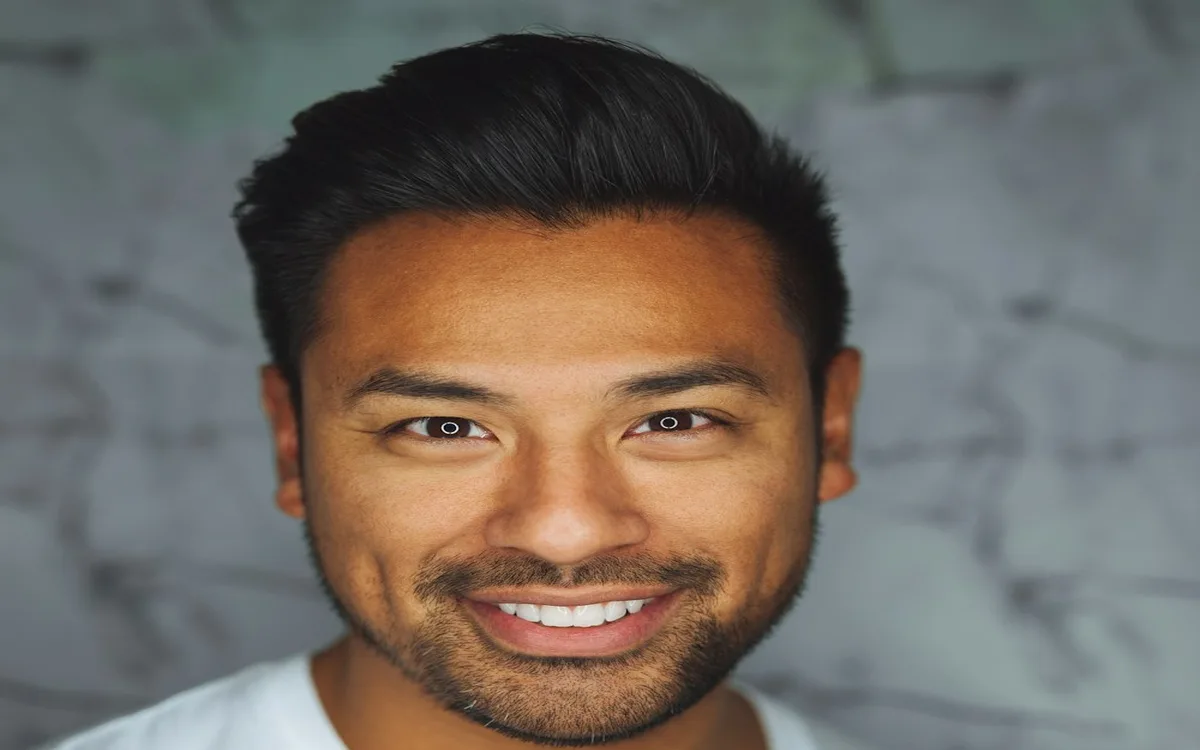
Studio Headshot AI Photo Editing Prompt
Create a clean professional studio headshot from a casual photo.
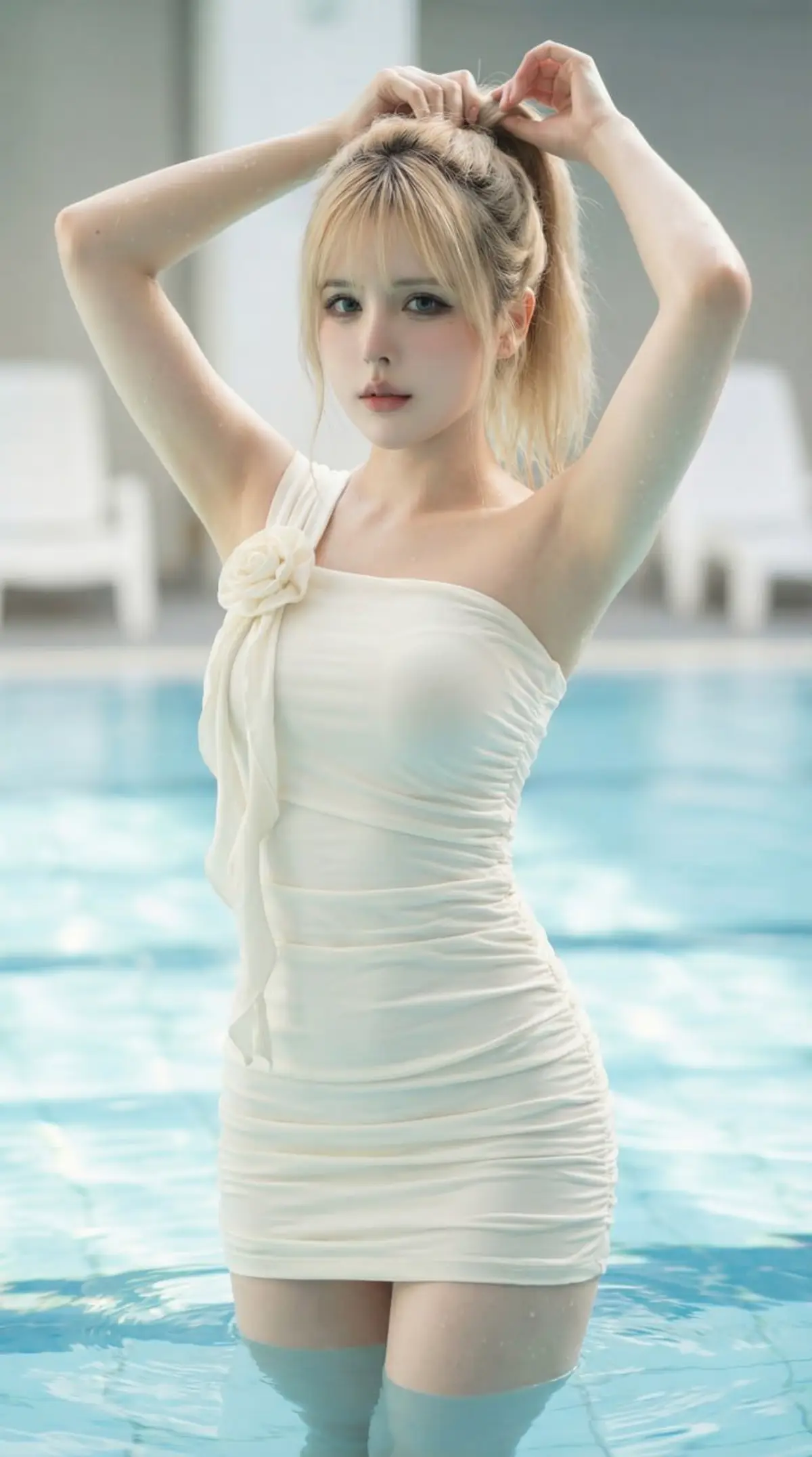
Luxury Pool Fashion Portrait AI Photo Editing Prompt
Create a photorealistic luxury pool fashion portrait with soft natural light, turquoise water, and magazine-style editorial detail.
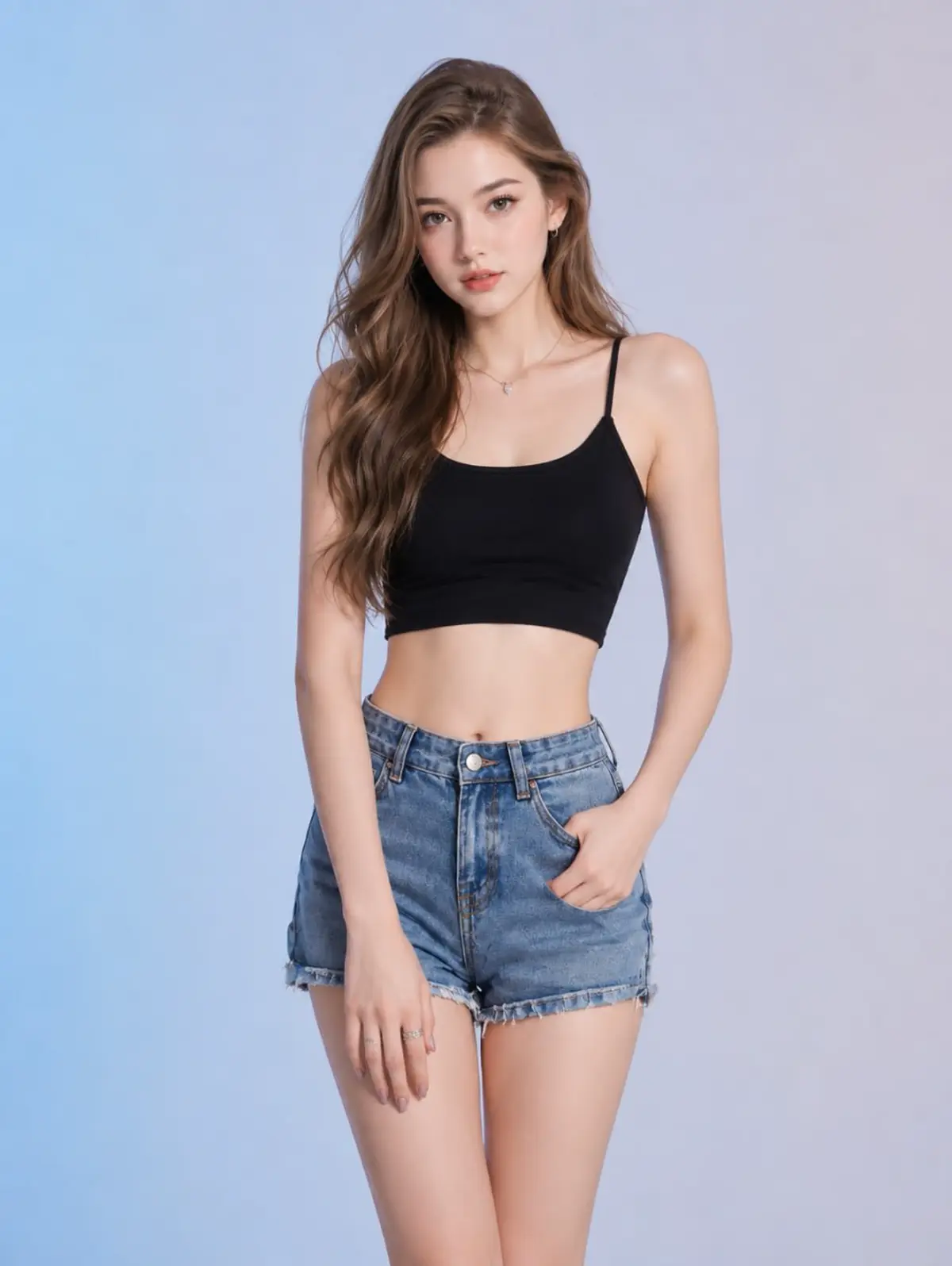
Studio Fashion Denim Portrait AI Photo Editing Prompt
Create an ultra-realistic full-body studio fashion portrait with a black crop top, denim shorts, soft beauty lighting, and pastel blue-gray backdrop.
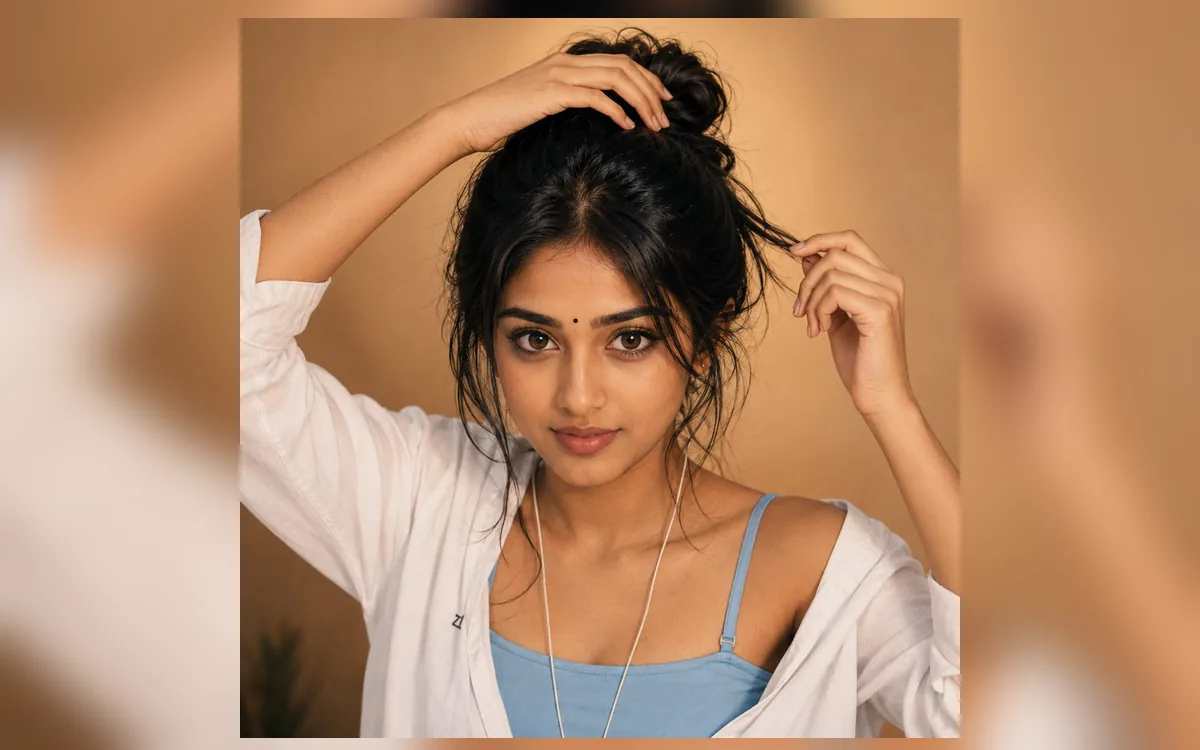
Indian Bindi Indoor Portrait AI Photo Editing Prompt
Create a warm hyper-realistic indoor beauty portrait with a small black bindi, messy bun, soft golden light, and casual white shirt styling.
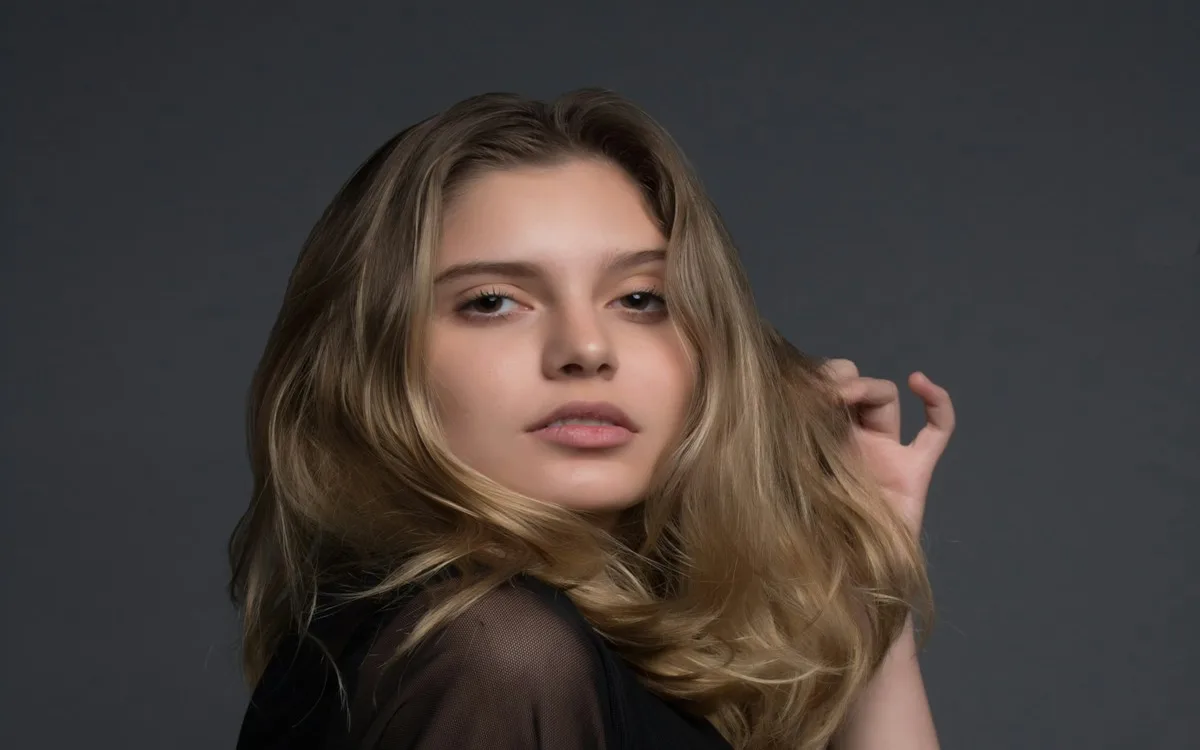
Attitude Girl AI Photo Editing Prompt
Create a confident attitude girl portrait for profile photos with sharper mobile-friendly details.
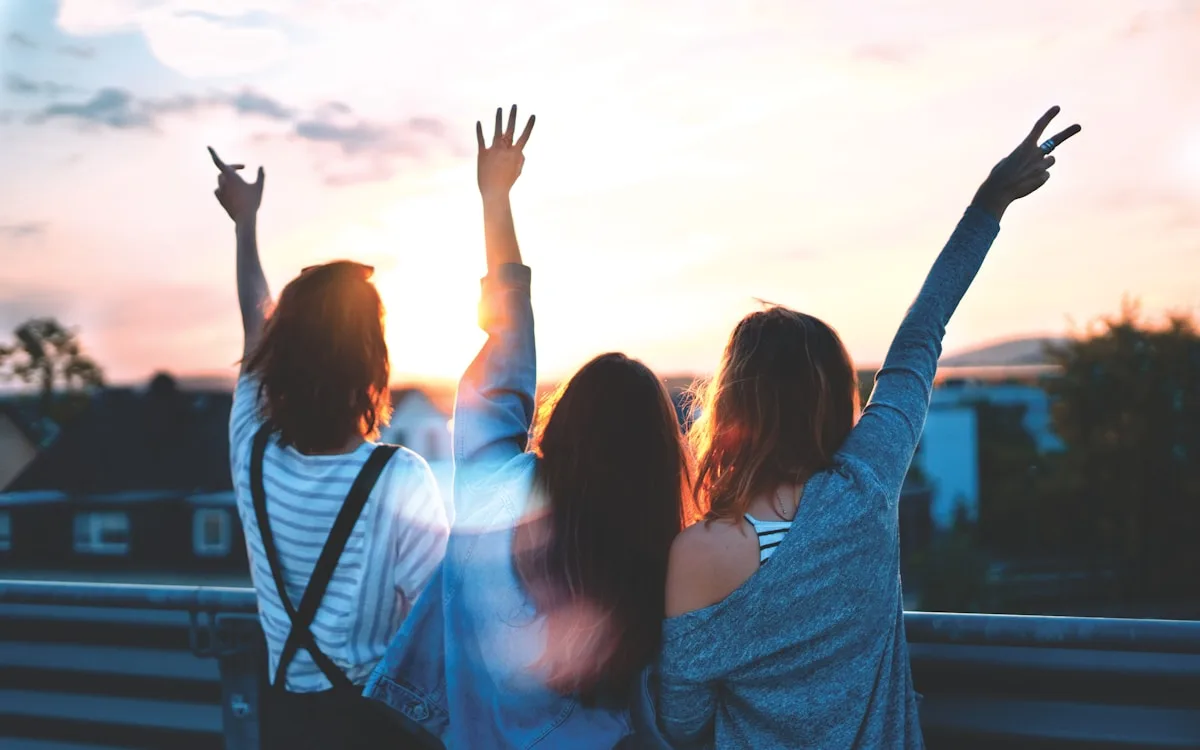
WhatsApp DP Attitude Boy AI Prompt
Make a dark stylish attitude DP for WhatsApp and Instagram.
WhatsApp DP Cute Girl AI Prompt
Create a cute soft-light profile photo for WhatsApp DP.
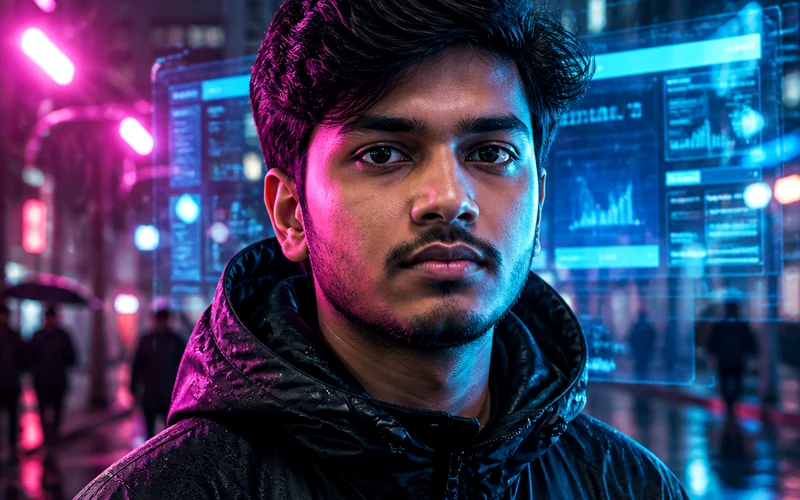
Police Uniform AI Photo Editing Prompt
Create a respectful police uniform portrait poster.
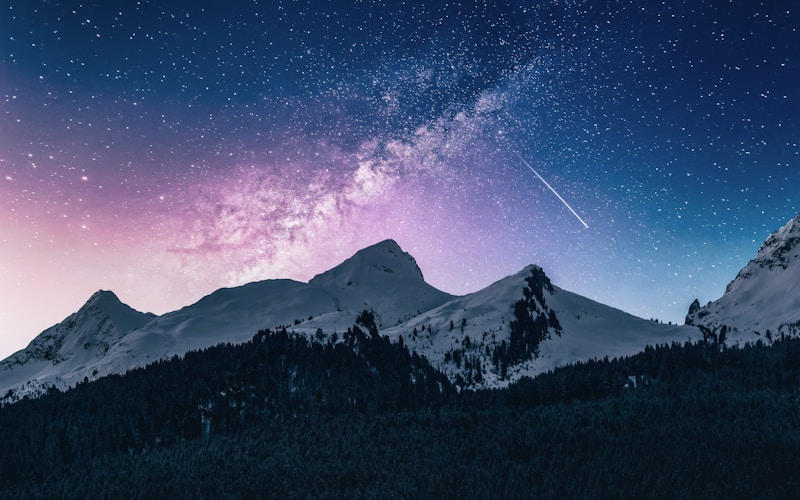
Village Traditional AI Photo Editing Prompt
Create a warm rural traditional portrait.
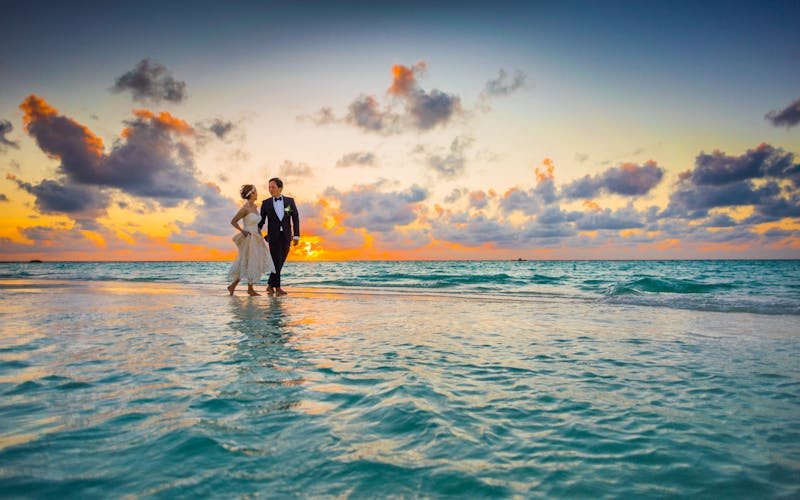
ChatGPT Realistic Portrait AI Prompt
Create a high-quality realistic portrait prompt for ChatGPT image editing.
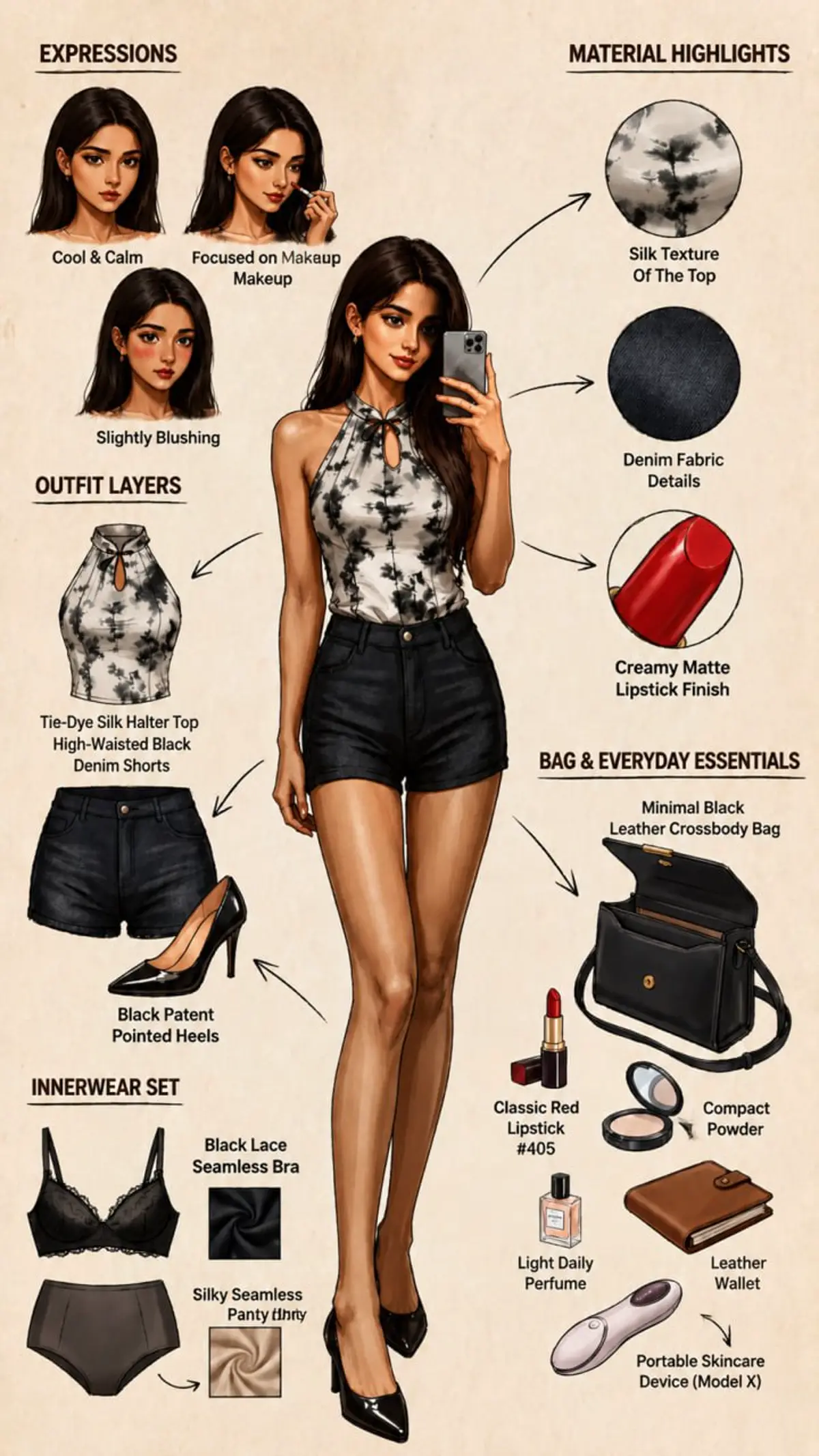
AI Corporate Avatar Prompt
Create a professional AI avatar for creators and business profiles.
Open ChatGPT, Gemini, or another image editor that accepts image prompts, upload your selfie or reference photo, paste the prompt, and customize outfit, background, lighting, and mood details before generating.
Yes. RSP Editor prompt pages are free to copy and adapt for Instagram DP, Reels covers, TikTok thumbnails, Shorts, and WhatsApp status edits.
Use a clear front-facing portrait with good lighting and visible face details. Avoid blurry screenshots, heavy filters, or photos where the subject is too small.