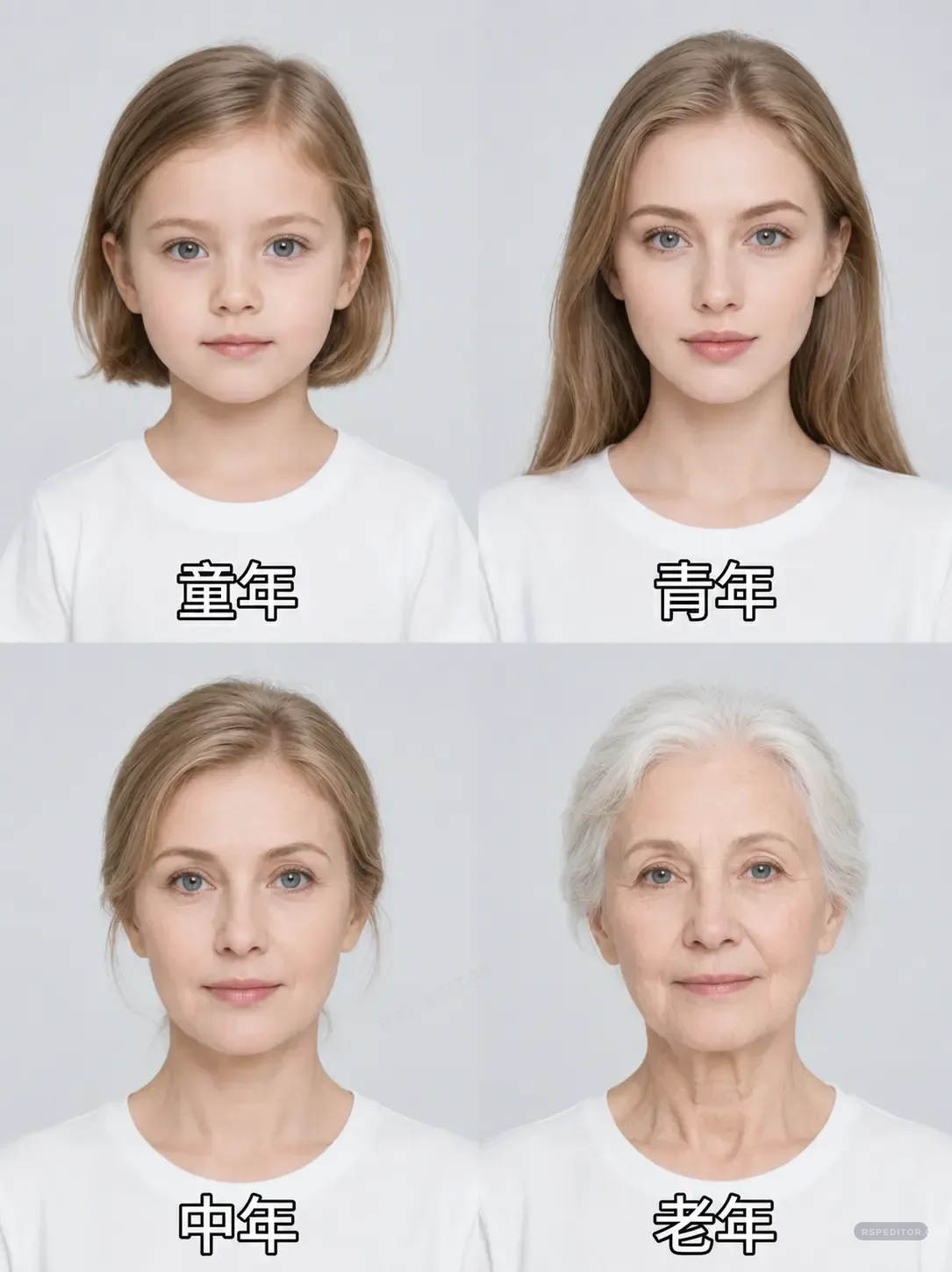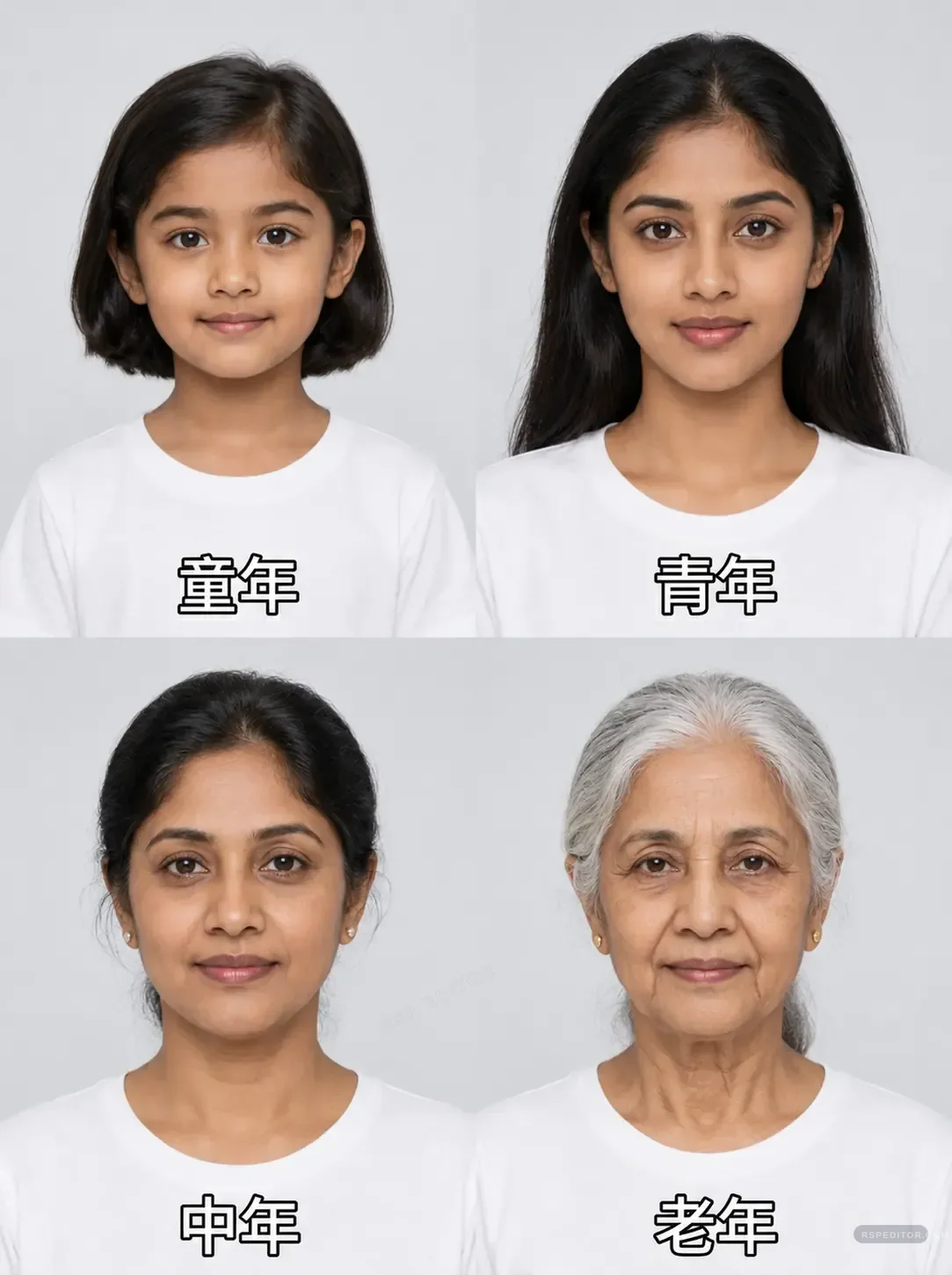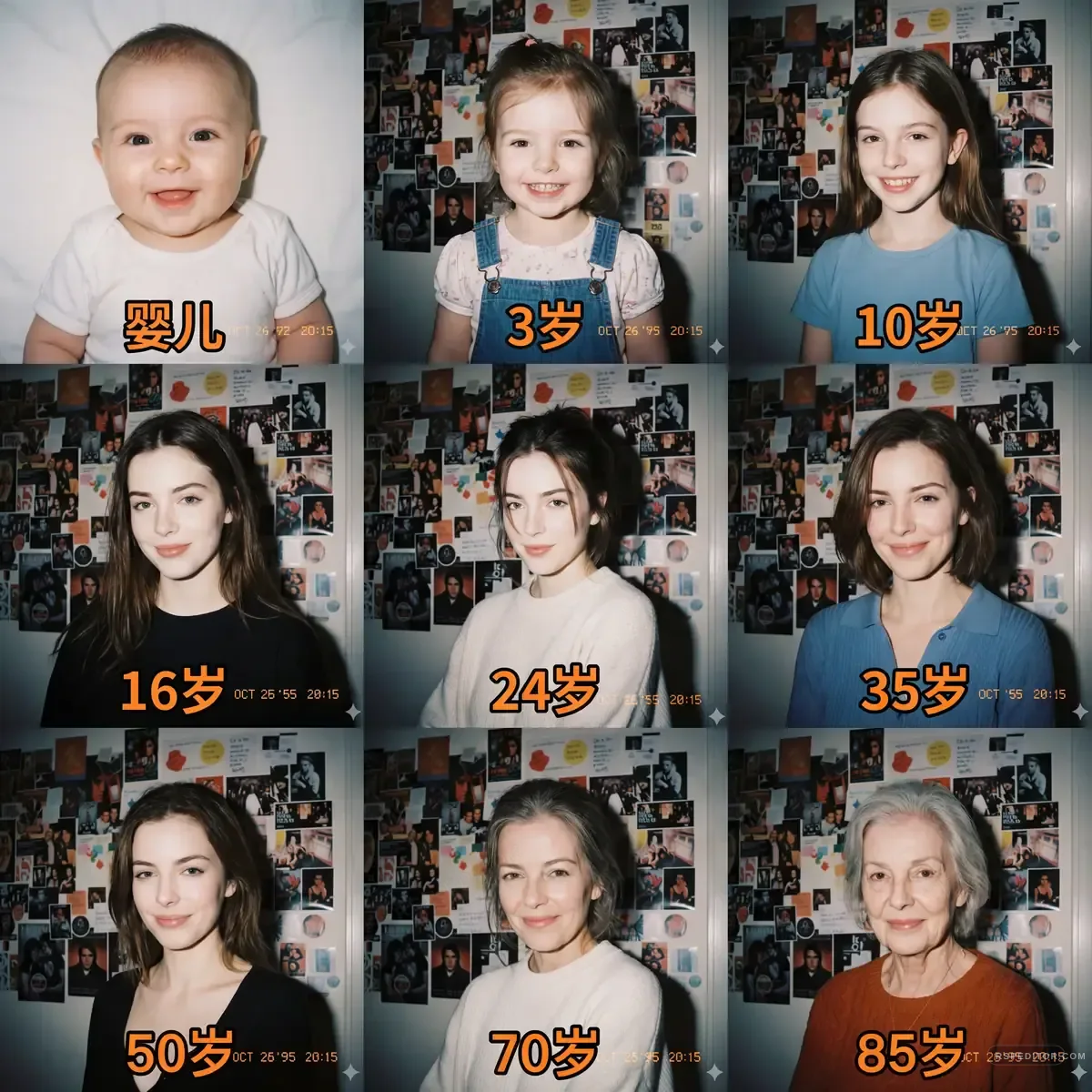
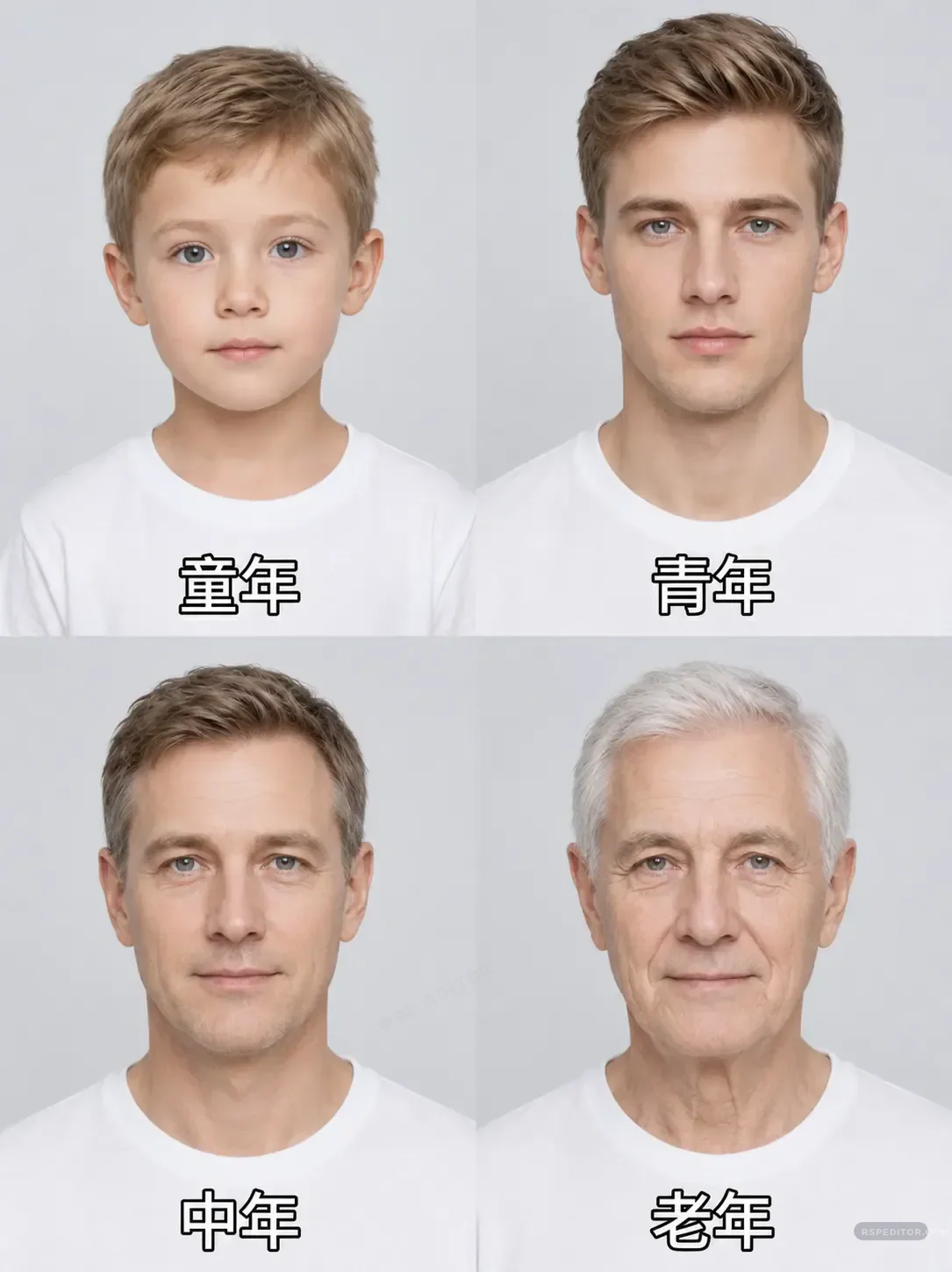
Male Age Progression Photo Template
Create a clean four-panel age progression grid that shows the same male subject across childhood, youth, middle age, and older age.
One free image across the site. New credit purchases are temporarily unavailable.
 Use this style →
Upload your photo for this style
Preview your authorized JPG, PNG, or WebP locally first. Generate one image free across the site. Existing paid credits still work, but new purchases are temporarily unavailable.
Image credits
New purchases are temporarily unavailable. Existing paid credits remain usable.
No new checkout will open while purchases are paused. Existing credits stay with the browser used for payment. If browser access is lost, contact payment support with the payment email and checkout or order ID for manual review.
No photo selected
Your preview appears here before you send the request.

Who this template is for
Family creators, memory posts, and social storytelling pages.
Delivery shape
- Included: 4-panel age grid prompt
- Included: Label guidance
- Included: Face consistency rules
Copy Template Prompt
Create a realistic four-panel age progression collage from my uploaded face photo. Keep the same person, same ethnicity, same eye shape, and consistent facial identity across all ages. Panel 1: childhood, Panel 2: young adult, Panel 3: middle-aged adult, Panel 4: elderly adult. Use the same clean white shirt and light studio background in every panel. Keep skin texture realistic, avoid caricature, and make each age stage believable. Add simple English age labels only if requested.
Upload checklist
Use a front-facing portrait with neutral expression.
Avoid sunglasses or heavy shadows.
Use only photos you have rights or family permission to edit.
Do not use this for mocking, identity misuse, or sensitive claims about a real person.