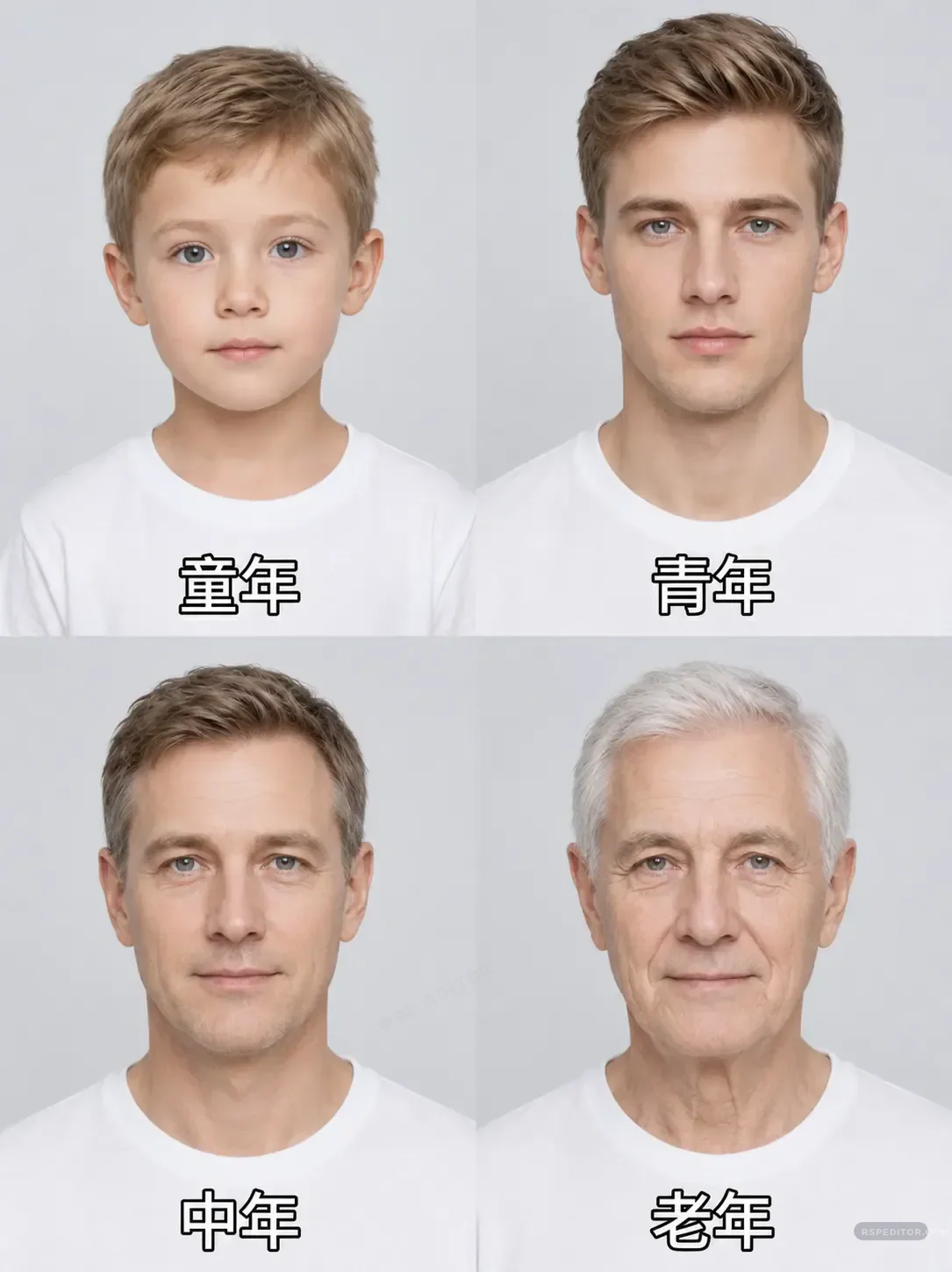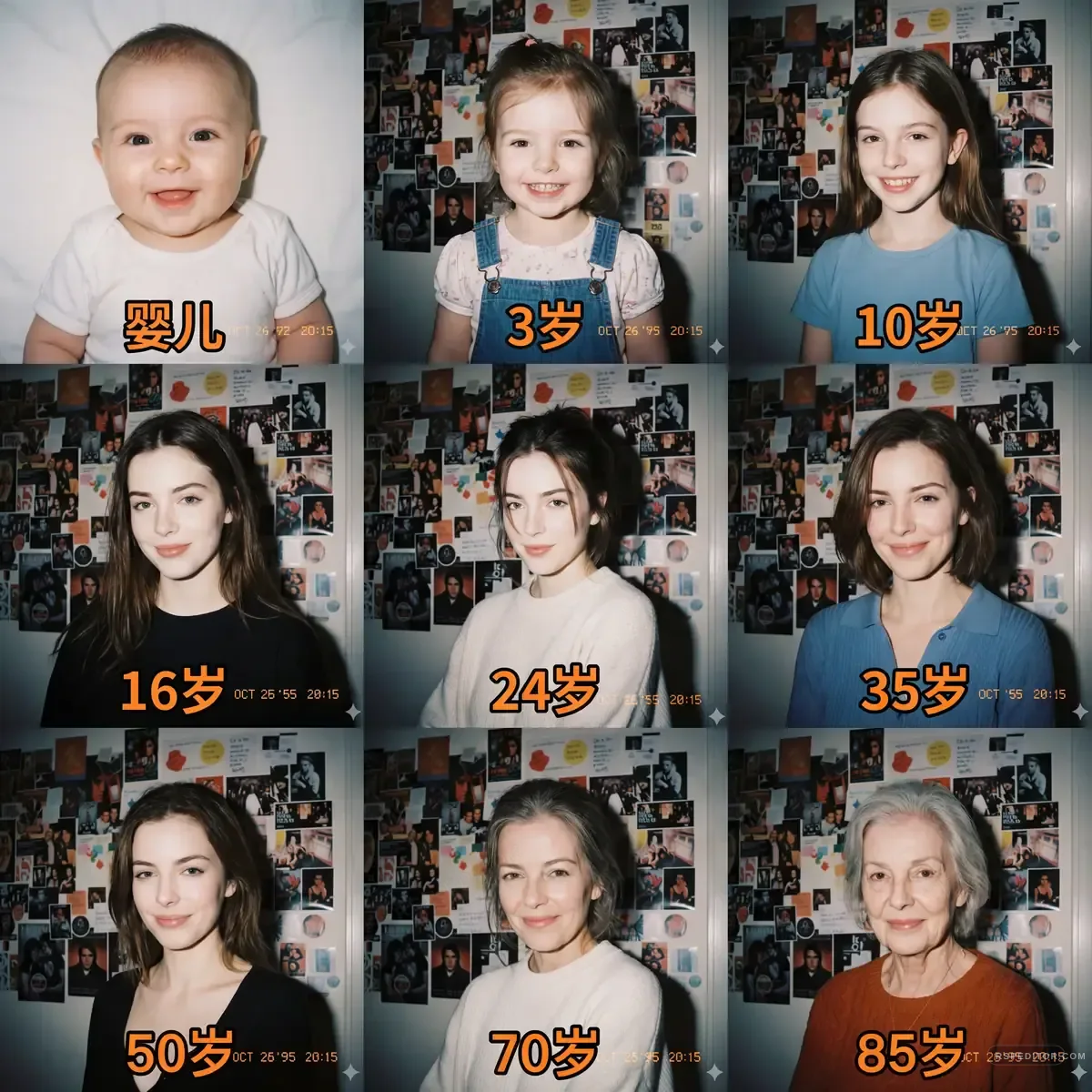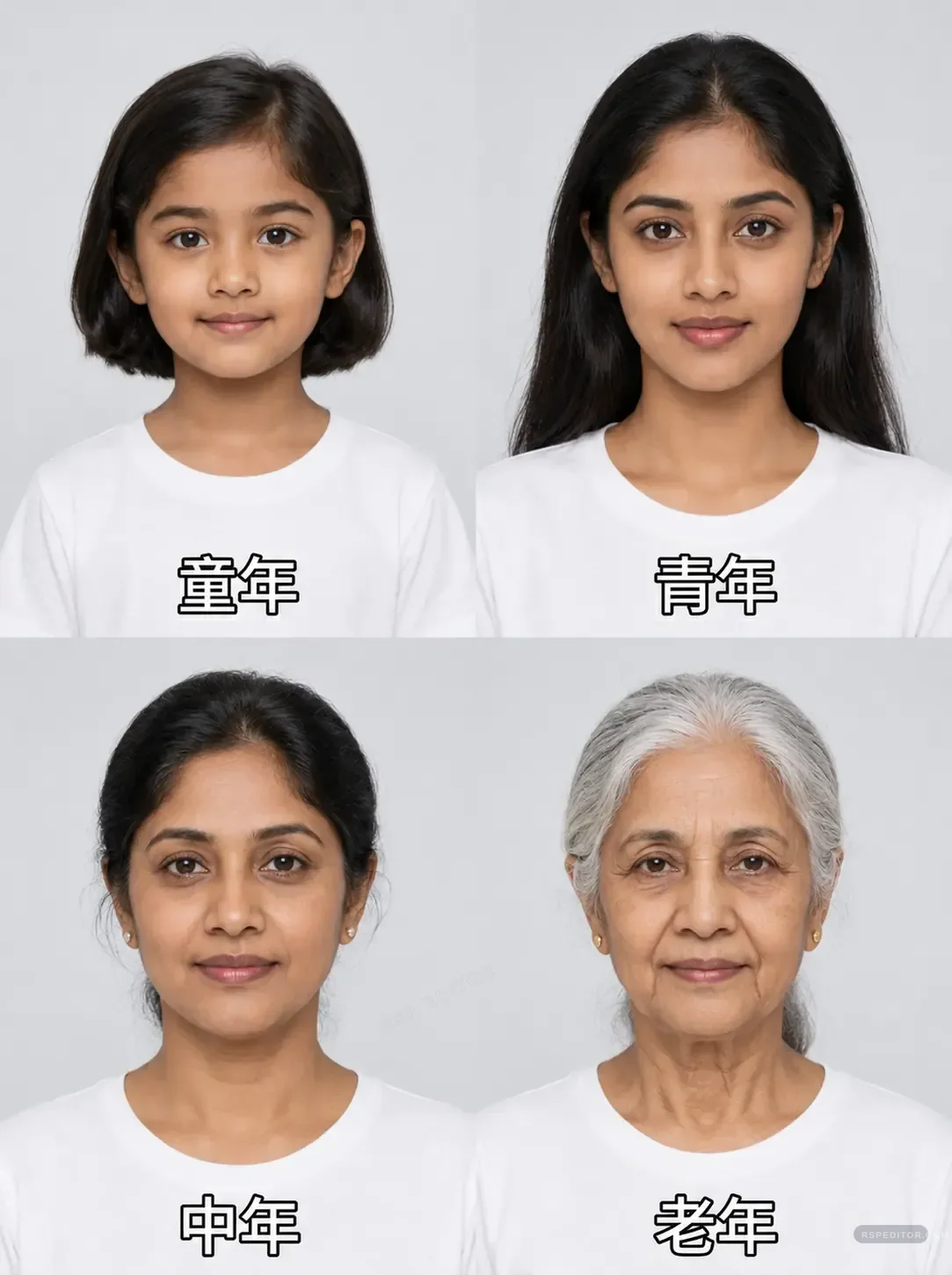
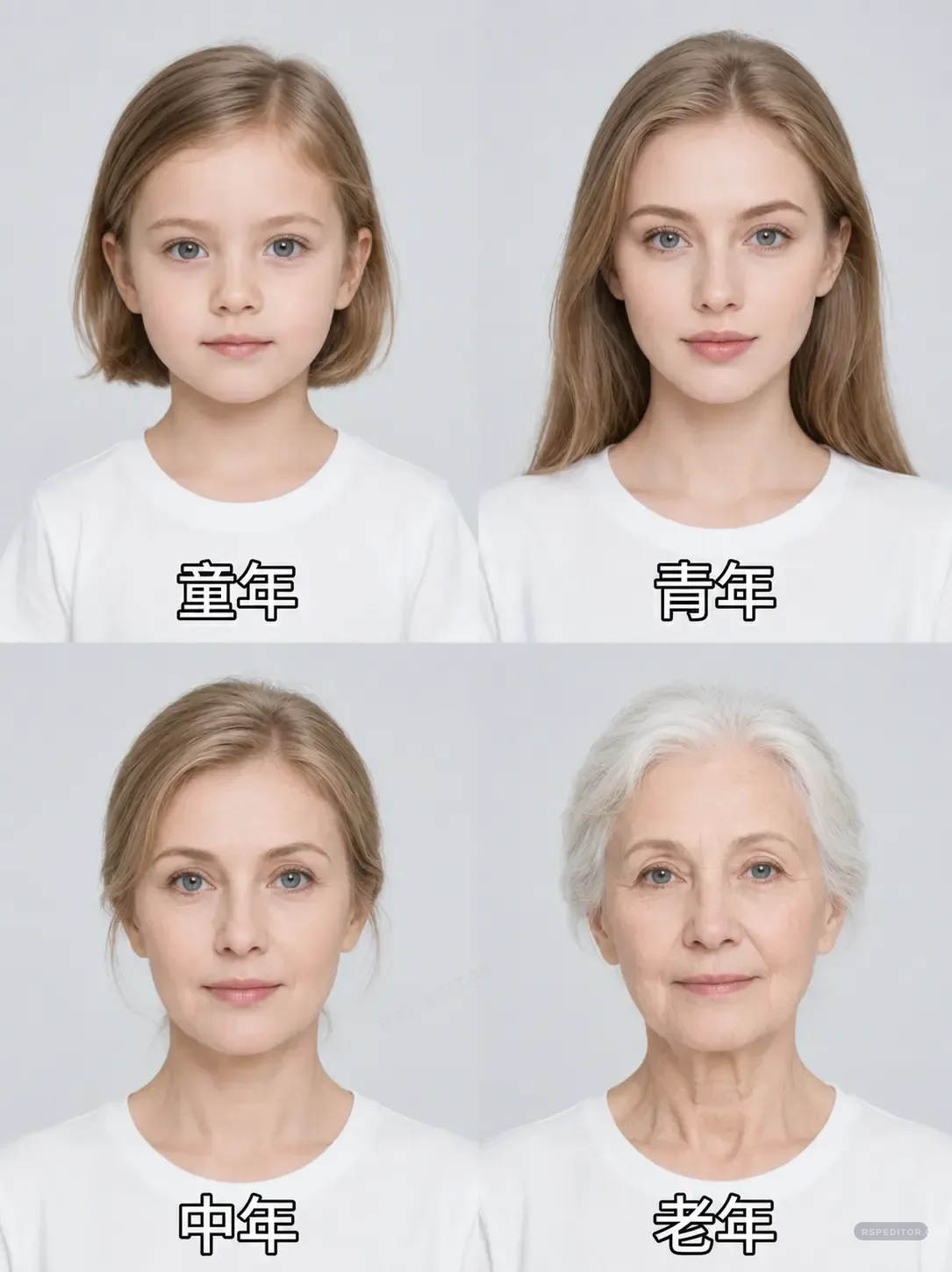
Female Age Progression Photo Template
Generate a realistic four-stage age progression portrait board while preserving the subject identity and natural face structure.
One free image across the site. New credit purchases are temporarily unavailable.
 Use this style →
Upload your photo for this style
Preview your authorized JPG, PNG, or WebP locally first. Generate one image free across the site. Existing paid credits still work, but new purchases are temporarily unavailable.
Image credits
New purchases are temporarily unavailable. Existing paid credits remain usable.
No new checkout will open while purchases are paused. Existing credits stay with the browser used for payment. If browser access is lost, contact payment support with the payment email and checkout or order ID for manual review.
No photo selected
Your preview appears here before you send the request.

Who this template is for
Creators building family, birthday, and nostalgic content.
Delivery shape
- Included: 4-panel age prompt
- Included: ChatGPT/Gemini variation
- Included: Negative prompt notes
Copy Template Prompt
Create a realistic four-panel female age progression collage from my uploaded portrait. Keep the same facial identity, eye shape, skin tone, and natural expression across all panels. Show childhood, young adult, middle-aged adult, and elderly adult versions in a clean studio style with consistent white clothing and soft background. Avoid over-smoothing, unrealistic wrinkles, or changing the face structure. Use simple labels only if requested.
Upload checklist
Use a clear front portrait.
Keep hair and face visible.
Confirm permission when editing another person.
For personal or consent-based edits only. Avoid using someone else's image without permission.