
Business Profile Avatar Poster Template
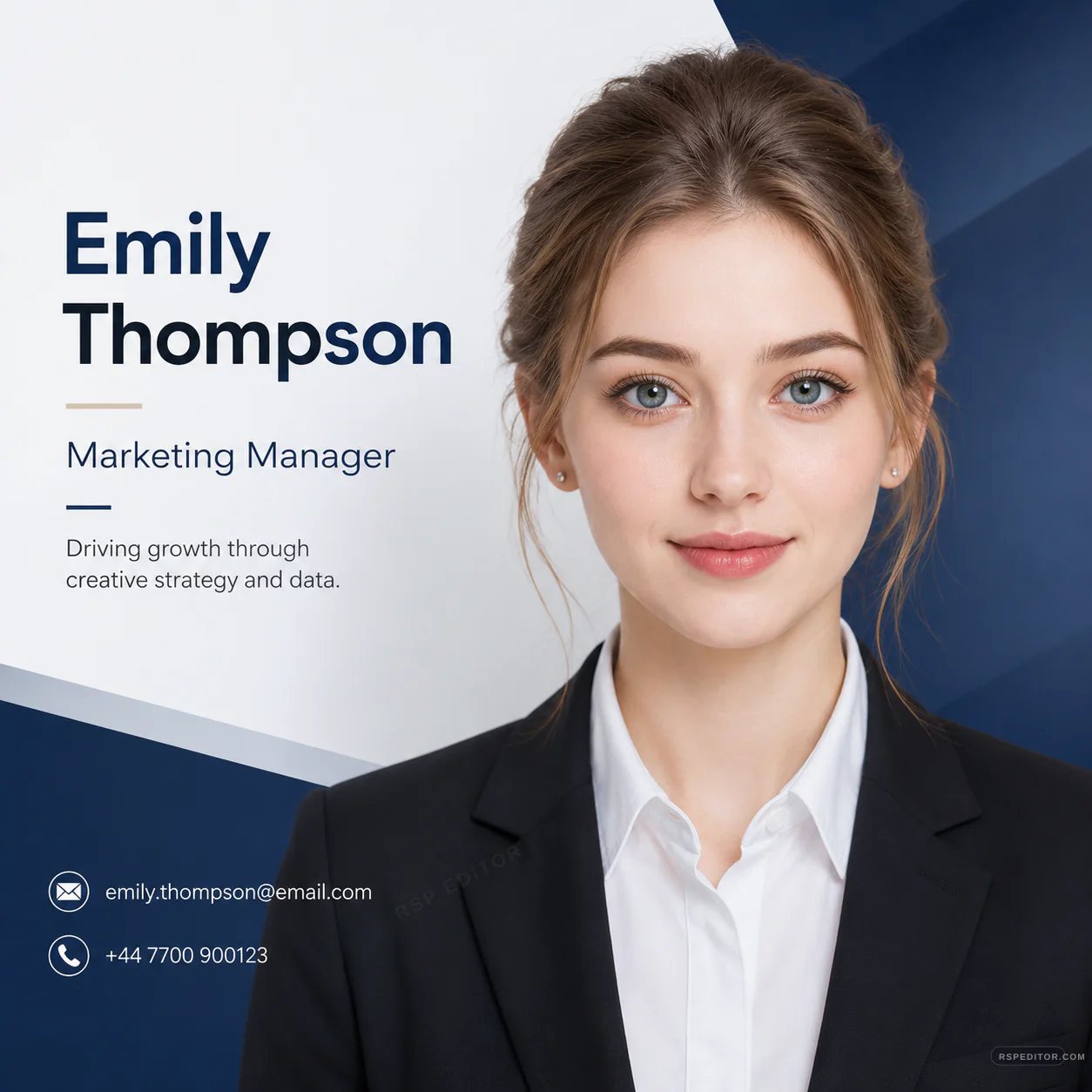
Create a 1:1 formal business profile avatar poster with identity-safe facial detail, professional suit styling, and clean corporate text layout.
One free image across the site. New credit purchases are temporarily unavailable.
 Use this style →
Upload your photo for this style
Preview your authorized JPG, PNG, or WebP locally first. Generate one image free across the site. Existing paid credits still work, but new purchases are temporarily unavailable.
Image credits
New purchases are temporarily unavailable. Existing paid credits remain usable.
No new checkout will open while purchases are paused. Existing credits stay with the browser used for payment. If browser access is lost, contact payment support with the payment email and checkout or order ID for manual review.
No photo selected
Your preview appears here before you send the request.

Who this template is for
Professionals who want a polished square business profile poster for LinkedIn, resumes, or portfolio bios.
Delivery shape
- Included: 1:1 business poster prompt
- Included: Identity-preservation line
- Included: Corporate text layout guidance
Copy Template Prompt
Create a formal business profile avatar poster from my uploaded portrait in a 1:1 square aspect ratio. Preserve my real identity, facial feature proportions, base face shape, skin tone, age, and overall temperament; do not change who I am. Use a professional head-and-shoulders portrait on the right, formal black business suit and white shirt, clean navy-and-white corporate graphic background, modern diagonal geometric shapes, elegant name, title, email, and phone text blocks on the left, and a premium LinkedIn-style poster layout. Use placeholder text such as YOUR NAME, Job Title, email@example.com, and phone number unless I provide exact text. Keep the face natural, front-facing or with a slight natural turn, eyes clear, refined soft smile, realistic studio lighting, and no logos, no fake company claims, and no watermark text.
Upload checklist
Use a clear portrait with the face visible and enough shoulder area.
Provide exact name, role, email, or phone text only if you want those details included.
Avoid fake employer, title, credential, or contact claims in the generated poster.
Use your own or authorized portrait and replace placeholder details with accurate information. Avoid fake employer, credential, or contact claims.